Employer
Overview
Administrators use this function to add employers interested in hiring students and/or alumni Jenzabar SONIS and enable employer access to the Employer portal. For better matching of students and/or alumni to employers that may have positions of interest for those students and/or alumni, each employer is assigned an Employer Type.
Setup
Employer Contact Type
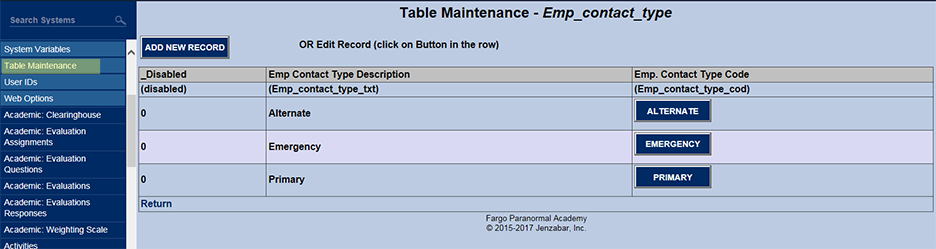
The Employer Contact Types are entered using Table Maintenance on the Systems menu. Before adding Employers, this must be done.
Employer Type
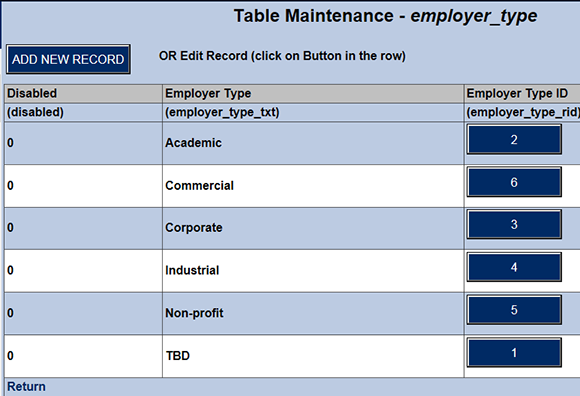
The Employer Types are entered using Table Maintenance, available on the Systems menu. Before adding Employers, this needs to be done.
Using Employer
The search box is displayed when an administrator clicks in the Systems hub page Misc: Employer. The function returns all Employers that contain the substring entered.

For example, should the substring on be searched, the following would be the result.
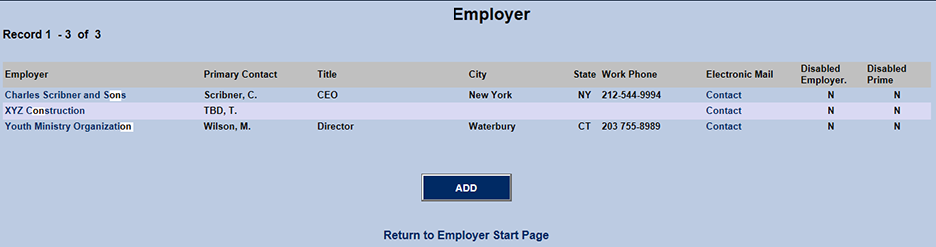
When clicking an employer link in the search results, the template of data about that employer displays. When clicking the ADD button, a blank template displays.
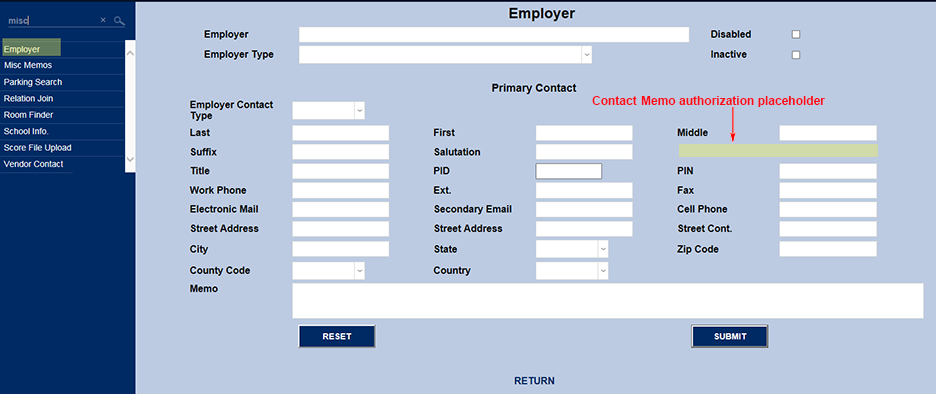
Most of the fields in the template are self-explanatory. However, a few need some explanation.
Disabled & Inactive
Disabled: When disabled is checked, it is hidden from selection and/or use in all functions using Employers.
Inactive: This field if informational only. Checking it displays to the administrator viewing the Employers which ones are inactive. It does not affect anything else SONIS.
Contact Memo Authorization
An administrator's access to viewing the Contact Memo is determined by the User Security task: Employee Contact Memo.
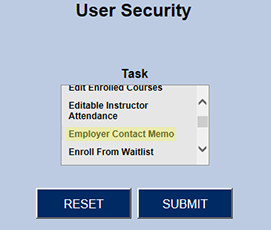
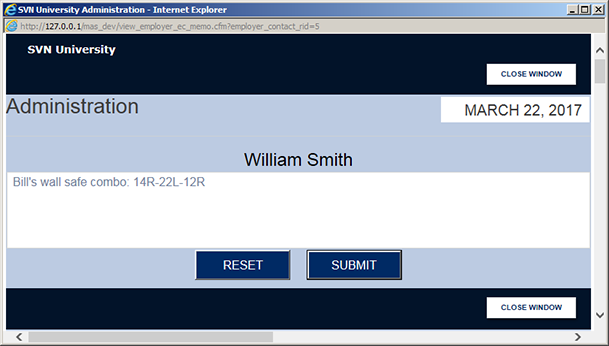
When the administrator has this security task, the Contact Memo is a link to open the Contact Memo popup.
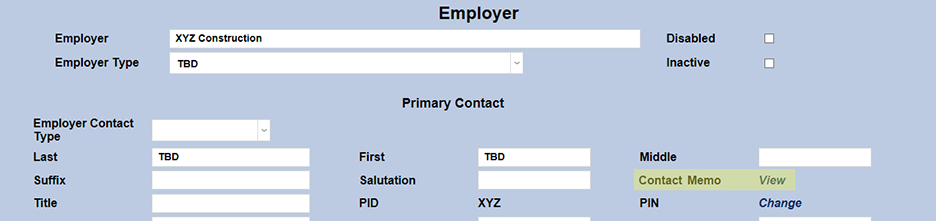
Without the security task, the Contact Memo is not a link. It merely says Unauthorized.
