Constituent Information
Overview
A constituent's giving potential and giving history are maintained in the Users hub page Constituent Information. This record is unique to constituents. If they have named the institution in a planned gift, the information related to the planned gift can be entered. The constituent's corporate or business contact details are maintained on Constituent Contact. The DE Donor Information report details the information stored in these records. A similar report is available for alumni donors as well.
For more information on Development processes as a whole, visit the Development Overview page.
Navigation and Use
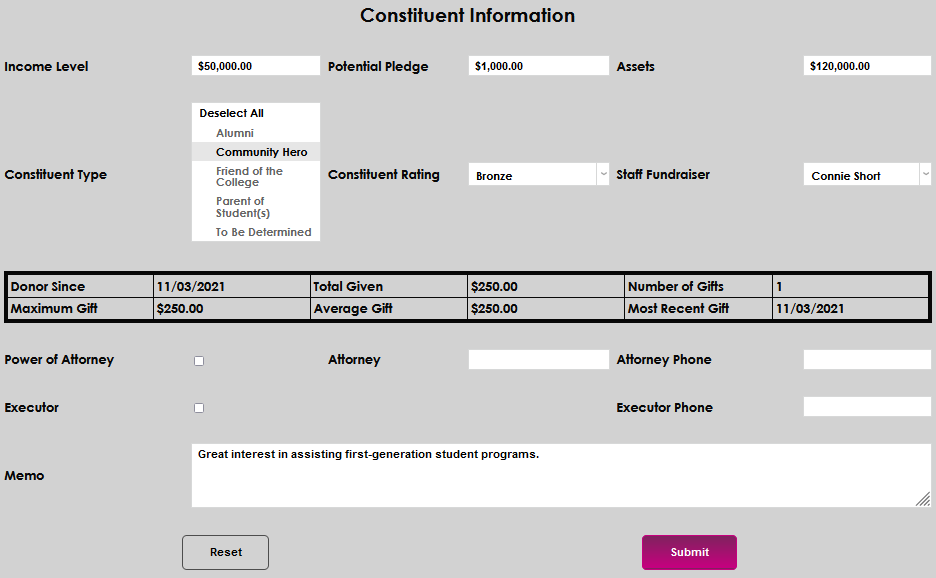
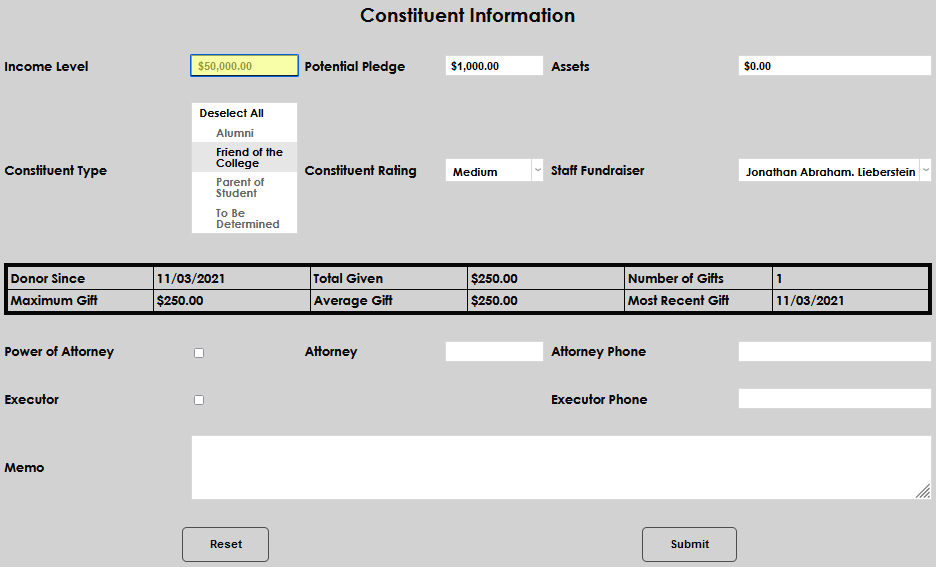
Upon opening the Constituent Information page, any information previously entered, as well as a summary of giving history, will display. Everything except the giving history can be edited by administrators with appropriate privileges. In the Income Level field, an average or general dollar amount corresponding to the constituent's yearly income should be entered.
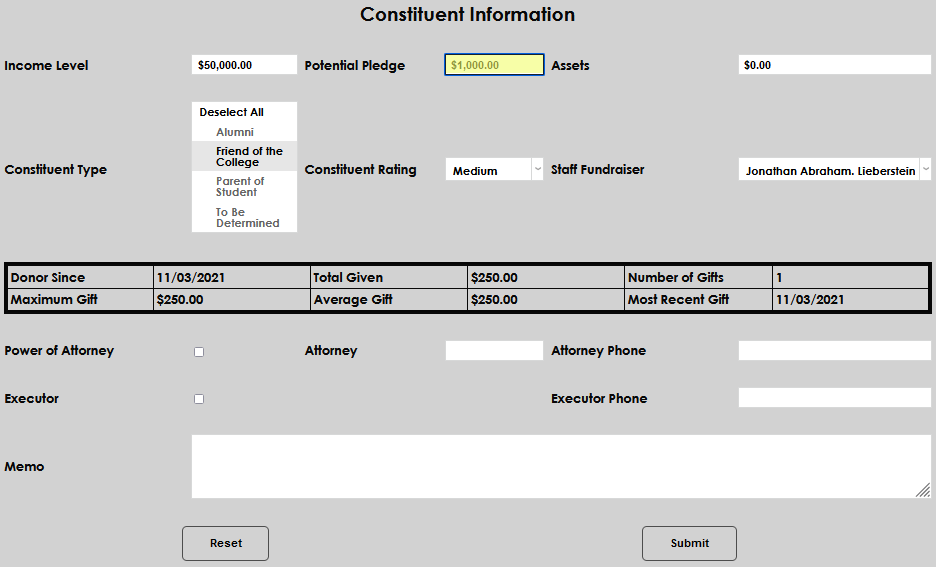
In the Potential Pledge field, enter an estimation of the amount the constituent might comfortably be asked to pledge.
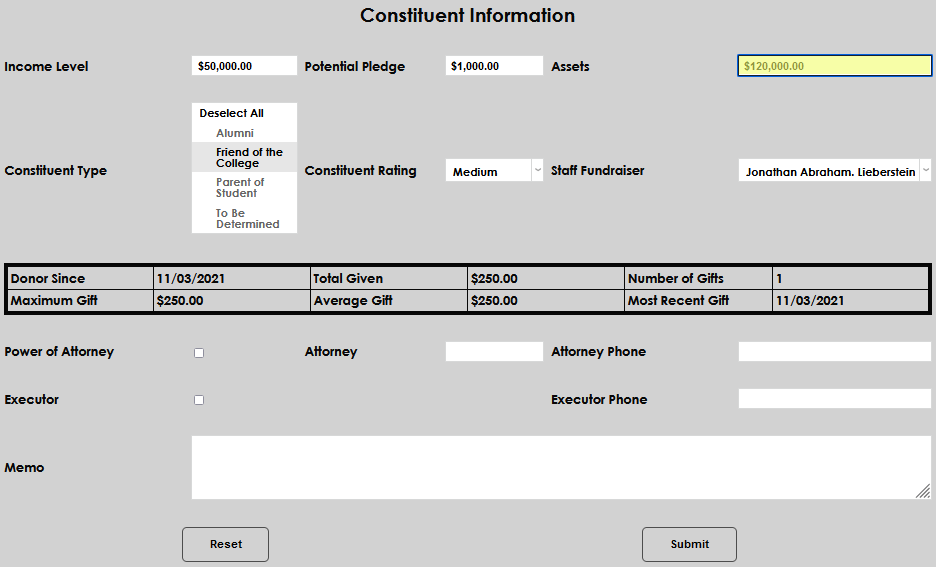
In the Assets field, enter an integer amount equivalent to an estimate or known value of the constituent's assets.
The Constituent Type drop down is populated by the values set up in the Table Maintenance Constituent Type table. Select the value that corresponds with the constituent's relationship with the institution by clicking on the name.
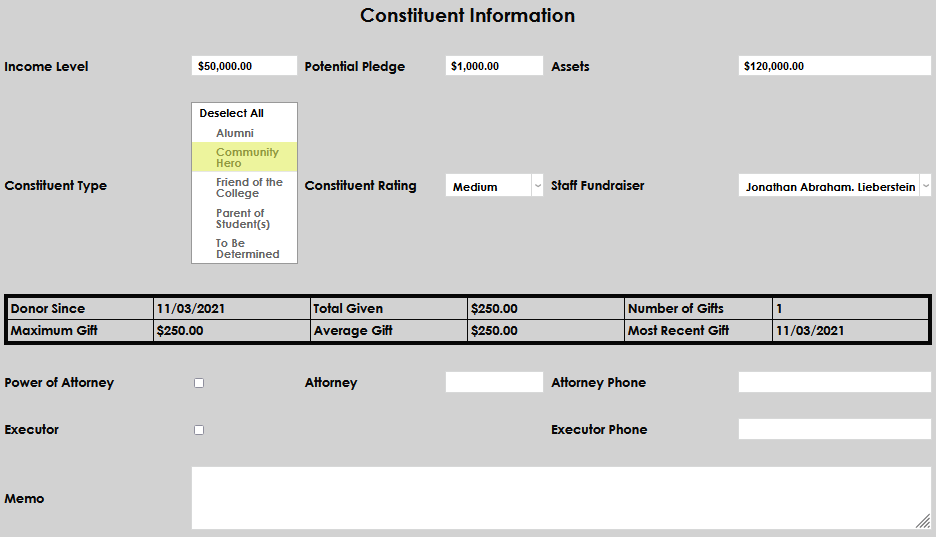
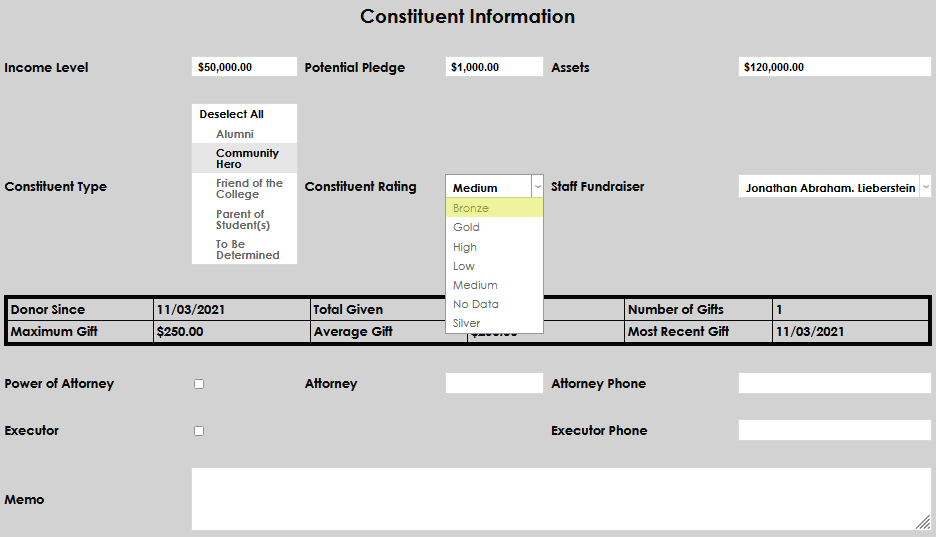
The Constituent Rating menu is populated by the values set up in the Systems hub utility DE Constituent Rating. Select the value that corresponds with the constituent's rating by clicking on the name. Ratings are defined by the institution.
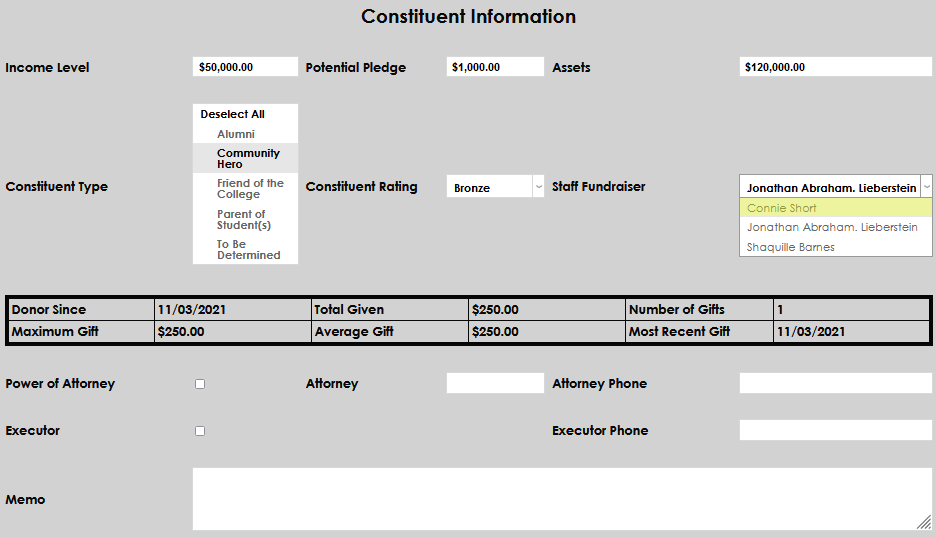
If a staff member should be associated with the constituent, select the name from the Staff Fundraiser dropdown menu. The menu is populated with all staff that have a Fundraising record marked as Active.
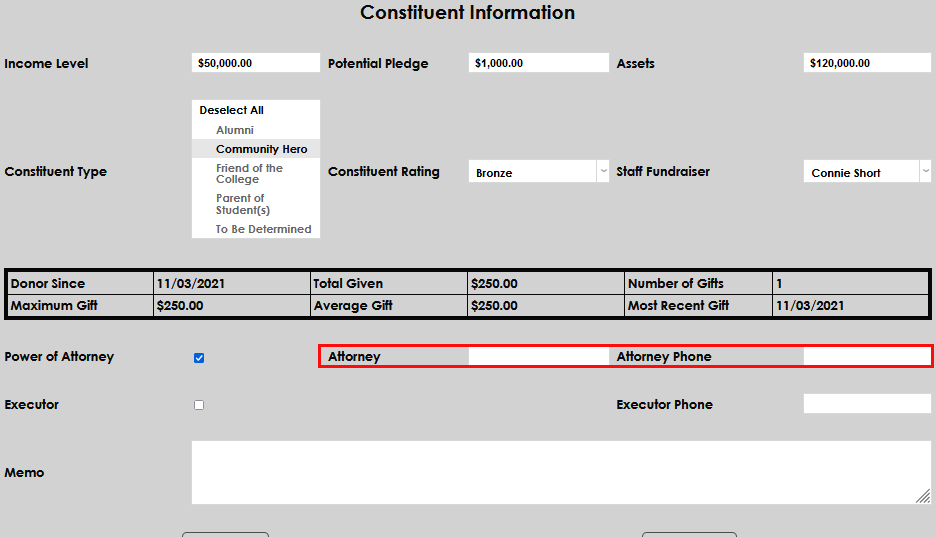
If the constituent has provided Power of Attorney information, select the checkbox and enter the attorney's name and phone number.
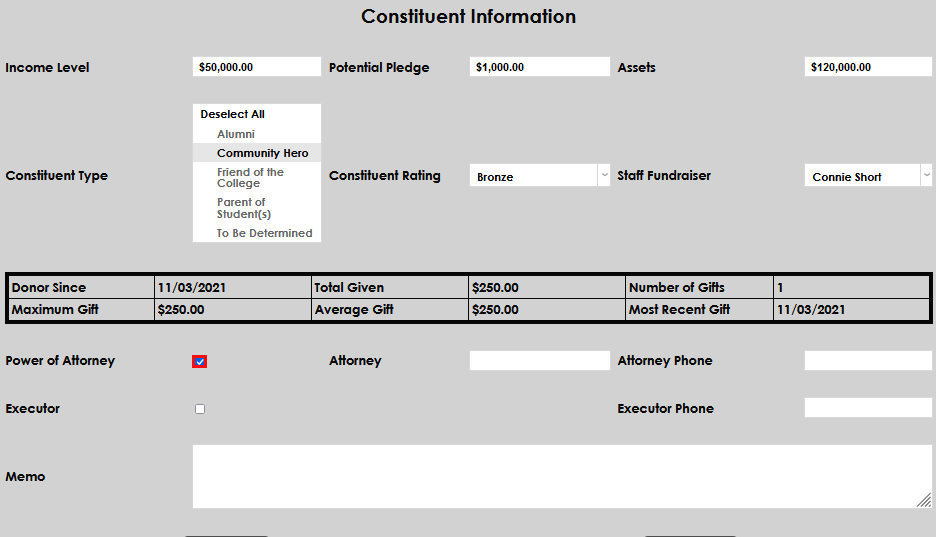
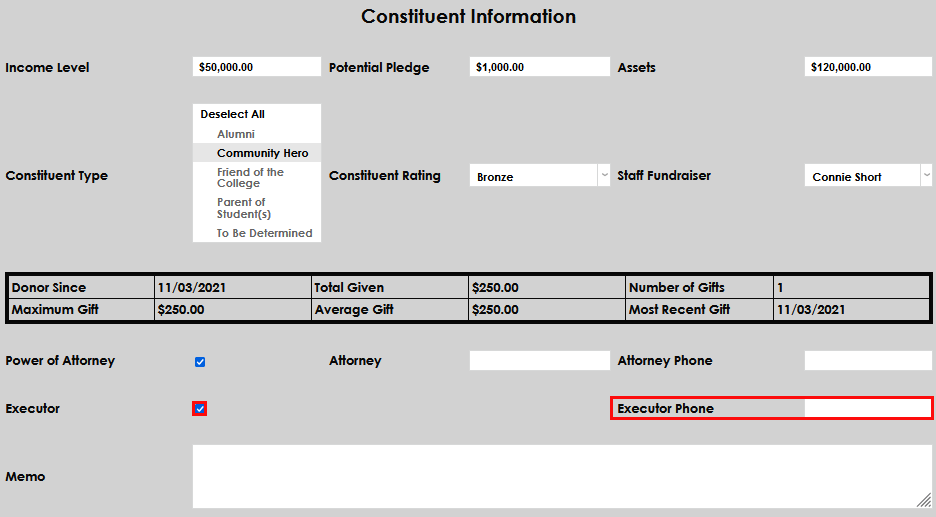
If the constituent has provided information about an Executor, mark the box and enter the associated phone number.
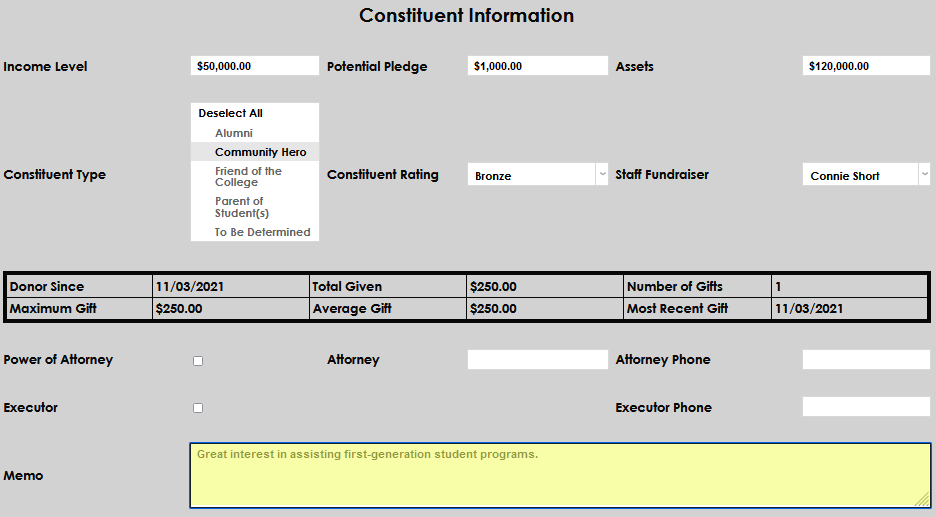
The Memo field can be used to enter any details important to the cultivation and maintenance of the donor.
Click Submit to save the updates.