School Info
Overview
The School Info page in the Systems hub is used to provide the IRS with the school's tax information. All schools that will be creating 1098-T reports must ensure that these fields are filled out correctly.
Note
If your school's tax ID changes, you can use the Memo field to store the old ID for auditing purposes.
Adding Info
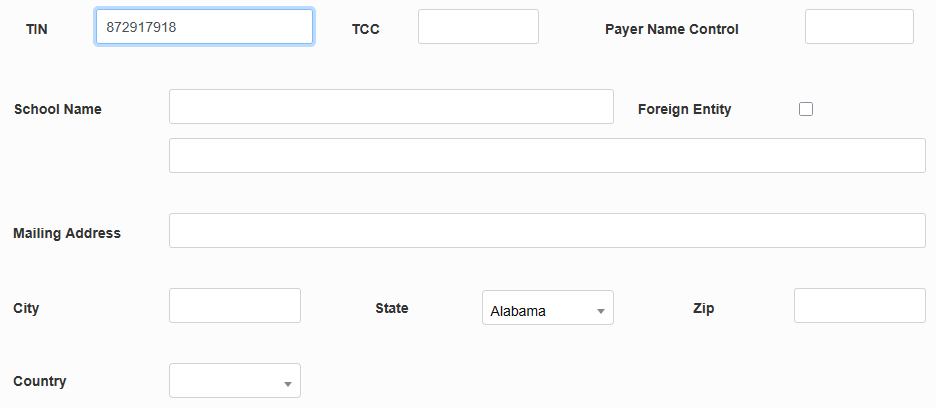
First, fill in the institution's Tax Identification Number, the number used by the IRS to identify the school. This number can be obtained from the IRS if not already known.
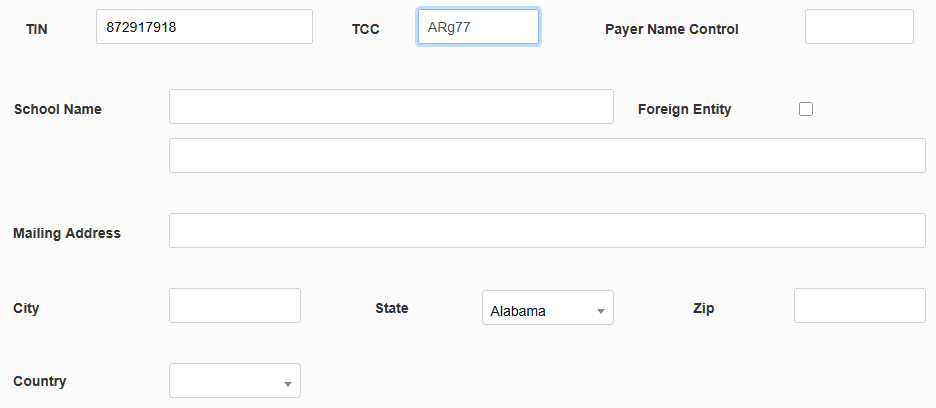
Next, fill in the Transmitter Control Code, a five-character value typically consisting of two digits, one letter, and two more digits. The TCC is assigned to the institution by the IRS after applying to file returns electronically.
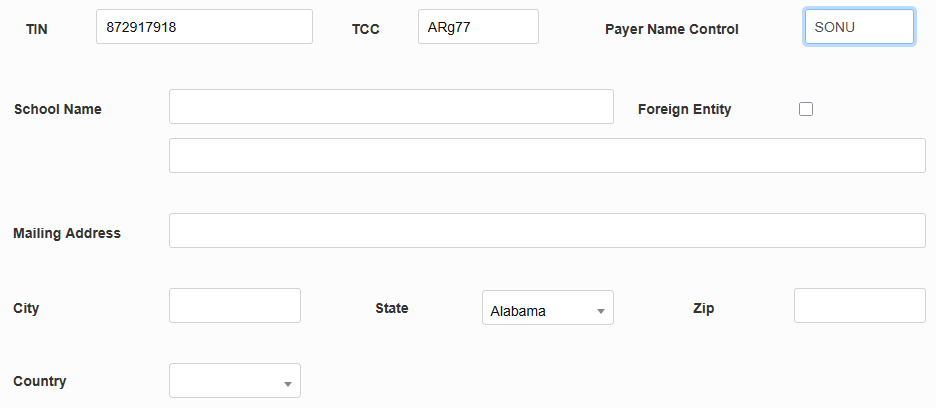
The Payer Name Control is established by the IRS when the taxpayer requests an Employer Identification Number (EIN). The IRS creates the name control from the legal name listed on the Form SS-4, Application for Employer Identification Number. It is commonly the first four characters of the business name.
Fill out the School Name field with the official name of the institution and check the Foreign Entity box if the school is located outside of the US.
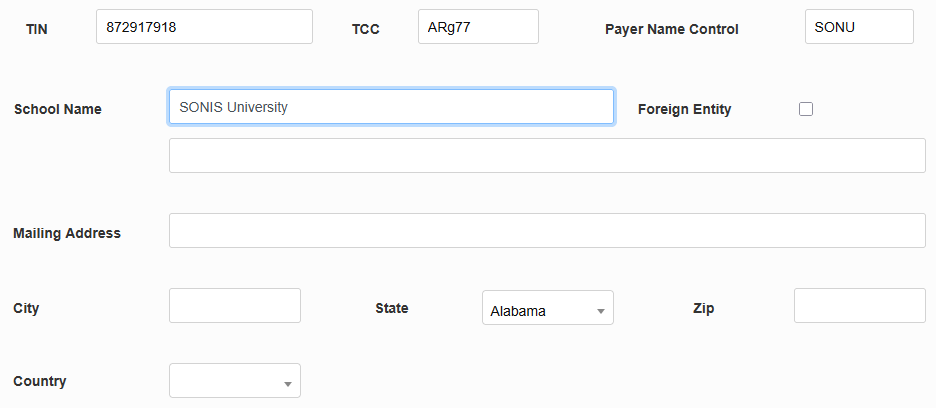
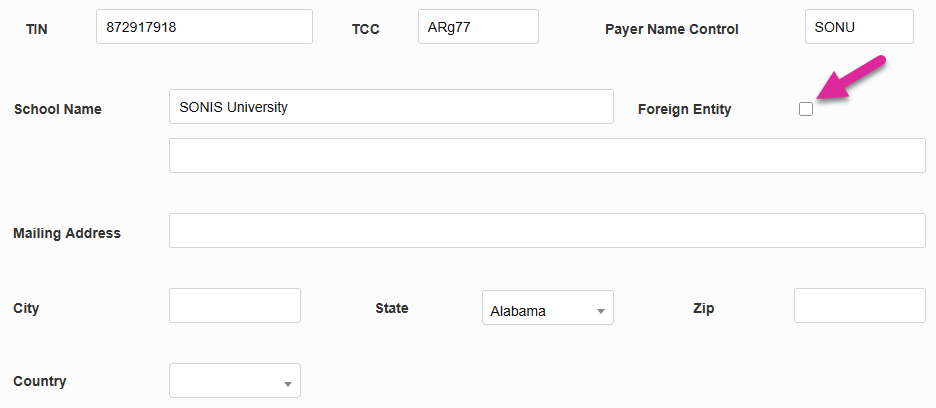
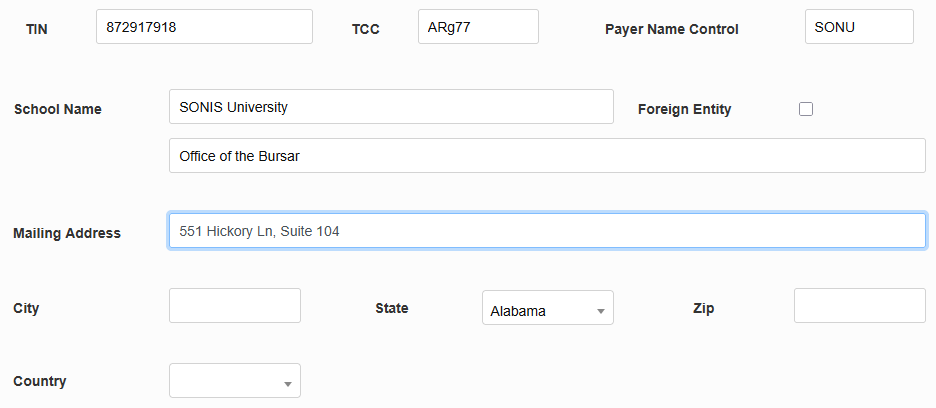
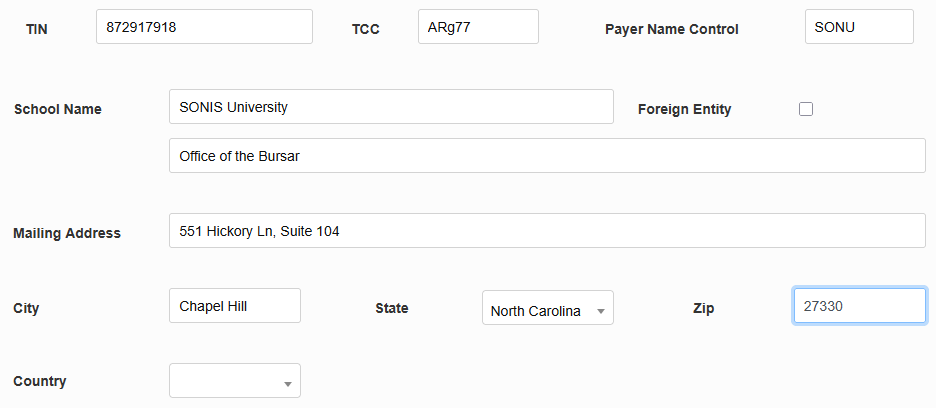
Fill in the Mailing Address for the school, including the City, State, Zip Code, and Country. The values in the State and Country fields can be created and edited in Table Maintenance under the Systems menu.
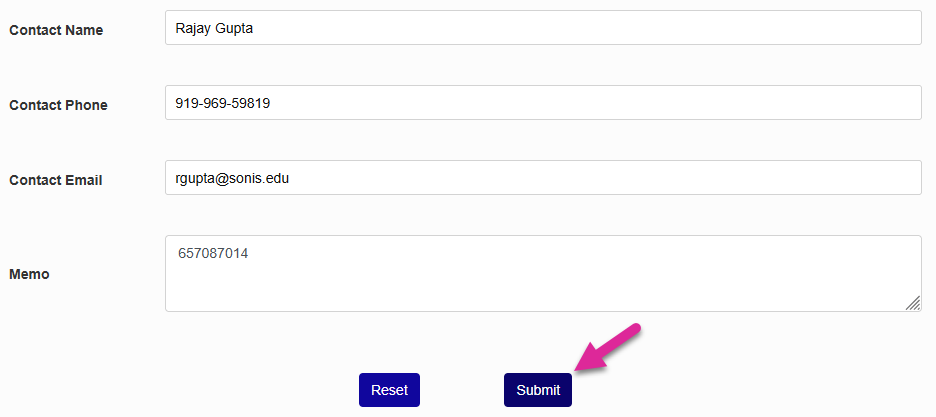
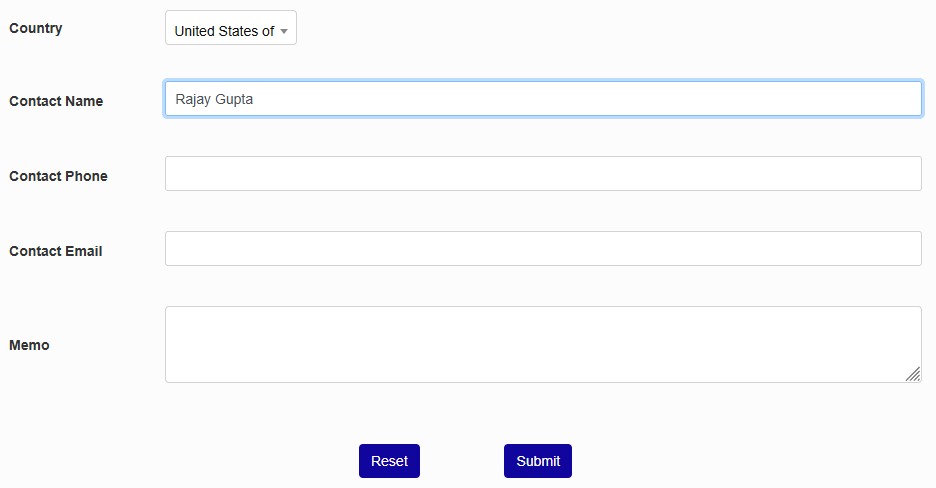
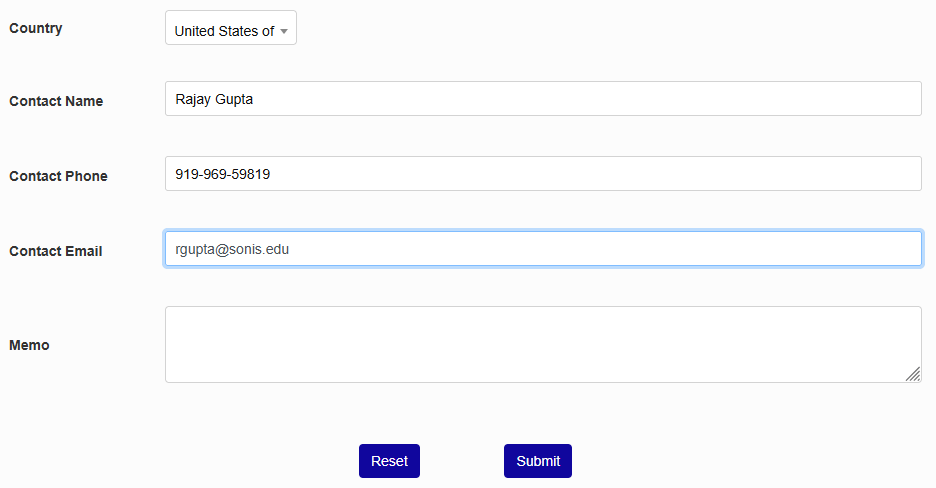
Finally, enter the Name, Phone Number, and Email Address of the person who will be the institution's contact to the IRS.
The Memo field can be used to store your school's previously TIN for auditing purposes if a change has been made. It can also be used for other data storage or left blank.
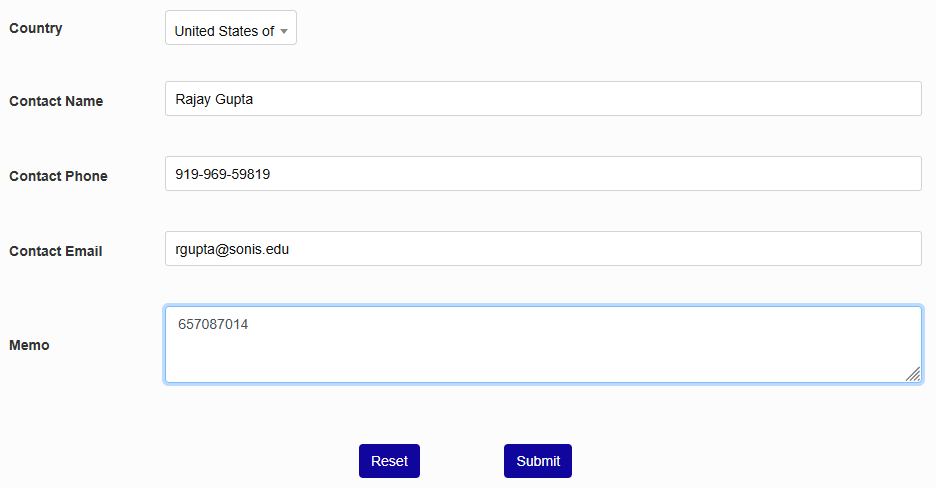
Click Submit to save the changes.