Schedule
Overview
The Schedule utility is used to display a student's current class schedule. To access the utility, select a student using the QuickSearch function and click on Schedule in the Users hub.
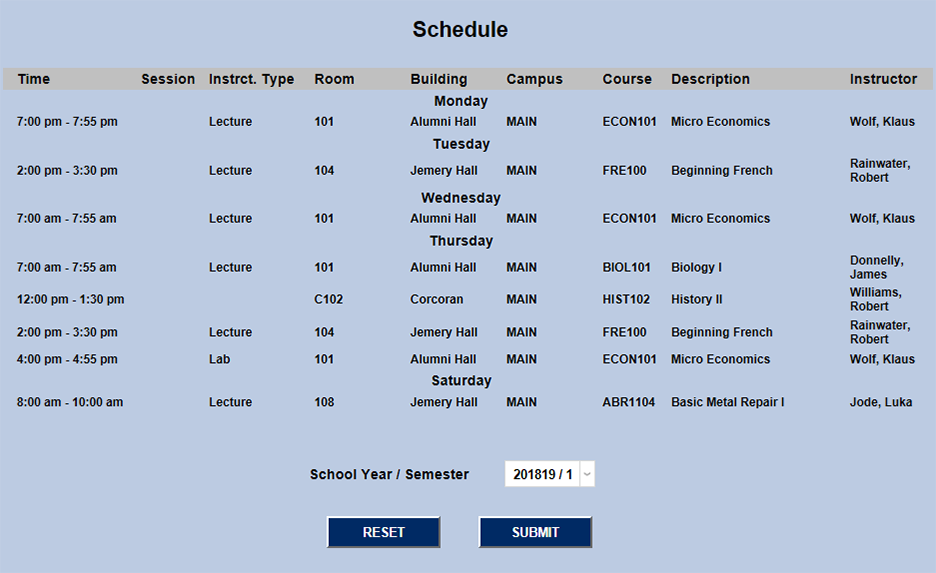
The schedule page displays the Time, Session, Instruction Type, Room, Building, Campus, Course Name, Course Description, and Instructor for each class meeting. The majority of these column headings are self-explanatory. Session is only used by schools that offer shorter classes in addition to their semester-long courses. This column will be blank for schools that don't use session-length classes and students that have not signed up for one. The Instruction Type describes the style of teaching that will occur during this class meeting, e.g. lecture, lab, practicum, studio, correspondence, etc. The instruction type is designated when setting up the class meetings through the Section: List utility. The list of instruction types is defined in Table Maintenance under the Systems menu.
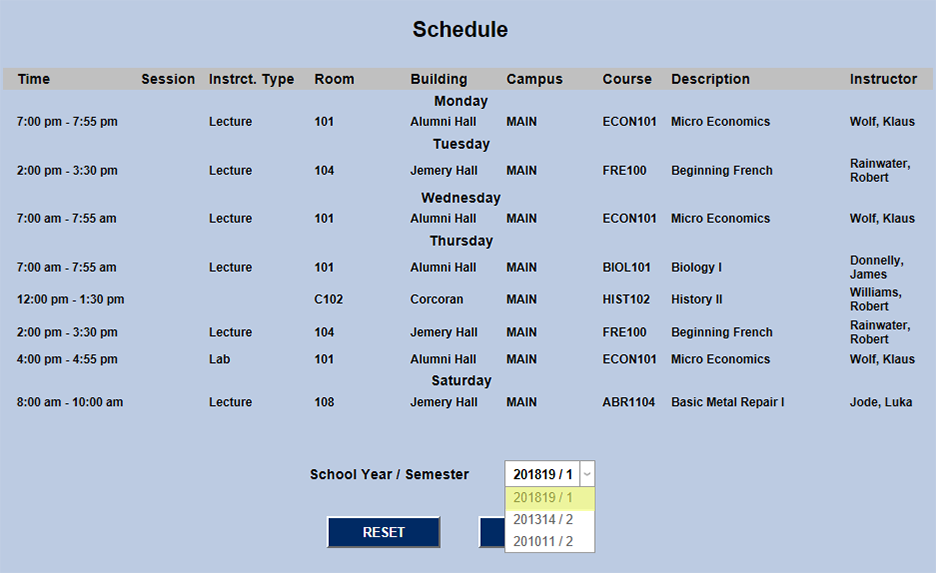
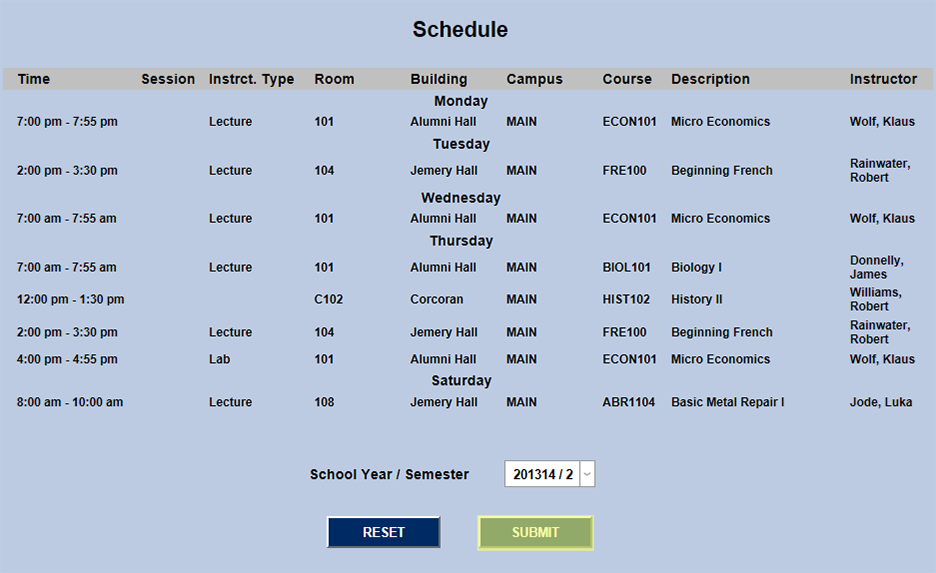
To view the selected student's schedule from a previous term, select that year/semester from the dropdown menu and click Submit.