Advisee Schedule
Overview
This page provides Faculty and Advisors the ability view and print schedules for advisees by school year and semester.
Viewing Advisee Schedules
To view a student's schedule, select the student from the Select Advisee or Advisee Listing utility, and click Adv: Schedule. The schedule for the current active school year and semester will automatically populate the page. To view the schedule for other terms or school years, simply pick the desired time periods from the dropdown and select the Course or Day/Times radio button to determine how the schedule should be displayed.
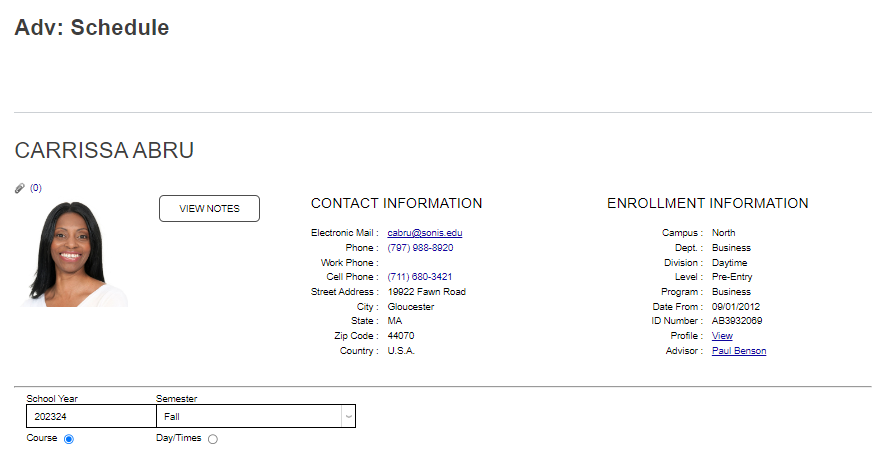
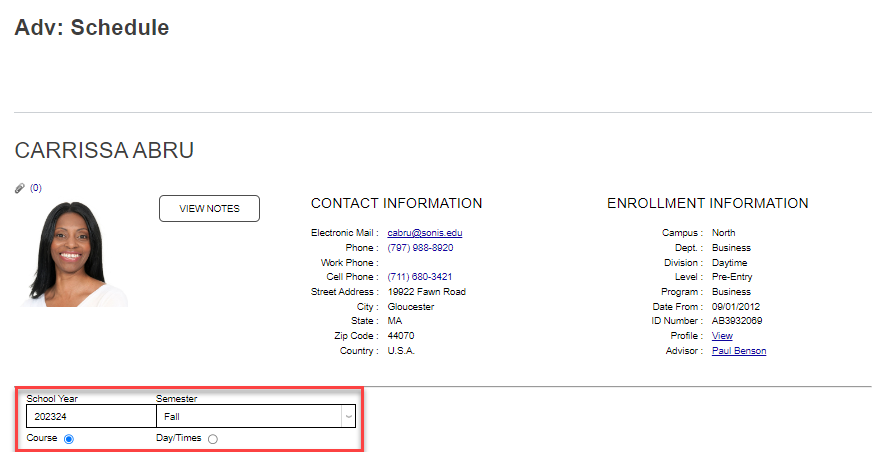
Click Submit to make the updates to the display. If the student has any waitlisted courses, they will display below the schedule.
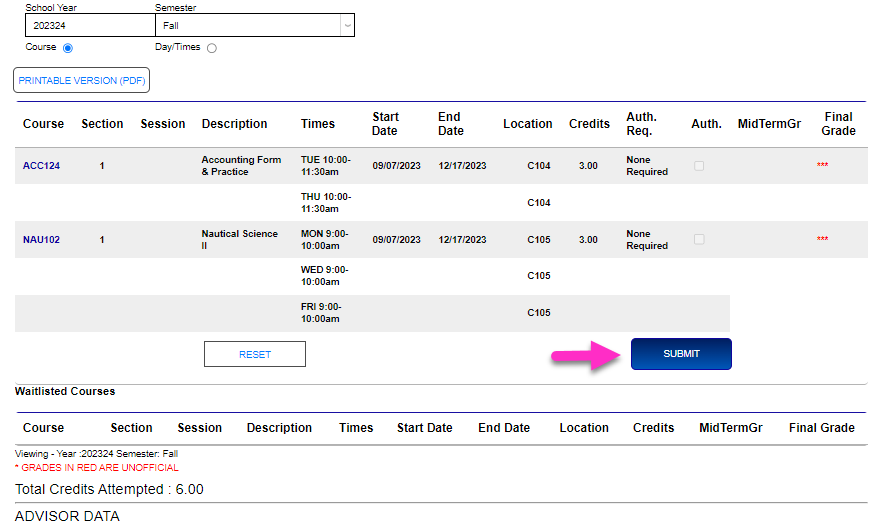
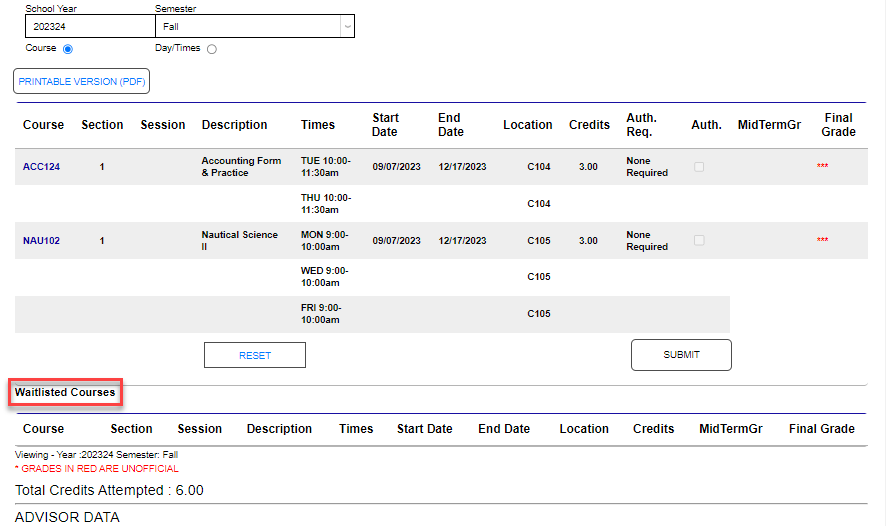
When the student is registered for courses in the selected school year and semester, the Print button appears as shown below.
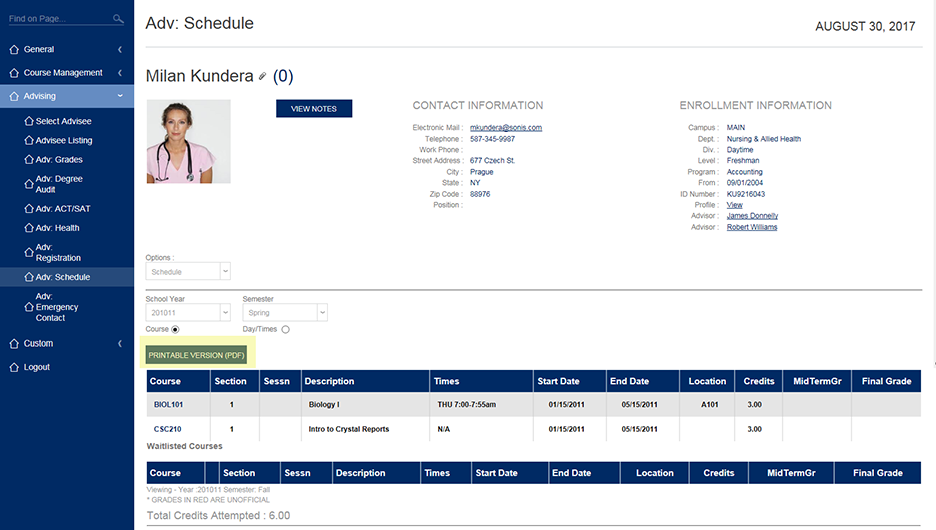
When the Printable Version (PDF) button is clicked, a PDF version of the schedule displays in a pop-up window.
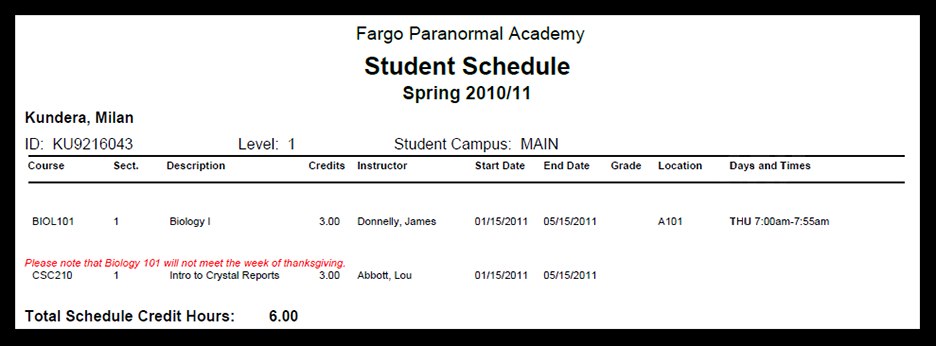
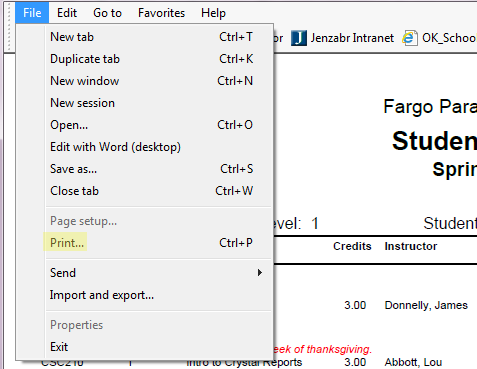
From within the pop-up window, the PDF version of the schedule can be printed by clicking File in the top menu followed by Print. A final click of Print in a new pop-up window prints the PDF schedule.