Term of Interest
Overview
Term of Interest is used during the application process for applicants or administrators to set a term for which the applicant wishes to enroll. The term is generally a combination of a year and semester, but this can vary according to institutional needs. Terms are used in Jenzabar SONIS Online Application and the Prospect Inquiry card. Additionally, each term should be tied to an Application Entry Date.
Adding/Editing Terms
To make changes to the terms of interest, either select an existing to edit and click Submit or click Add to create a new term.
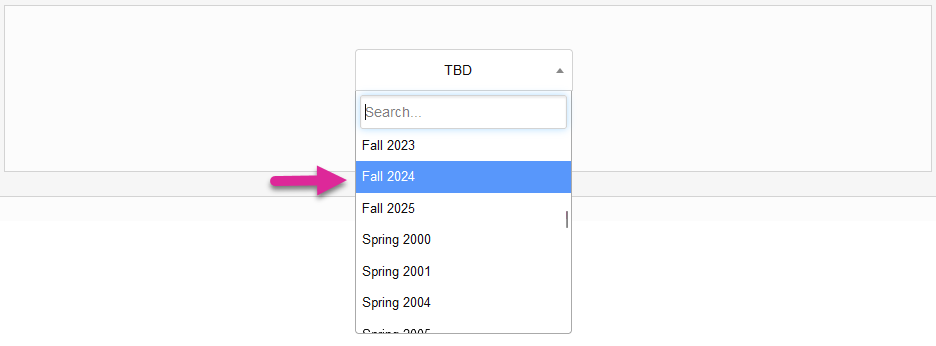

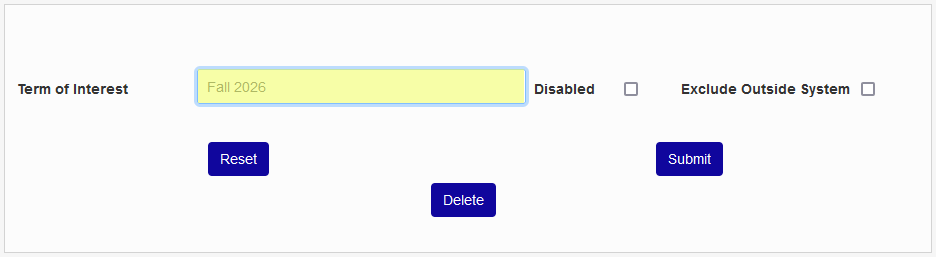
On the following page, name the Term of Interest. This name will generally be a combination of the semester and the year it takes place in, but individual institutions can make their own naming decisions as appropriate. This field has a 20-character limit and cannot be edited once the term has been created.
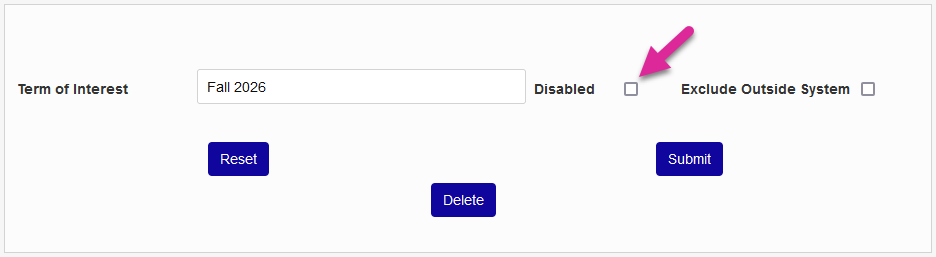
The Disabled box should generally not be checked when creating a new term, but it can be used to limit access to older terms when editing. Terms that are disabled will no longer display in any system menus.
Similarly, the Exclude Outside System box can be checked to prevent the term from showing up as a selectable option on external pages like the Online Application and the Prospect Inquiry page. Terms marked Exclude Outside System are still available to be selected by administrators.
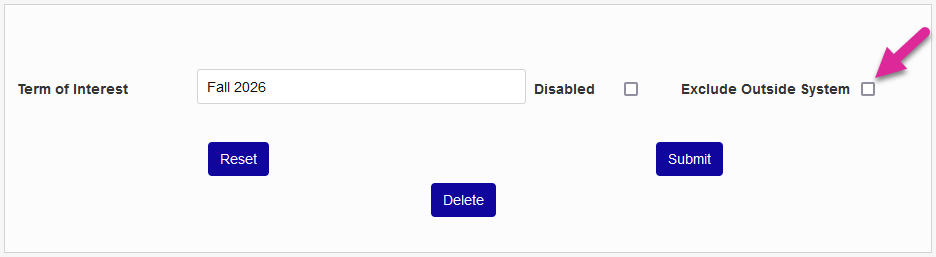
Click Submit to create the new term of interest or save any changes made to an existing term of interest.
Warning
Terms of interest should not be deleted once they are tied to other records such as submitted applications and student education records.