DE Events
Overview
When a constituent shows interest in making a pledge toward an event, or volunteering to complete a task for an event, this can be recorded in the Users hub page DE Events. Common events are annual fundraising campaigns, phonathons, and alumni socials. Recording actual attendance or volunteer activities occurs after the association with the event is entered, and can also be entered in volunteer or pledge. Events are created on the Events table in Table Maintenance in the Systems hub and maintained on DE Event Management, also on the Systems menu.
A list of development pages is available here.
Use
From a constituent's record, click DE Events in the Users hub. Any events previously added to the constituent's record will display. To add an event, click Add.

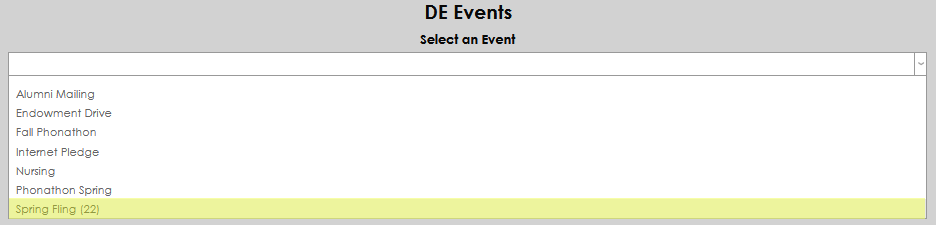
Select the desired event name from the dropdown and click Submit to save the choice.

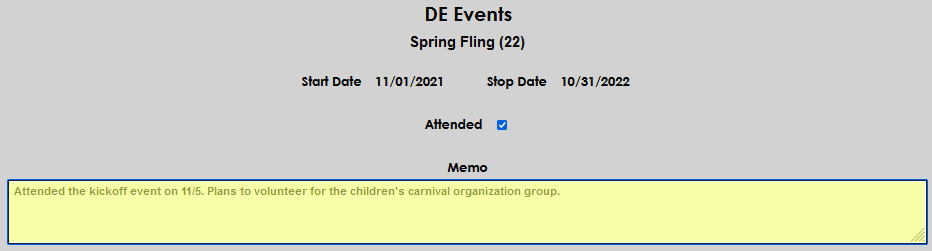
After the event has been added to the constituent, attendance and notes may be added by clicking the name of the event.

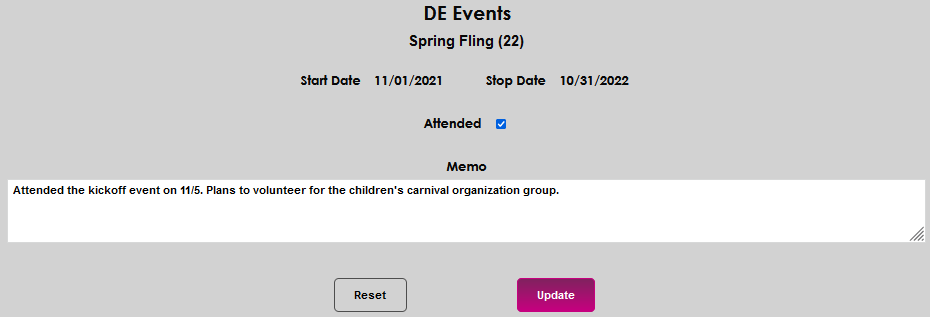
Check the Attended box to indicate the constituent attended and/or participated in the event. Any additional details can be added in the Memo box.

Click Update to save the entries.