Loan Disbursement Notifier
Overview
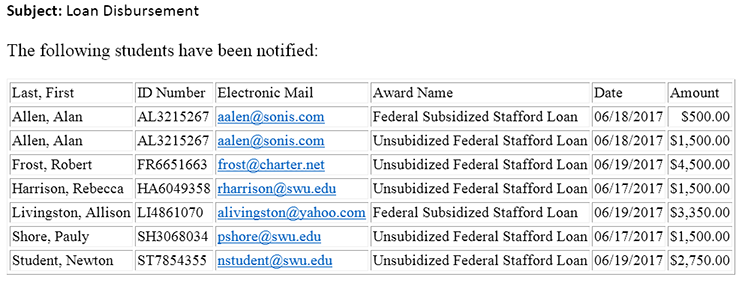
Loan Disbursement is one of the available notification types in the Jenzabar SONIS Notification Assignments utility. It sends out an automated alert to students when their loans have been disbursed and provides a list of the students whose loans were disbursed to another group of SONIS users.
Creating Notification
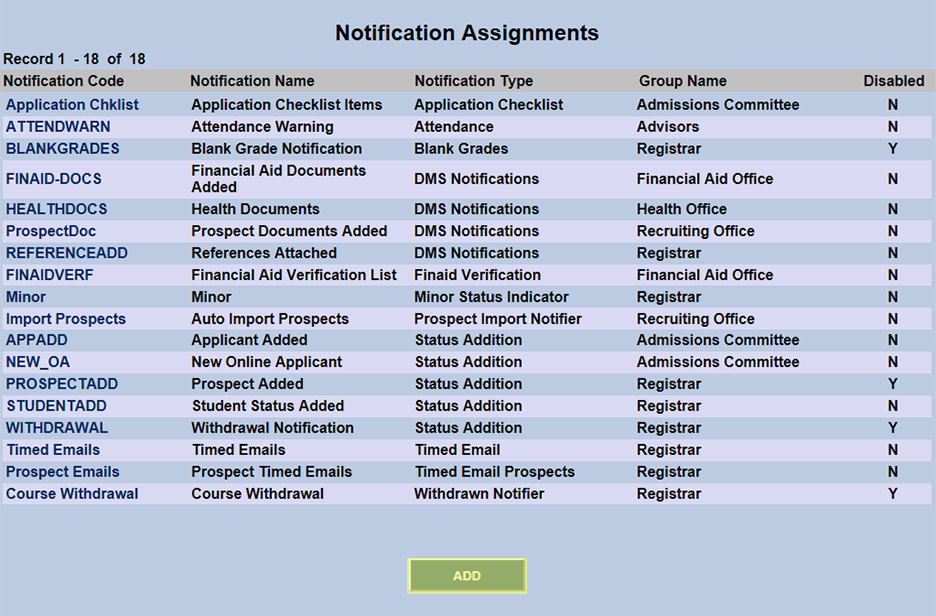
To create a Loan Disbursement notification, navigate to the Notification Assignments utility in the Systems hub and click Add.
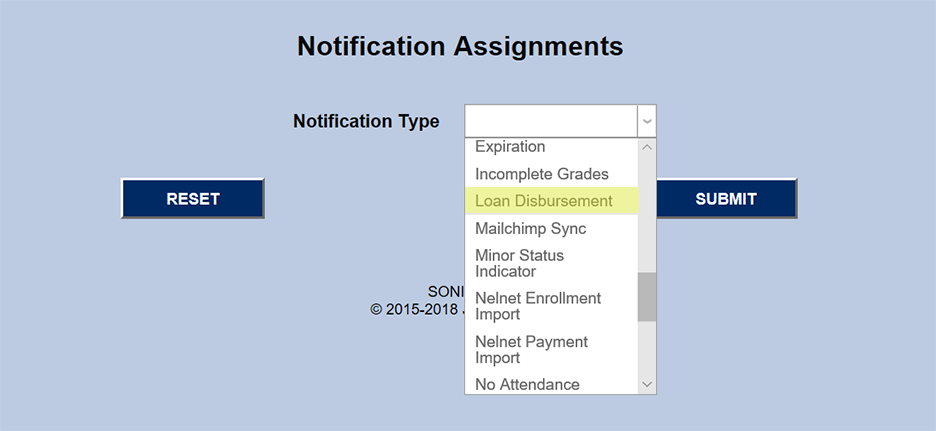
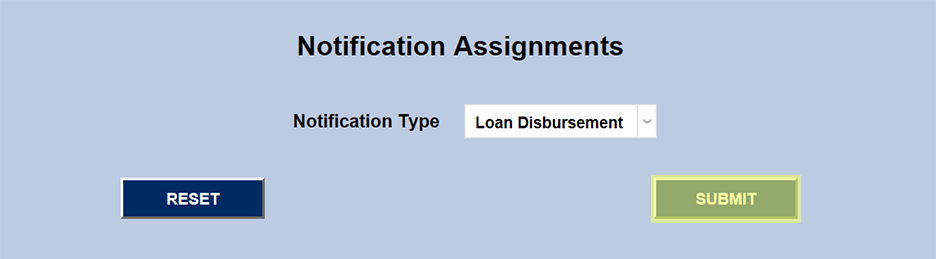
On the following page, select Loan Disbursement from the Notification Type dropdown menu and click Submit.
Next, create a Notification Name, a descriptor of the notifier's purpose with a 50 character limit, and a Notification Code, a shorter version of this name with a 20 character limit that the SONIS system will use internally to identify the notifier. While most users will simply use "Loan Disbursement" as the name, some institutions may want to set up more than one loan disbursement notification with each notifier sent to different groups of students and/or staff. In these cases, the name should provide more details to help differentiate the various notifiers.
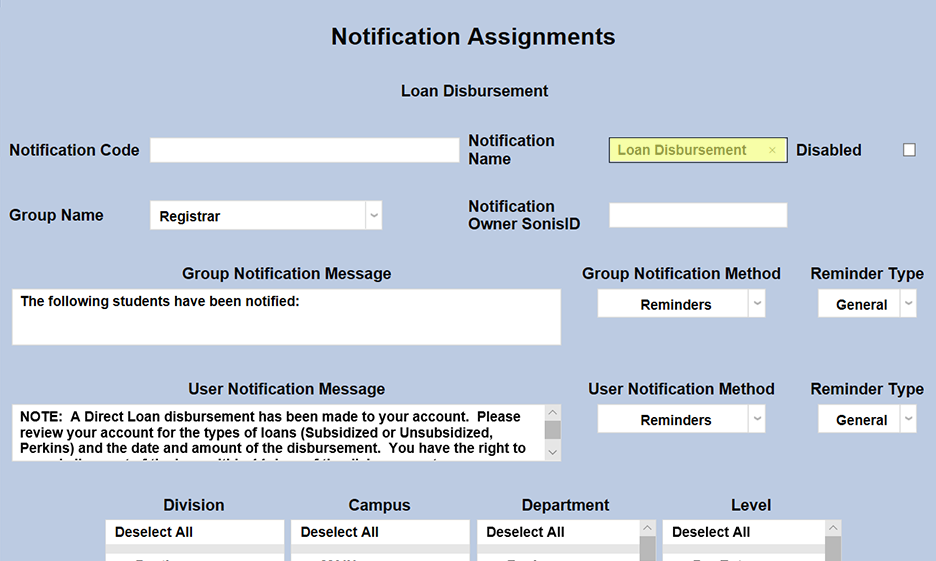
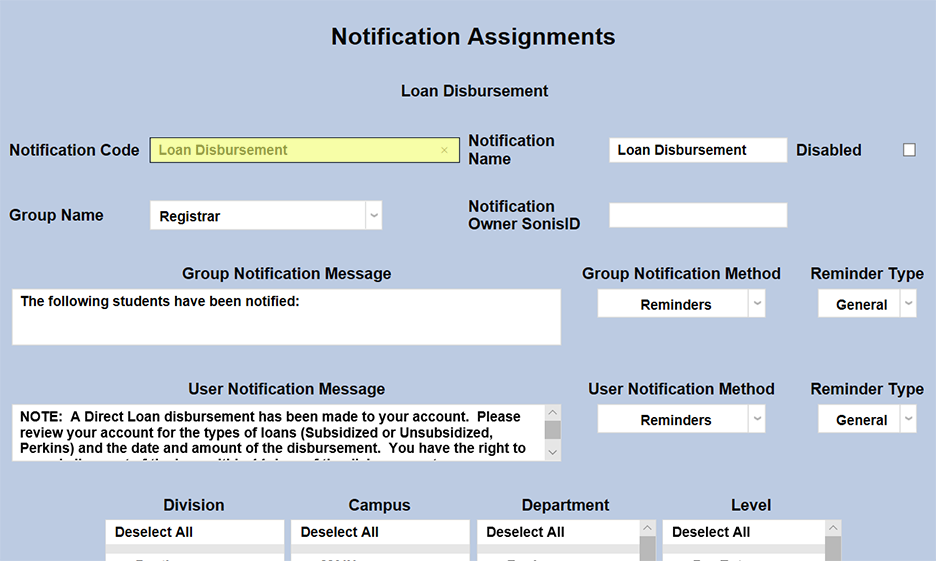
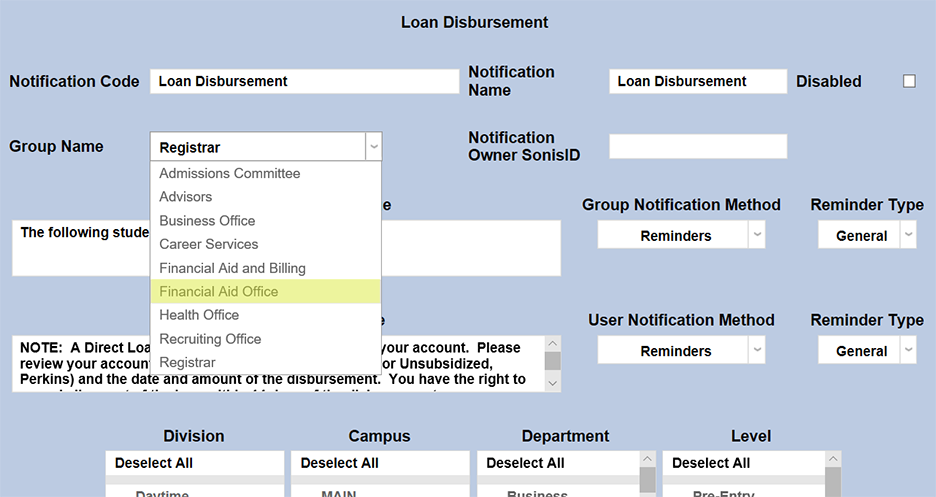
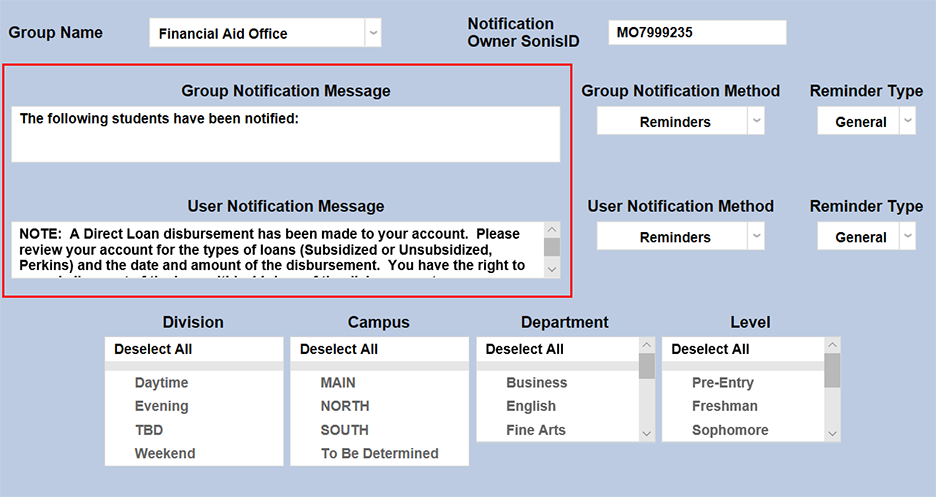
Select a group of staff/faculty to receive the notification from the Group Name dropdown menu. Groups can be added and edited through the Table Maintenance utility.
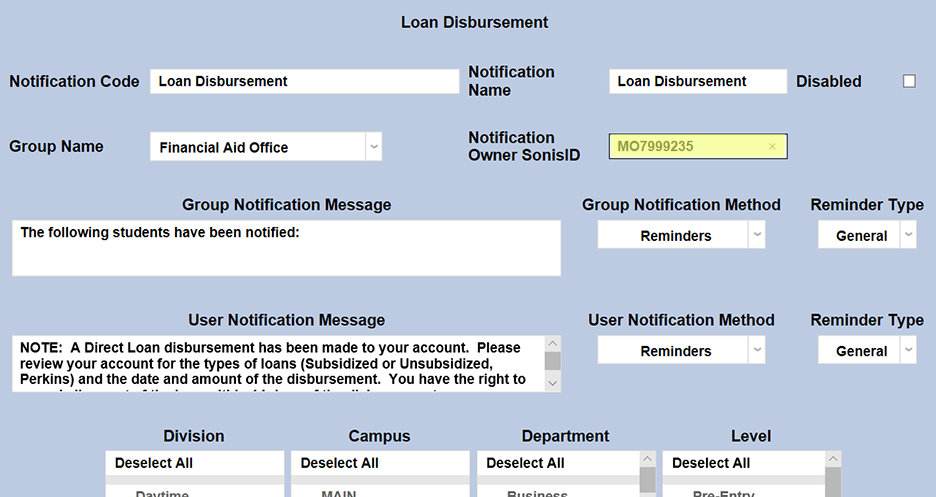
Enter the ID of the staff or faculty member who will be managing this notification in the Notification Owner SONIS ID field.
The default Group Notification Message for the Loan Disbursement notifier is "The following students have been notified:" with a list of those students included.
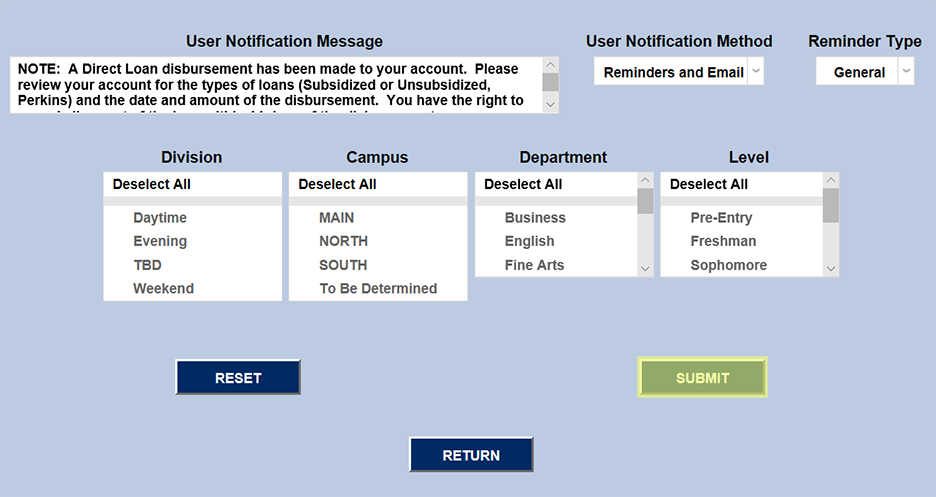
The default User Notification for the Loan Disbursement notifier is:
NOTE: A Direct Loan disbursement has been made to your account. Please review your account for the types of loans (Subsidized or Unsubsidized, Perkins) and the date and amount of the disbursement. You have the right to cancel all or part of the loan within 14 days of the disbursement.
These messages can be edited to further clarify or provide additional information.
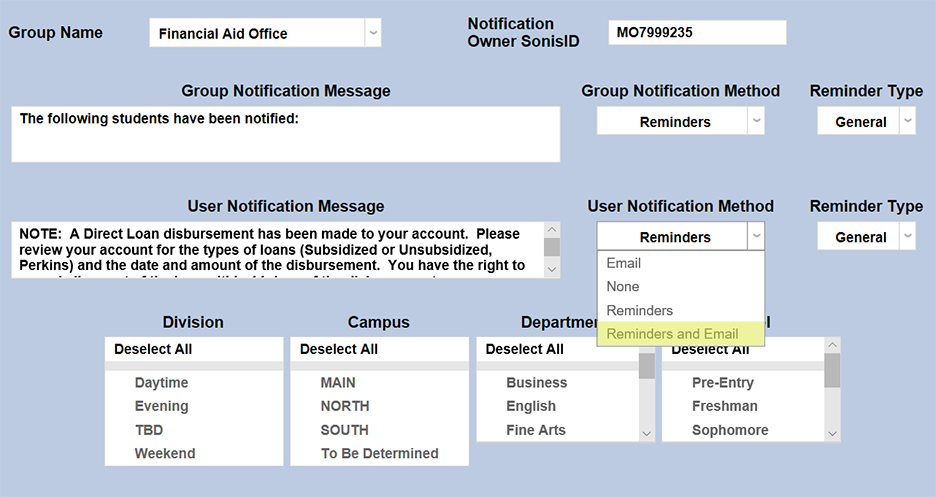
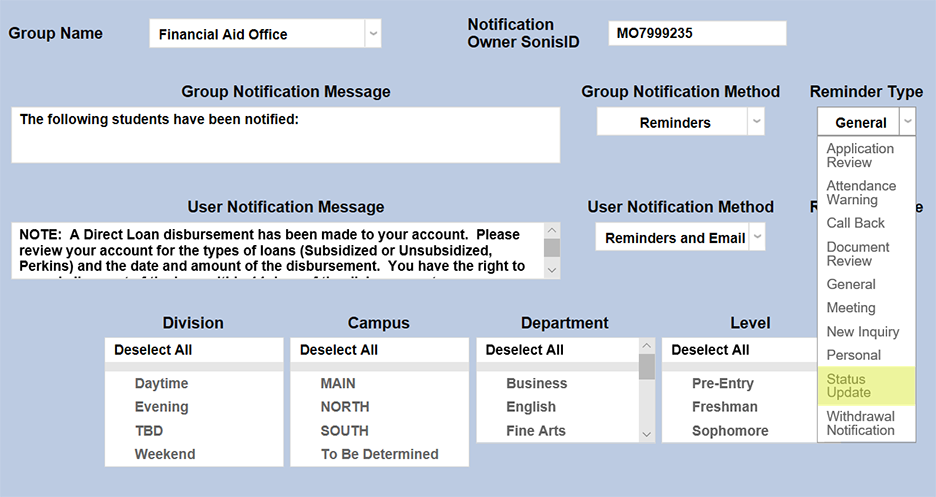
The Group Notification Method and User Notification Method dropdown menus designate whether the group and individual users will receive an in-system reminder, an email, or neither when the notification is triggered. The Notification Type dropdowns can change how the in-system reminder displays. This list can be created and edited via the Table Maintenance utility.
The Division, Campus, Department, and Level menus available for some notification types can be used to narrow down the list of users who will receive the notification.
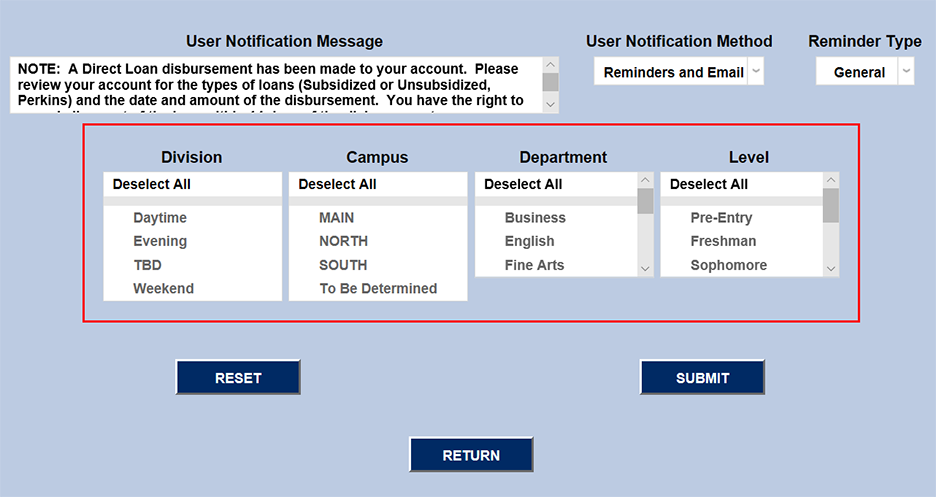
Once the fields for this notification have all been set up properly, click Submit to save and activate the notifier.
Notification Emails
The loan disbursement email sent to students includes information about their individual loan. Students will only be sent an email if the loan amount received is greater than $0.00 and the loan payment has been posted to their record.
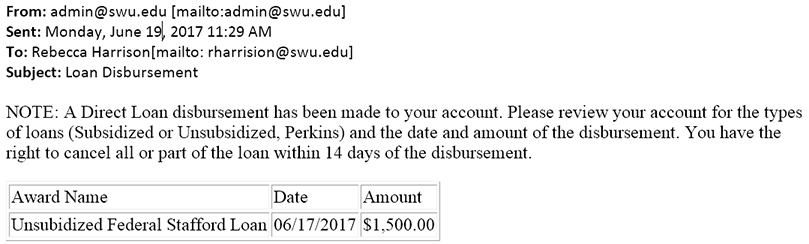
The group email includes: Subsidized or Unsubsidized Loan Name, transact award ref_id, Date of Loan Disbursement, transact award awd_pstd_date_maint, Amount of Loan Disbursement, transact award amount received.