Essay Memo
Overview
Applicants may submit an essay using the Additional Information section of the online application. Jenzabar SONIS allows these essays to be viewed on the Essay Memo page. No setup is required beyond enabling the Additional Information on the Online Application. An essay will populate Essay Memo when the application is imported or it may be manually entered by a SONIS user. With SONIS 3.7, more than one essay may be imported and viewed on Essay Memo.
Essay Memo Use
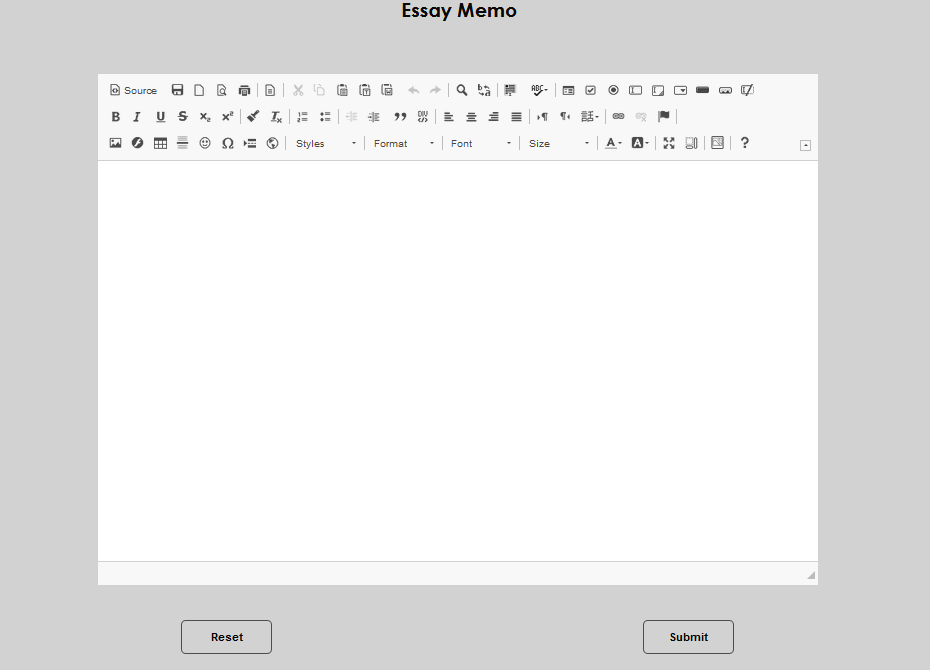
To access Essay Memo, enter an applicant's record and select Essay Memo from the Users hub. If an applicant hasn't submitted an essay, an essay hasn't been manually entered or imported, or the Additional Questions feature isn't enabled, the Essay Memo page will be blank.
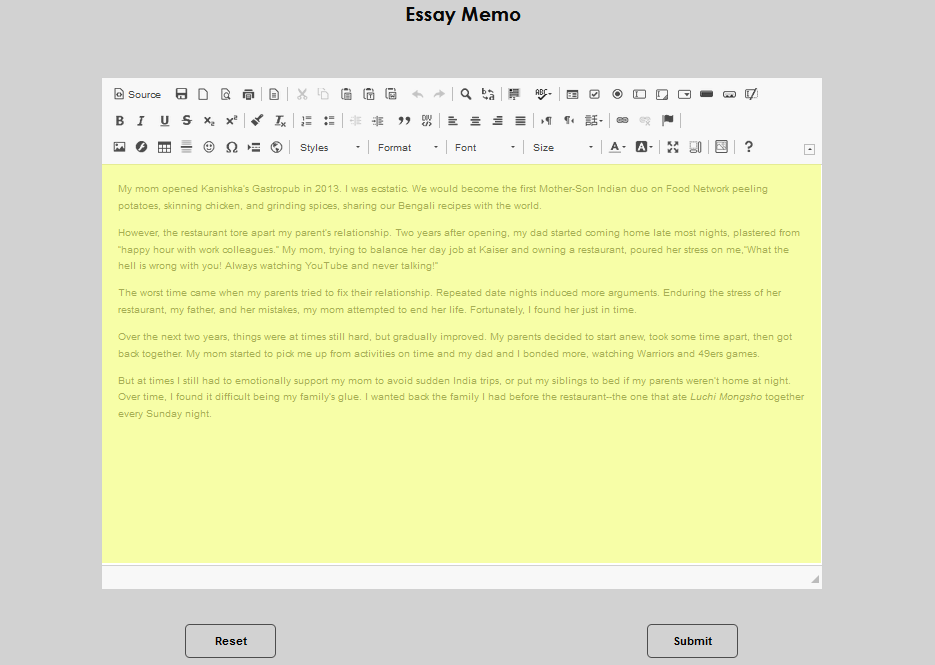
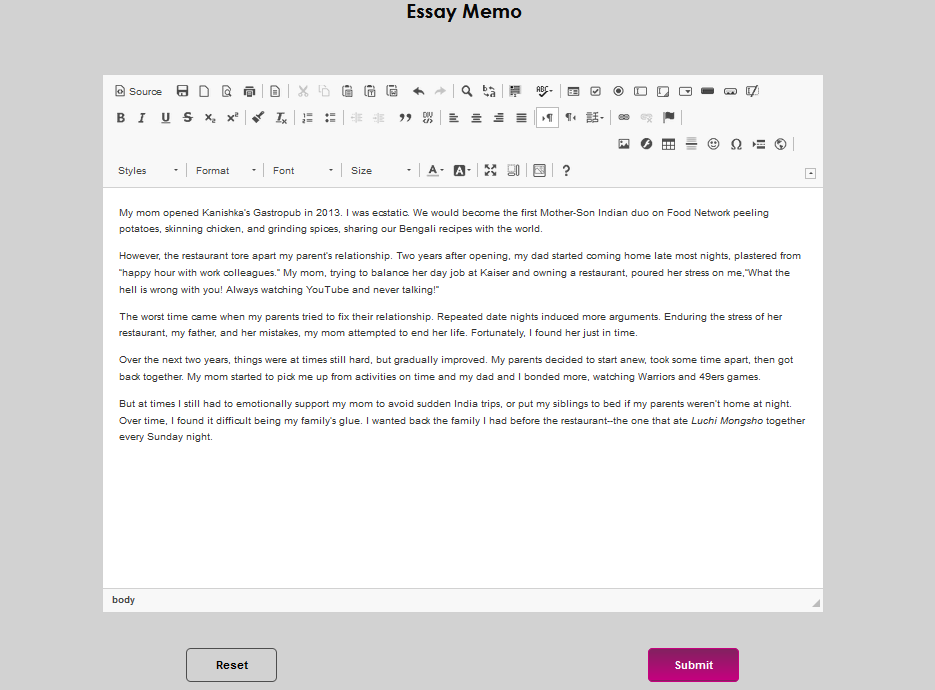
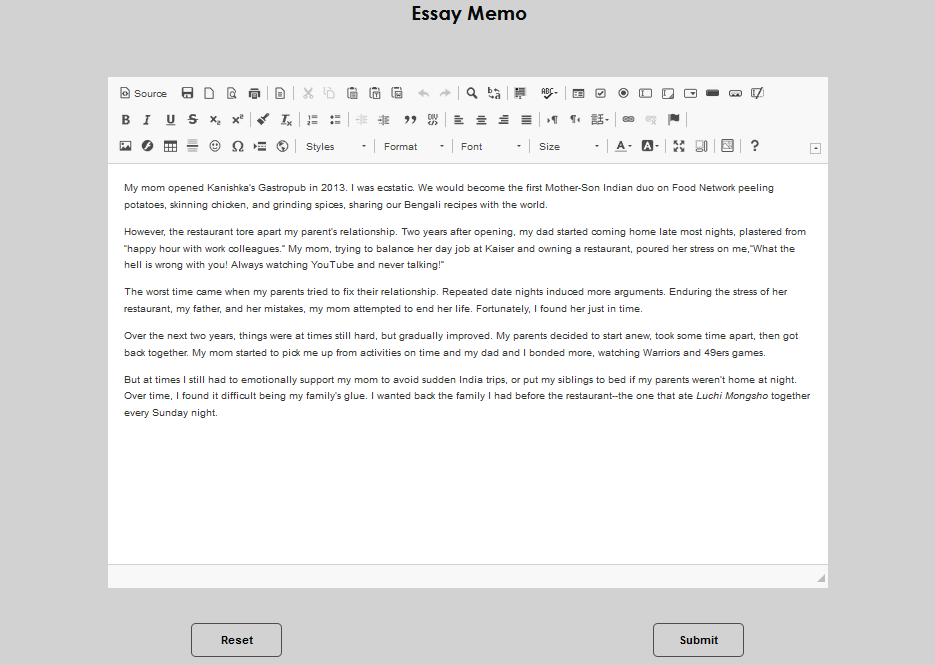
When an essay exists, it displays in the text editor.
When more than one essay has been received or entered, a table will display allowing the user to select which application's essay they would like to view.
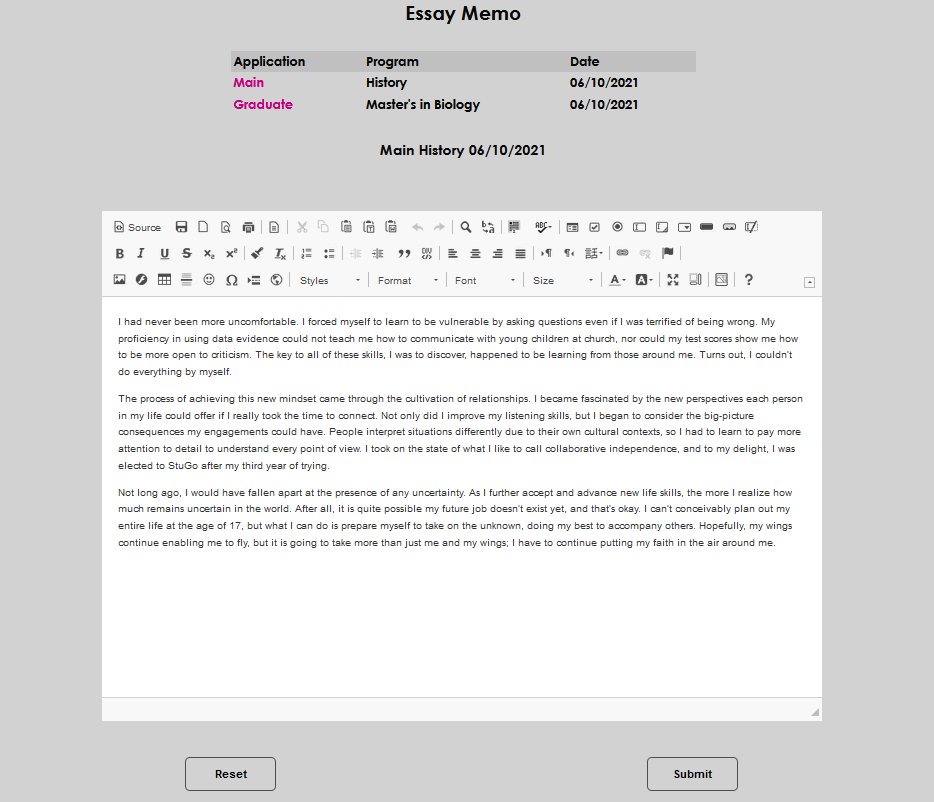
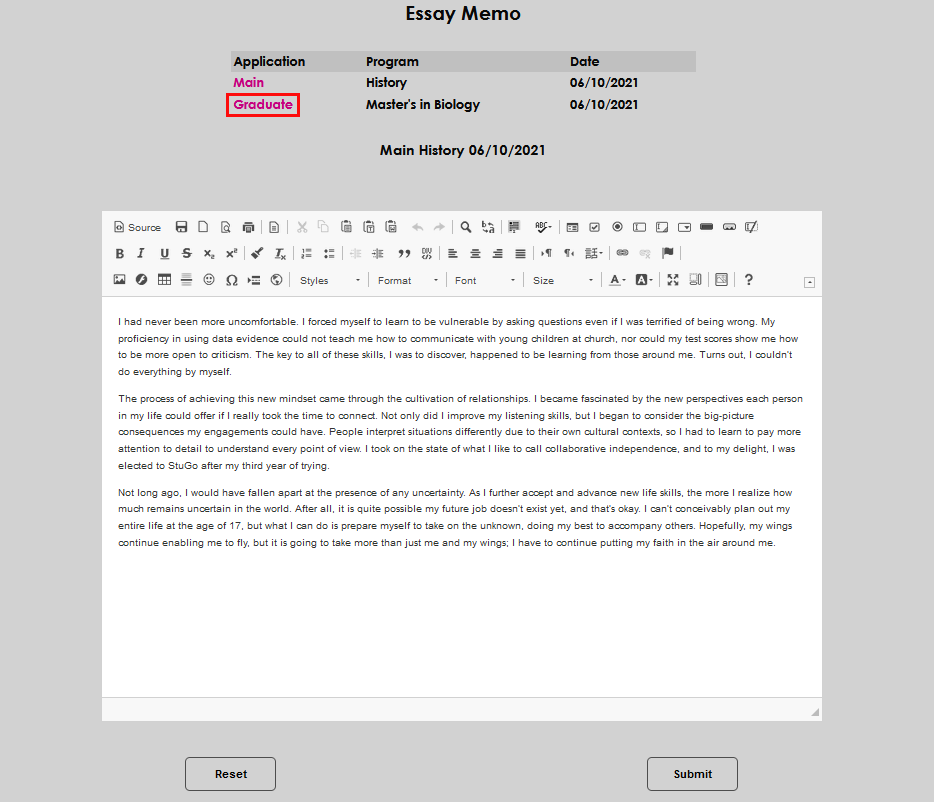
Navigate between the essays by clicking on the desired name.
To enter an essay, simply type or paste the text into the text field and select Submit.