Import T-codes
Overview
The Systems hub utility, Import T-codes, allows administrators to import award and aid transactions, such as the Pell Grant, bank school loans, or Federal Plus Loans, from external systems like ELM, EDExpress, or PowerFAIDS. The instructions below detail how to set up the links between the file source, award type, and transaction code. For information on the entire import process, visit the EDExpress and PowerFAIDS overview pages.
Setup
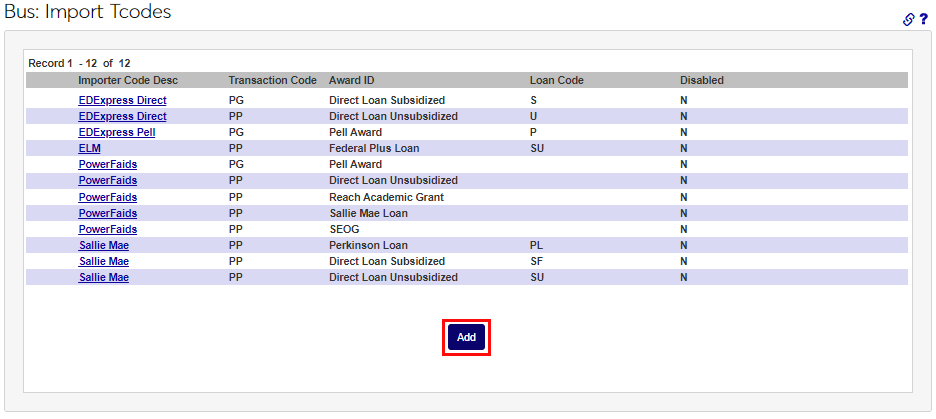
Click Add to begin creating import associations.
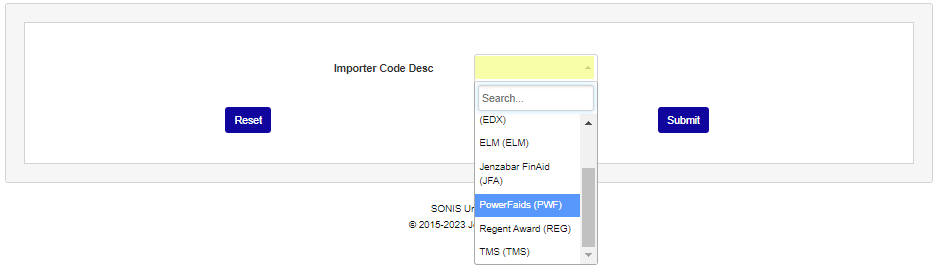
Select an option from the Importer Code Desc dropdown menu and click the Submit button.

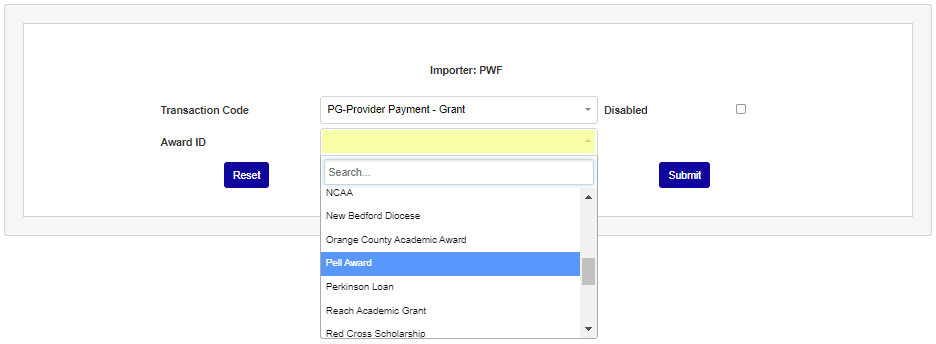
On the following page, select the appropriate T-code from the Transaction Code dropdown menu. T-codes can be added or deleted through the Transaction Codes utility.
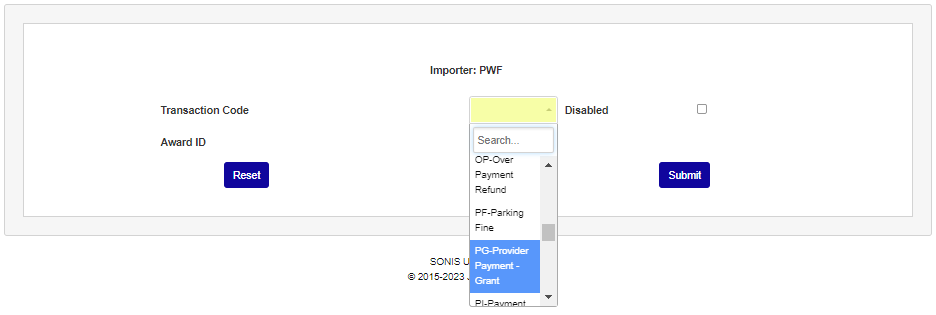
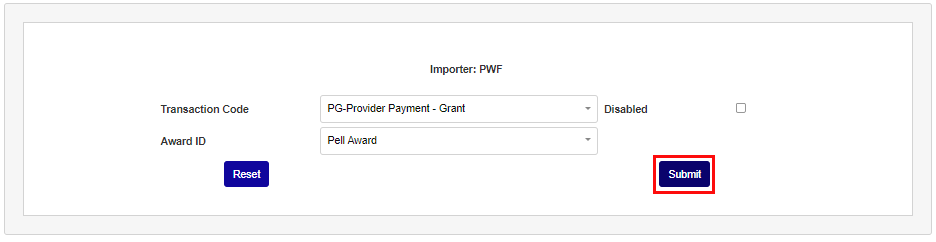
Select the Award ID that corresponds to the selected Transaction Code and click the Submit button.