Housing Preferences
Overview
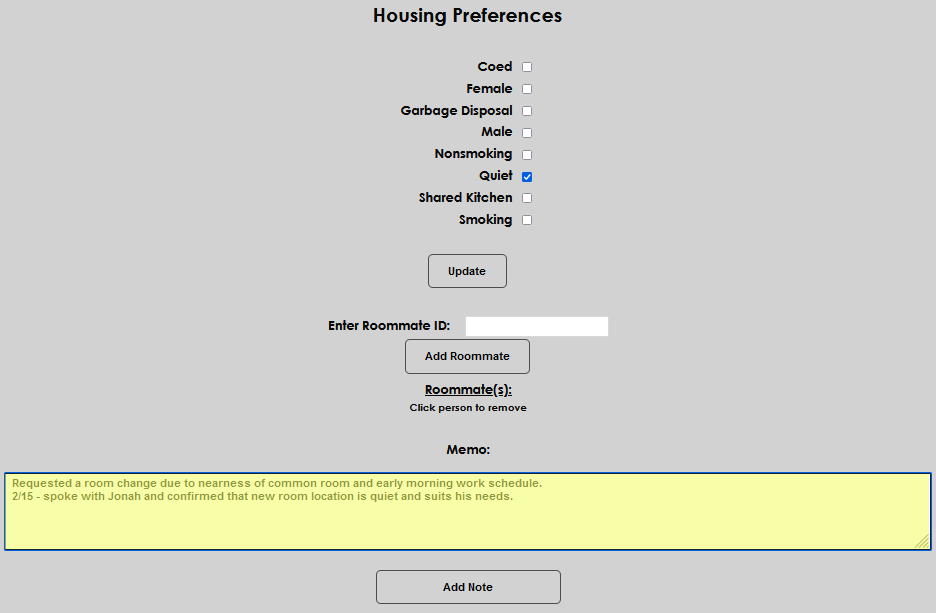
Housing staff frequently need information on a user's desired characteristics of a roommate and/or dorm, as well as their current roommate assignment. Jenzabar SONIS users can access and manage this information in the Housing Preferences Users hub page.
To learn more about the housing functions offered by SONIS, visit the Housing overview page.
Managing Preferences
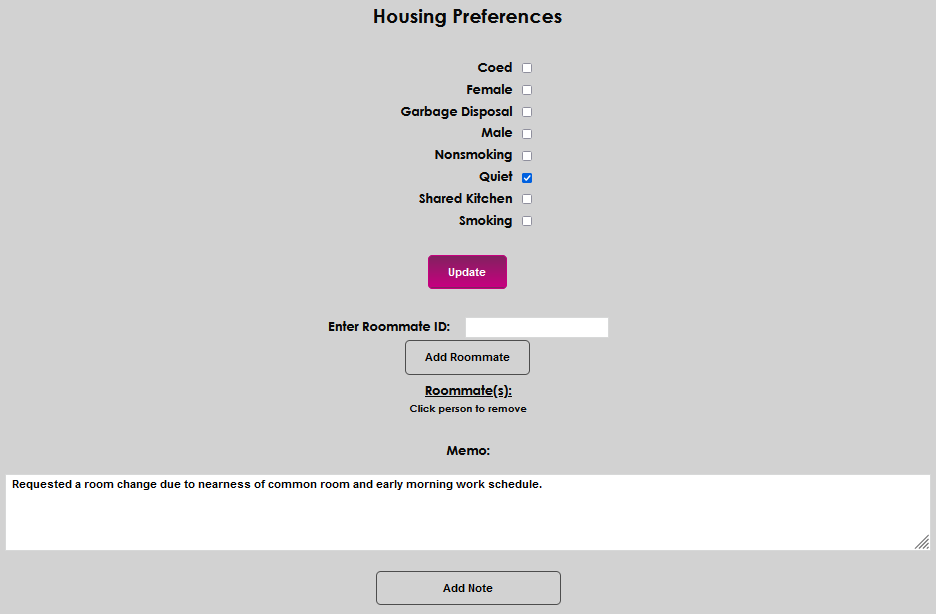
Upon entering the Housing Preferences page from the Users hub, all housing attributes, or preferences, that are defined on the Housing Attributes table will display. To indicate a preference applies to a user, simply click the corresponding checkbox. If a box is already checked but is not applicable, simply uncheck it.
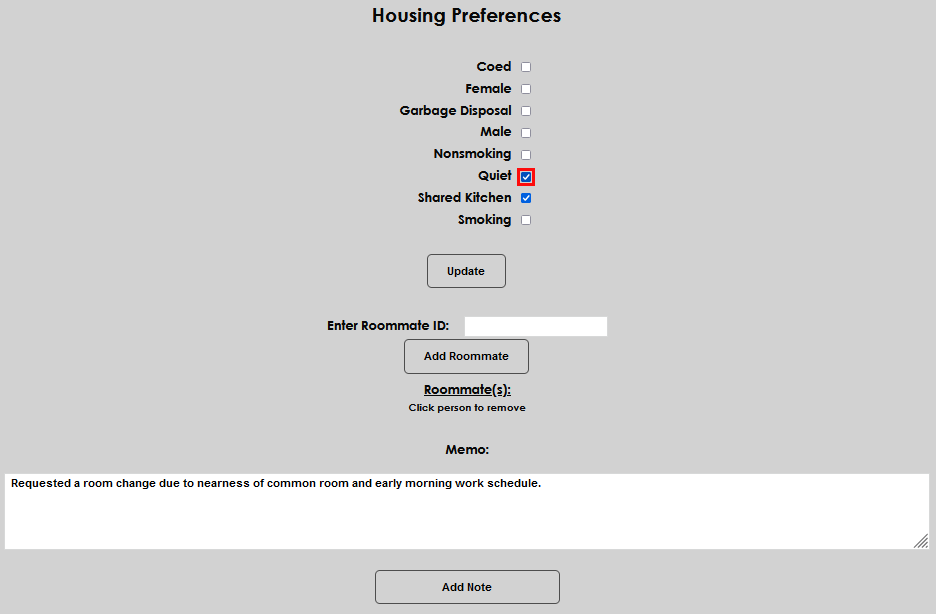
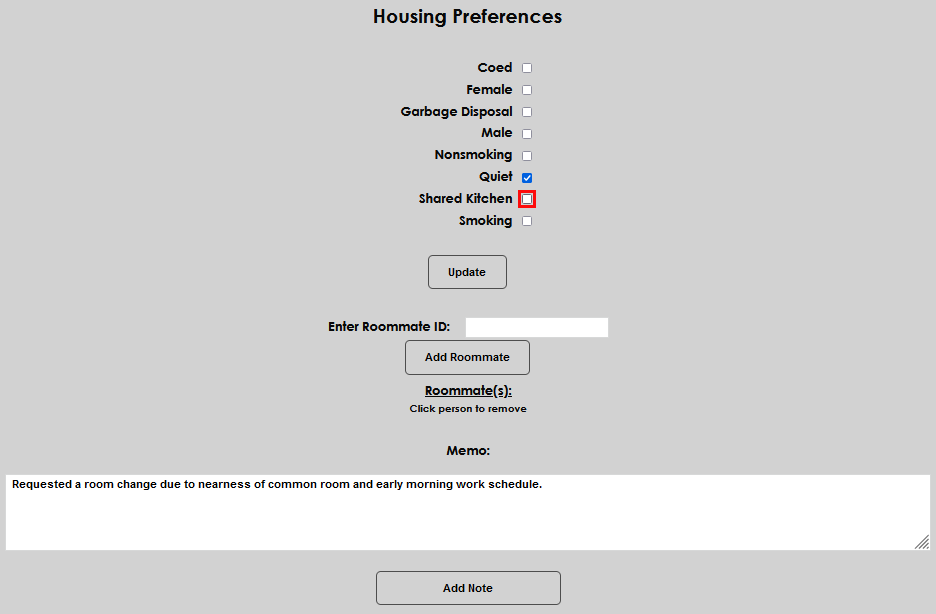
Click Update to save the selected preferences.
Managing Roommates
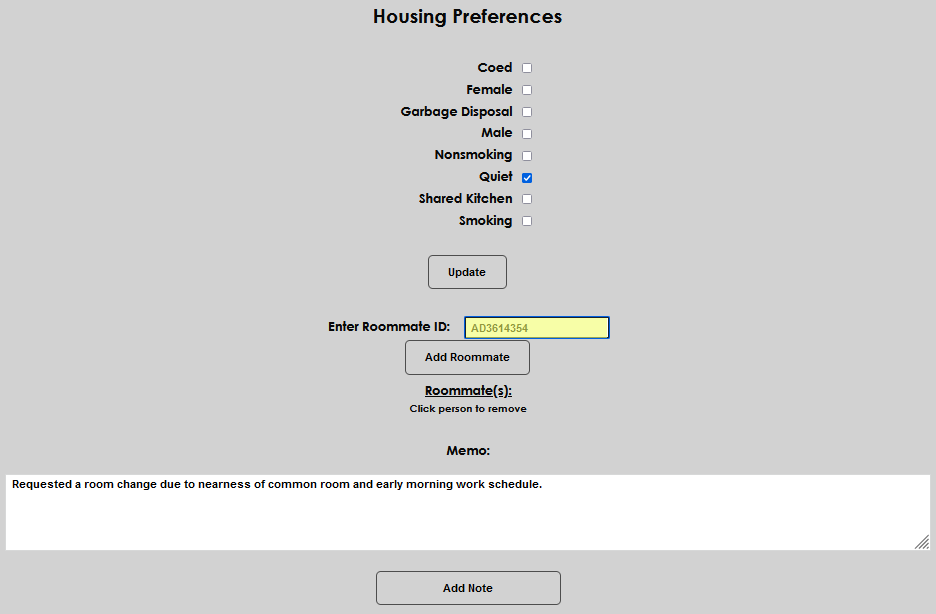
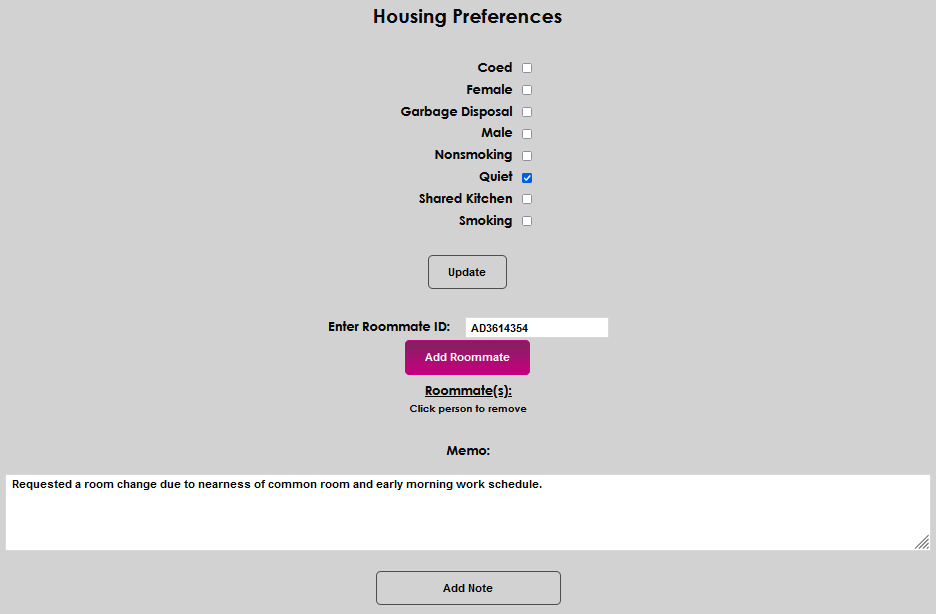
To associate a roommate with a user, enter the roommate's SONIS user ID in the Enter Roommate ID: field and click Add Roommate.
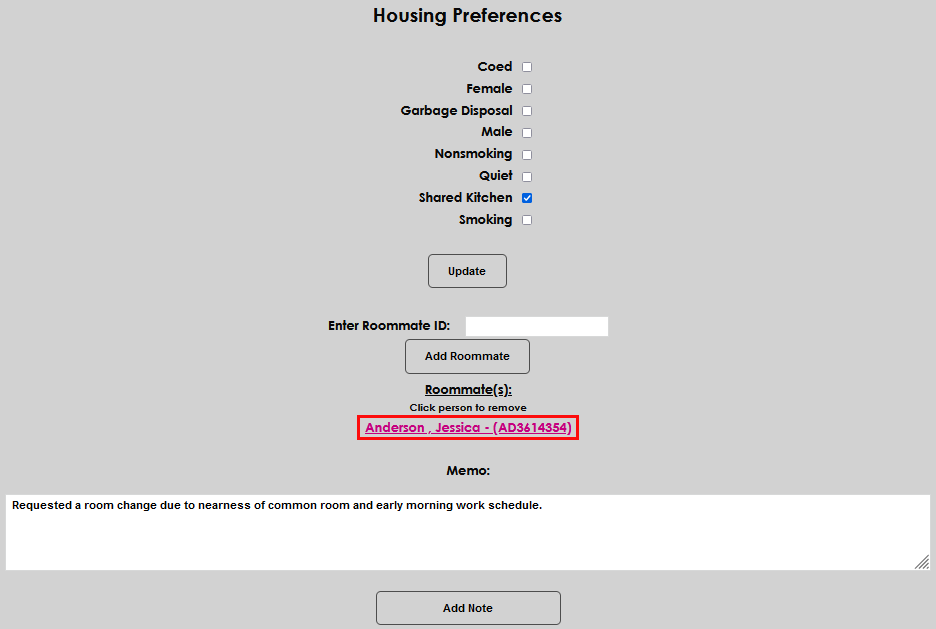
If a roommate exists and needs to be removed, click the name of the roommate. The roommate will immediately be removed, so use care to ensure the association needs to be removed before clicking.
Adding a Memo
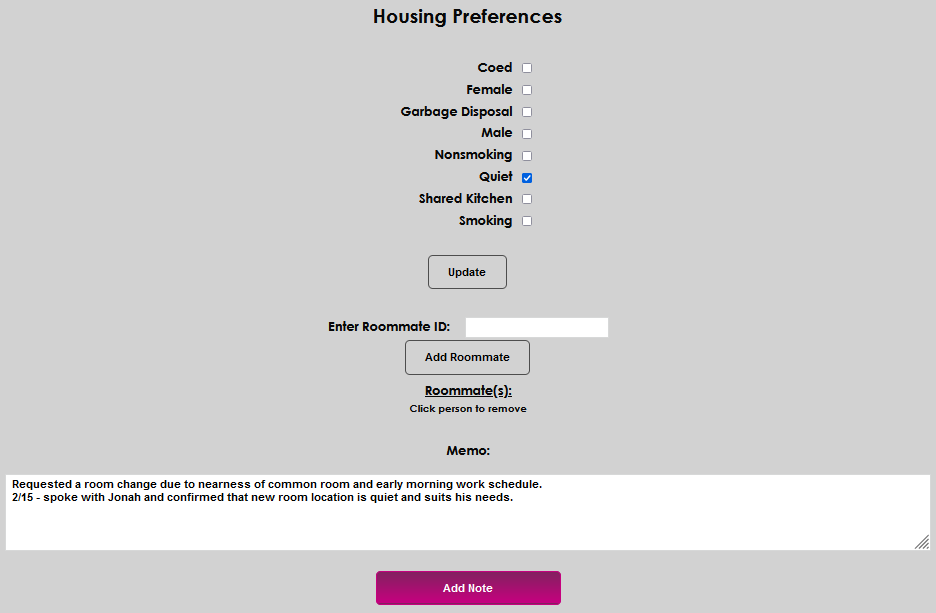
A Memo field is provided to both display any comments that were entered on the Housing Incidents page and allow the addition of memo notes on this page. To add a new memo, or update an existing memo, simply click in the Memo field, enter the desired note and click Add Note.