Licenses
Overview
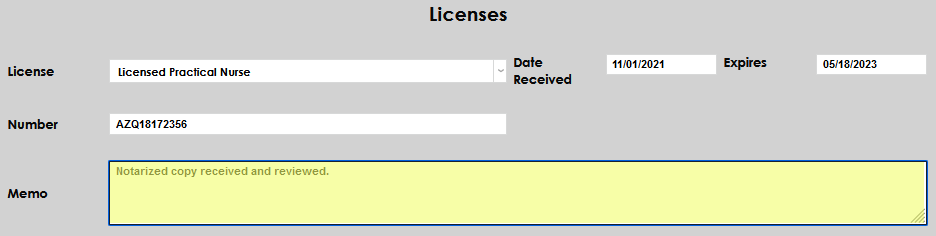
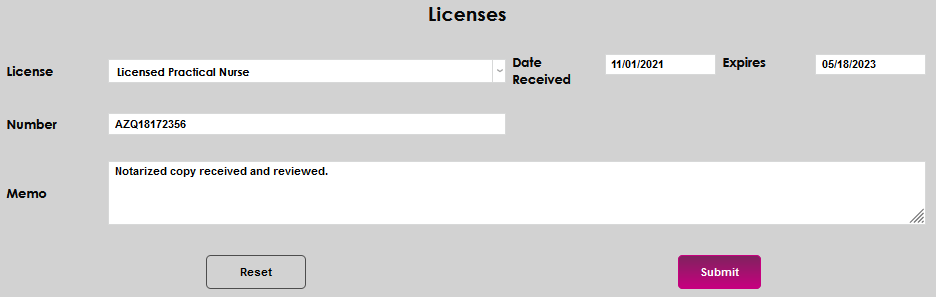
There are times when it may be appropriate to request and record information about the licenses of an applicant, student, faculty member, or constituent. The information regarding the licensures can be recorded on the Licenses page in the Users hub. The name of the license, date received, expiration, number, and any other important details can be recorded and edited. License types are created using the Licenses table in the Table Maintenance utility.
Use
To add a license, enter the Licenses page and click Add.

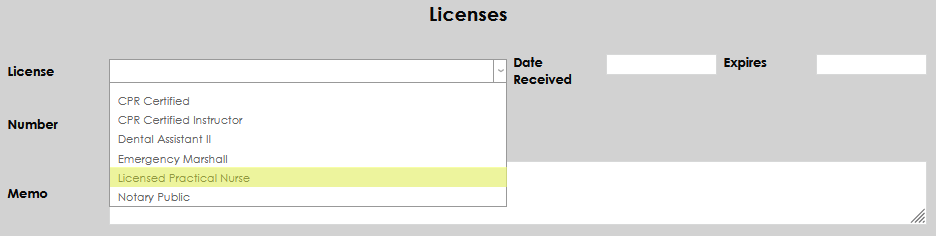
Select the desired license from the License dropdown. If the desired license type is not available, an administrator must add it on the Licenses table.
Enter the Date Received and the date it Expires, if applicable.
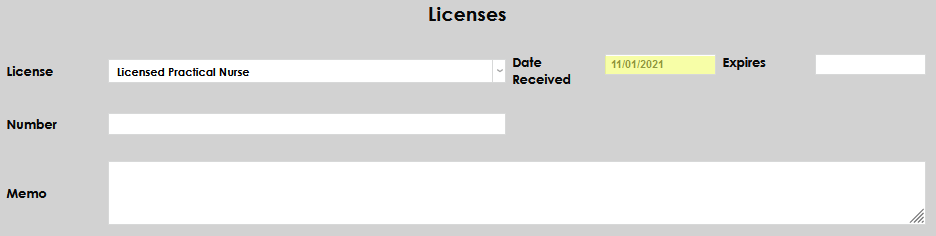
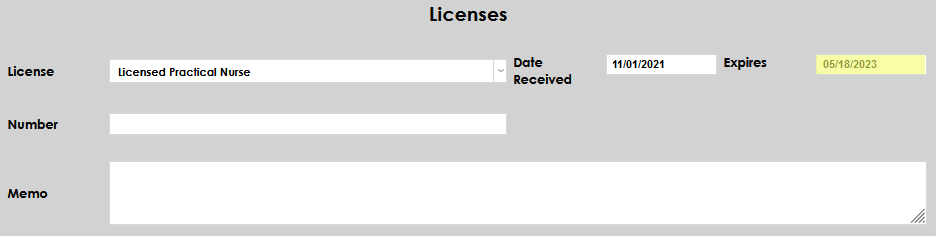
If there is a number associated with the license, enter it in the Number field.
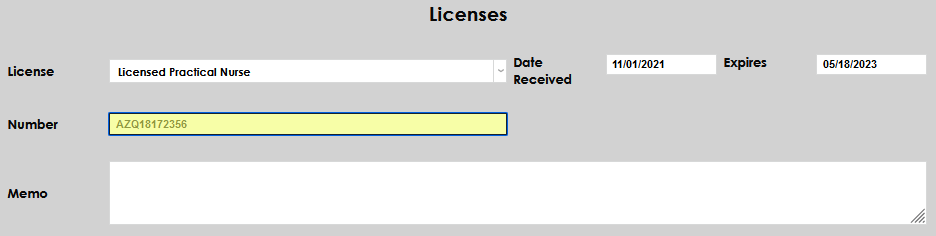
Enter any other needed details in the Memo field and click Submit to save the entered information.