Books
Overview
The Books page lists the books that are used by the courses you're enrolled in. These books are added by the course instructor.
You can use the School Year and Semester menus and the accompanying Submit button at the top of the page to update the semester you're viewing.
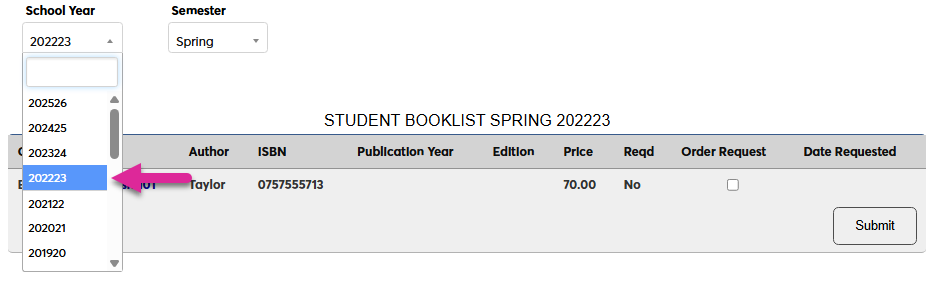
To access more information about a book on the list, click on the title. A pop-up window will open with additional details.
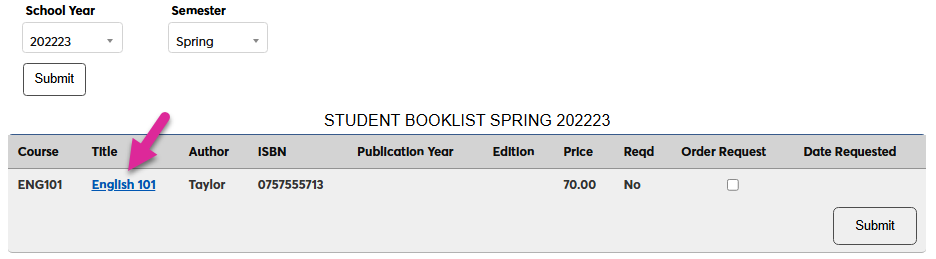
Order Requests
Some schools order books for their students. If your school has enabled this option, you can request that they order a book for you from this page.
Activating Order Request Option
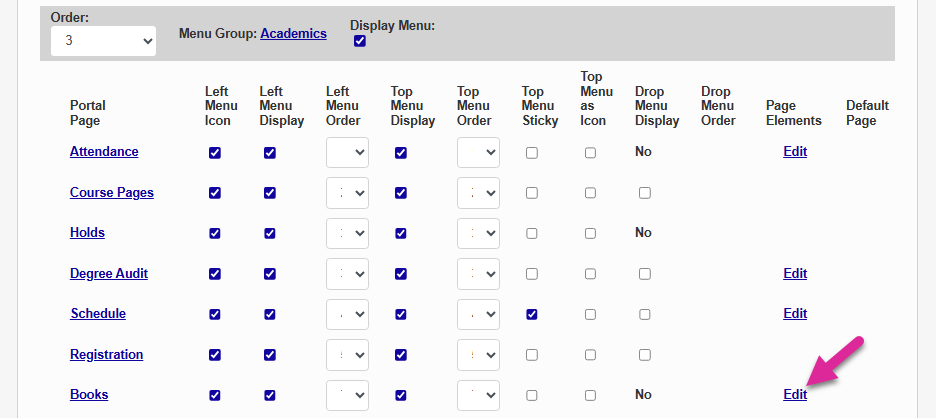
As an administrator, you can turn on this option from the Portal Menu Utility. Click the Edit link on the Books row.
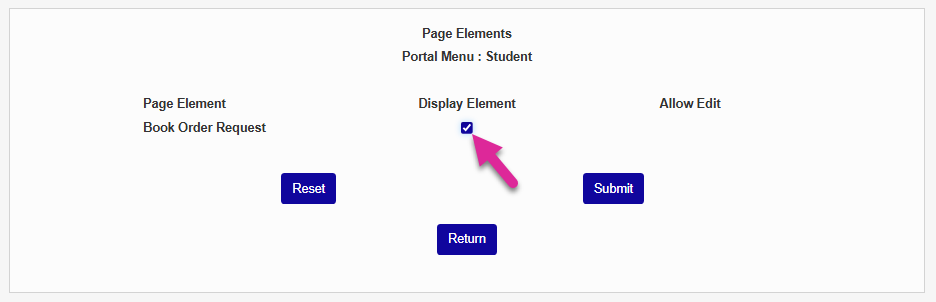
Check the Display Element box and click Submit. This will enable order requests. Request are then viewed as a Report.
Making Request
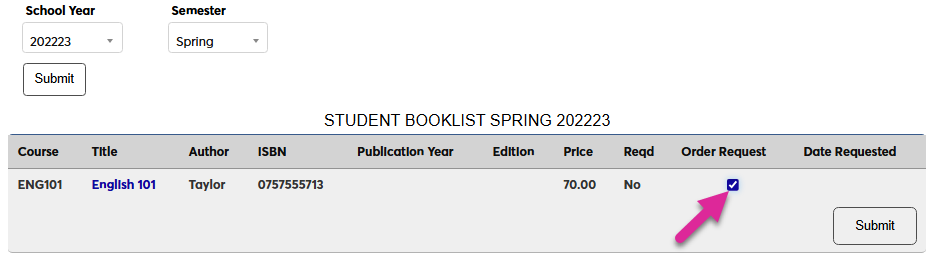
To make a request, simply check the Order Request box and click Submit.
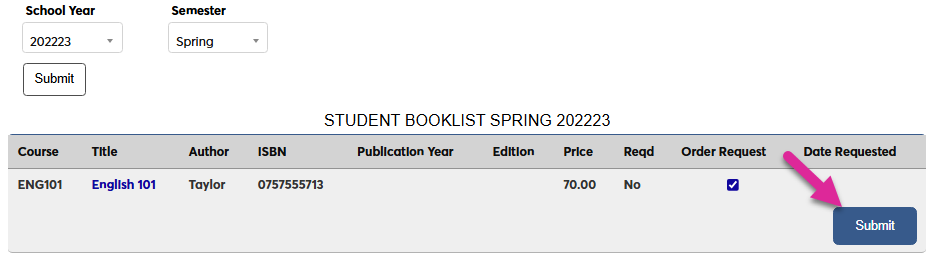
To cancel a request, uncheck the Order Request box and click Submit again.