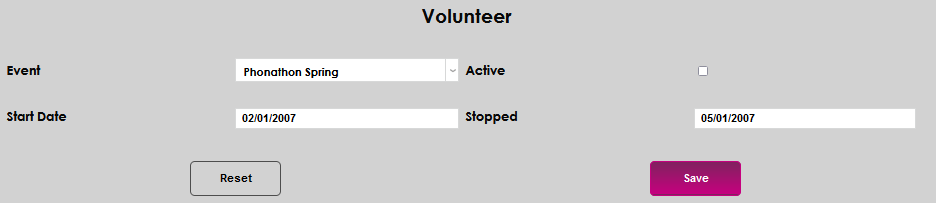
Volunteer
Overview
Jenzabar SONIS member institutions that accept gifts of time from constituents via volunteer activities can record an individual's participation in these volunteer activities on the Records menu page Volunteer. Events must be set up on the Events table, which is accessed from Table Maintenance in the Systems hub. A start and stop date, as well as an active indicator, can be recorded and maintained.
A list of development pages is available here.
Adding a Volunteer Activity
To add a volunteer activity to a constituent, access the Volunteer page from the constituent's Users hub, and click Add.

Select the desired event from the Event menu. If the needed event is not available, it must be added on the Events table by an administrator.
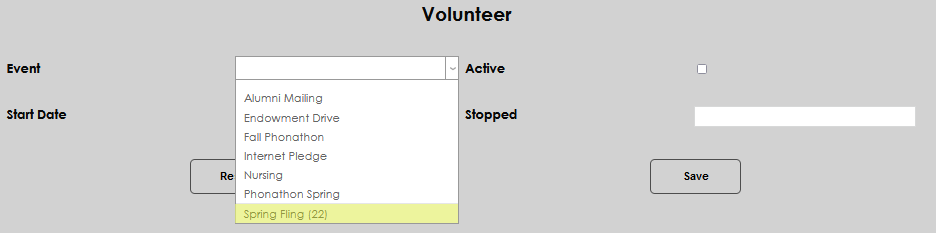
Click the Active box to indicate that the volunteer activity is ongoing. Leave it blank if recording a past gift of time.
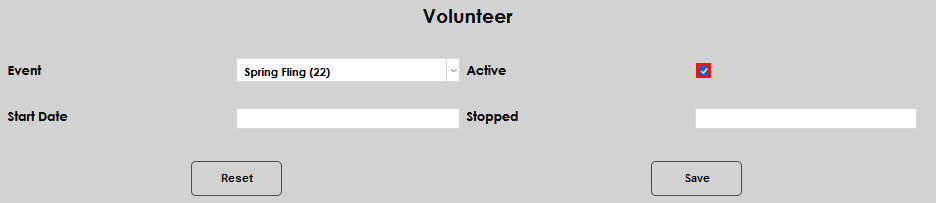
Enter the date the activity began in the Start Date field. If the activity has ended, enter the date it completed in the Stopped field.
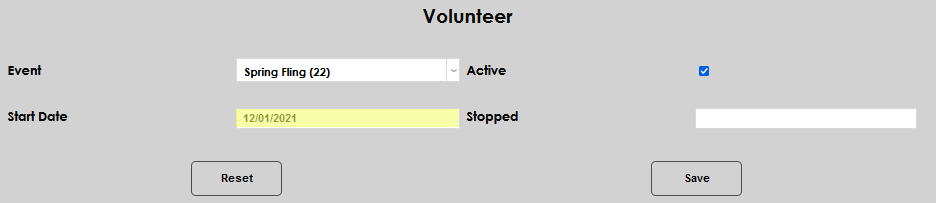
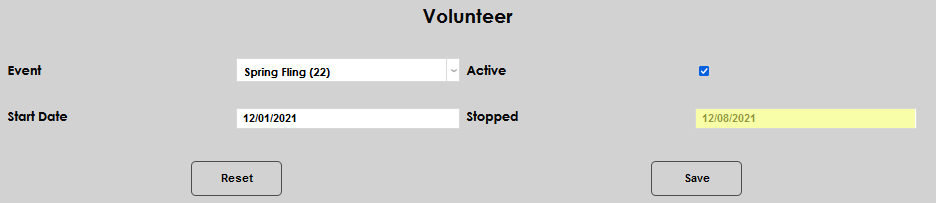
Click Save to finalize the entry.
Editing a Volunteer Activity
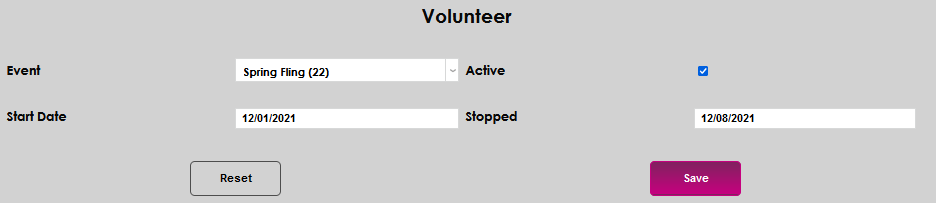
To edit an existing activity, click the name of the activity.

Make the desired change(s) to the displayed information and click Save to record the change(s).