Billing Summary Timed Task
Overview
The Billing Summary Timed Task is designed to allow Jenzabar SONIS administrators to automatically create and export a custom version of their Billing Summary Report at regular intervals. The primary purpose for the task is to aid in paperless billing, but it can be useful for numerous other reasons.
Setup
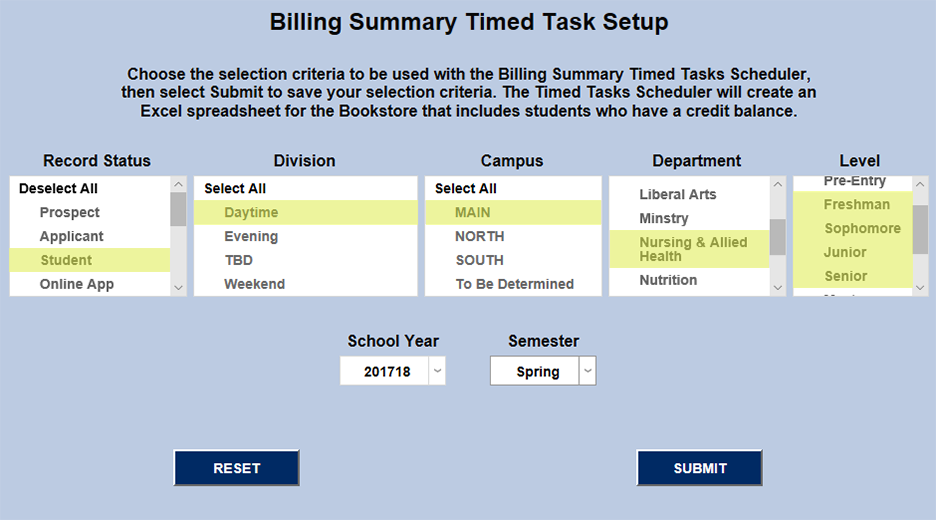
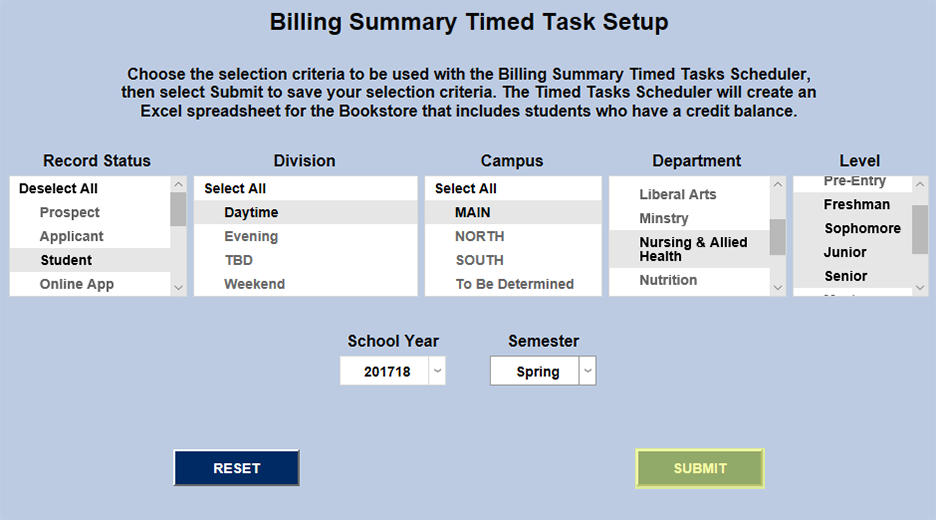
To create the customized summary, navigate to Billing Summary Timed Task Setup in the Systems hub. Choose the proper options from the dropdown menus to narrow the report down as needed, select the appropriate School Year and Semester and click Submit. Checkbox options have also been removed to minimize the likelihood of creating of an export file that includes no data.
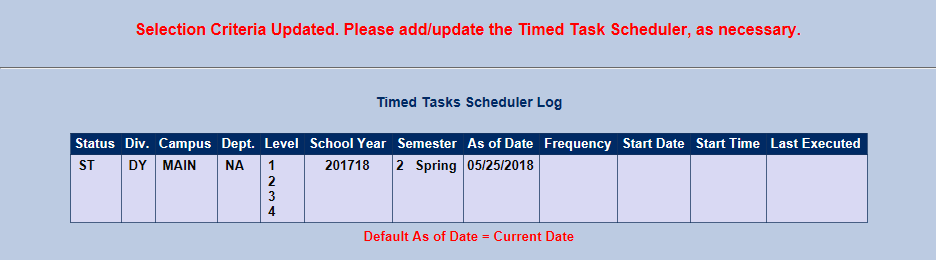
SONIS will now display a read out of the information that's being sent to the Timed Task Scheduler.
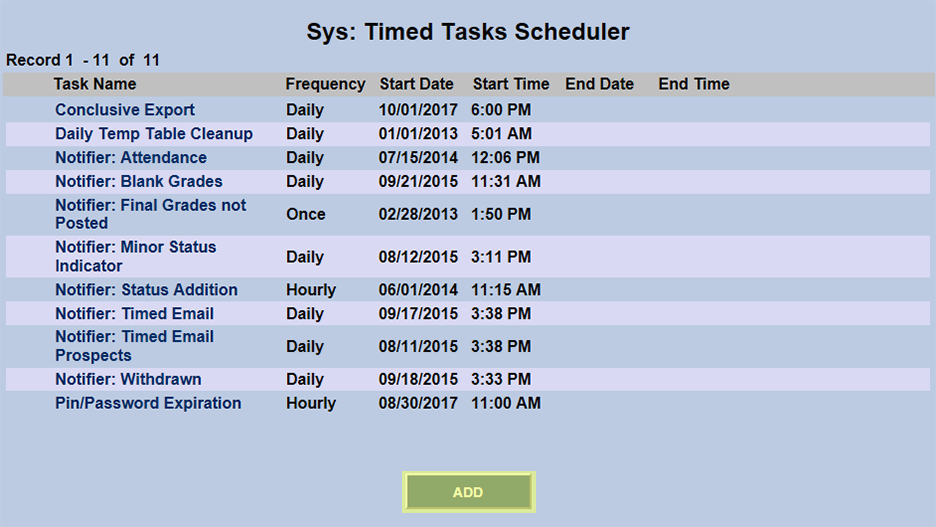
To continue the setup, visit the Sys: Timed Tasks Scheduler, also in the Systems hub. Click Add to create a Billing Summary Timed Task.
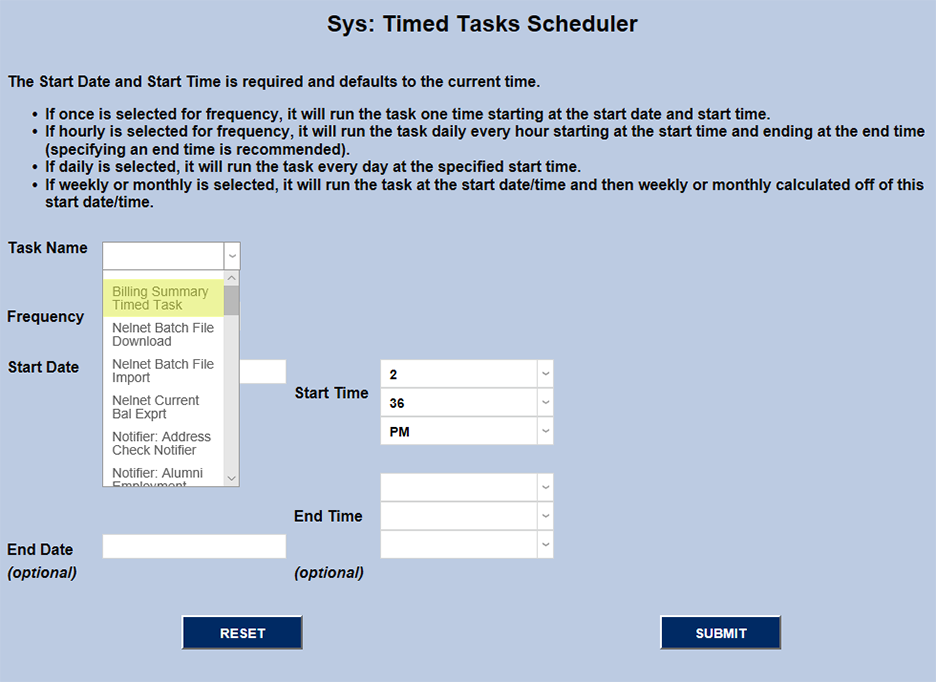
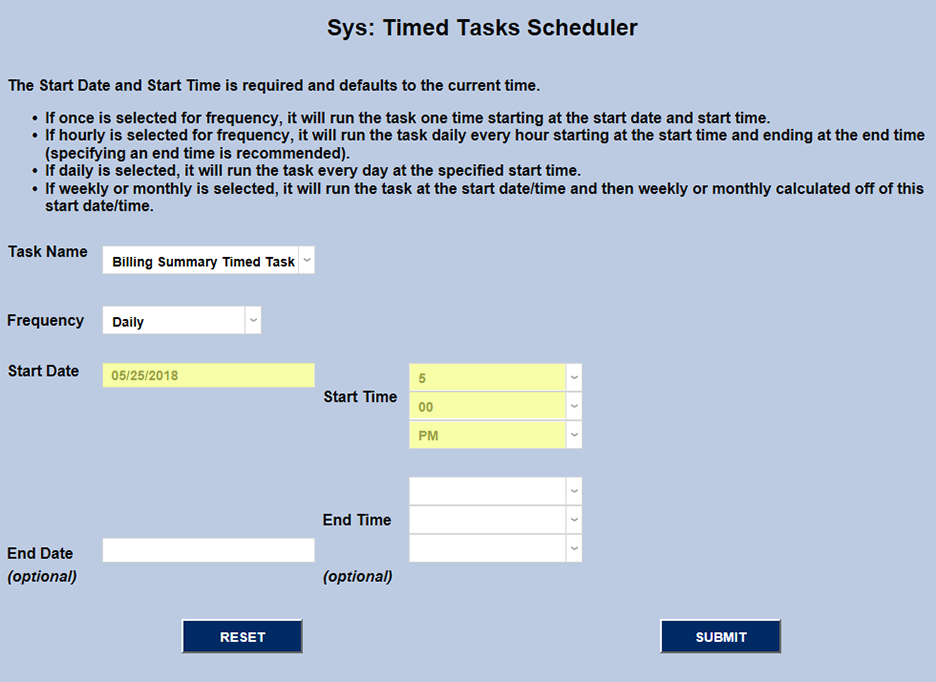
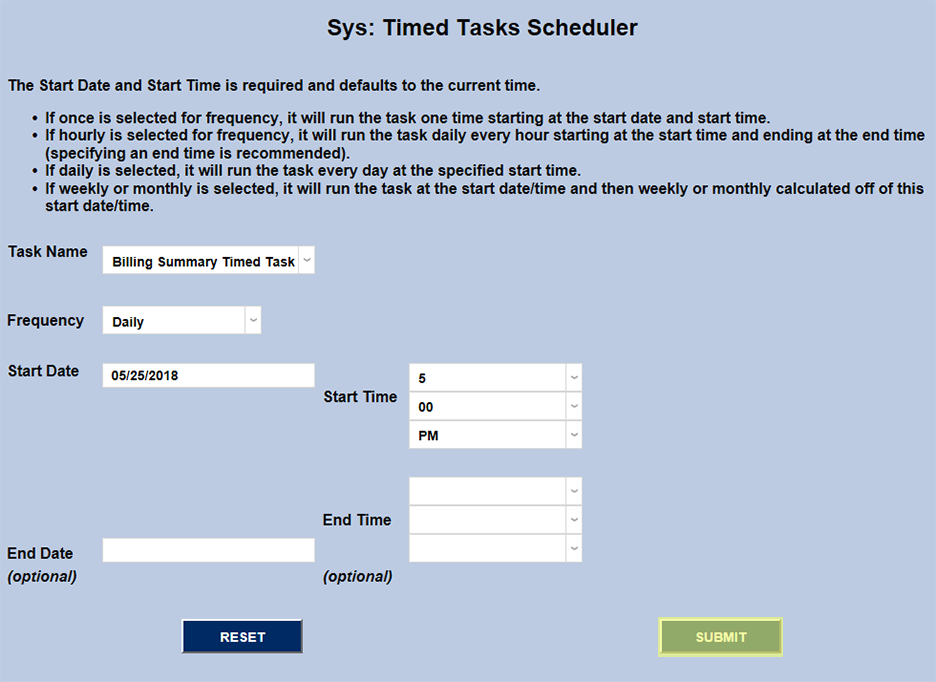
On the next page, select Billing Summary Timed Task from the Task Name dropdown. Then, the administrator should choose the "Start Date" and Start Time that best fits their needs. Click Submit to save changes and finish the setup.