Career Services
Overview
The Jenzabar SONIS Career Services utility, available in the Users hub, allows schools to track interactions between individual students and the school's career placement team. The utility can be used in two ways: to assign career placement advisors to students much in the same way that academic advisors are assigned or two track individual meetings with the career services team.
Setup
Designating Career Advisors
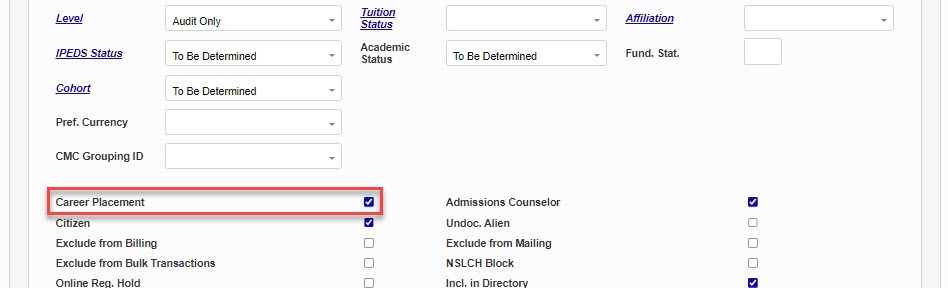
In order to assign a career advisor to a student or record a meeting with an advisor, SONIS administrators must first be designated as Career Placement advisors. Any SONIS user with a status of Staff can have the Career Placement checkbox marked on their Biographic page. Simply check this box and Submit the page to designate the staff member as a member of the career services team.
Note
Users must be associated with a security profile to appear in the Career Advisor drop menu and to access career placement pages within SONIS.
Creating Meeting Types
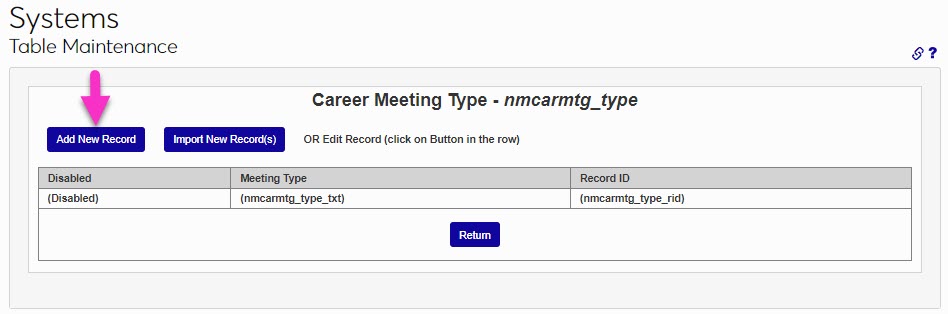
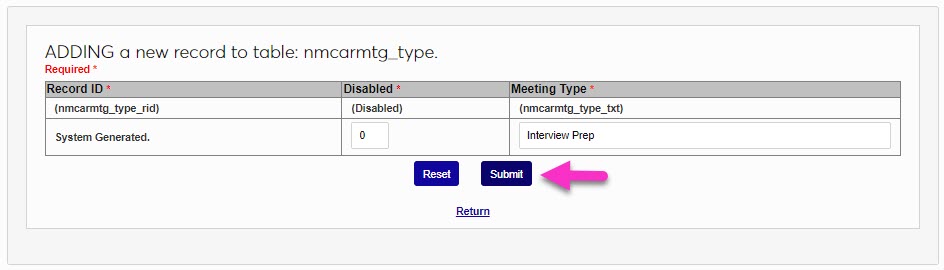
The Career Services utility also allows institutions to record the type of meeting that occurred. Before a career meeting type can be assigned to the meeting, career meeting types must be created. To create career meeting types, navigate to the Table Maintenance utility in the Systems hub and select Career Meeting Types. Click the Add New Record button to create a new career meeting type.
On the following page, create a name for the Meeting Type. This field has a 20 character limit and must contain a unique value.
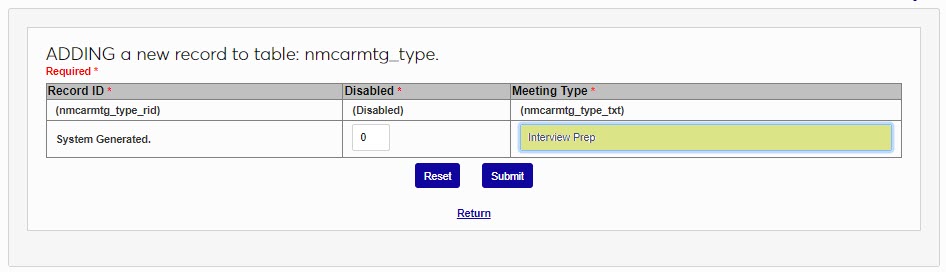
Leave a 0 in the Disabled box to keep the meeting type enabled. The shortened ID will be automatically generated by the system. Click Submit to create the meeting type.
Creating Student Records
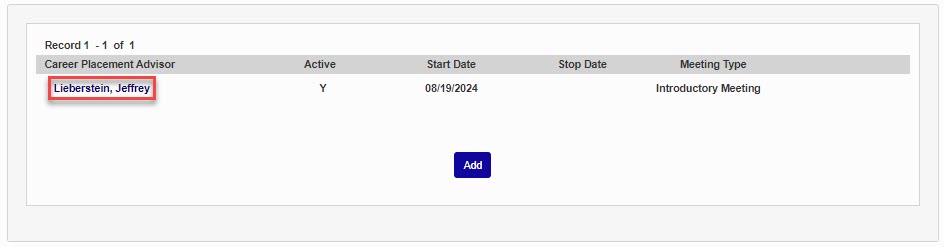
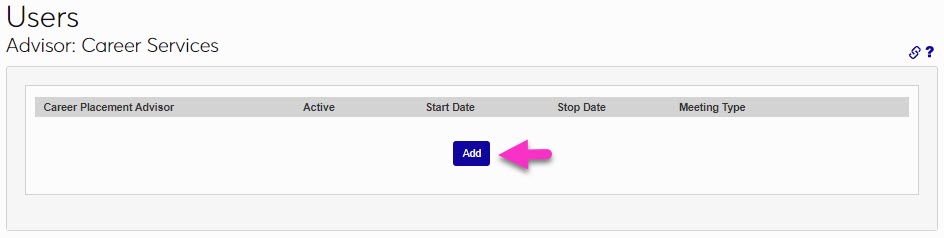
To assign an advisor to a student or record a meeting, select a student and navigate to their Career Services page. Click the Add button to begin.
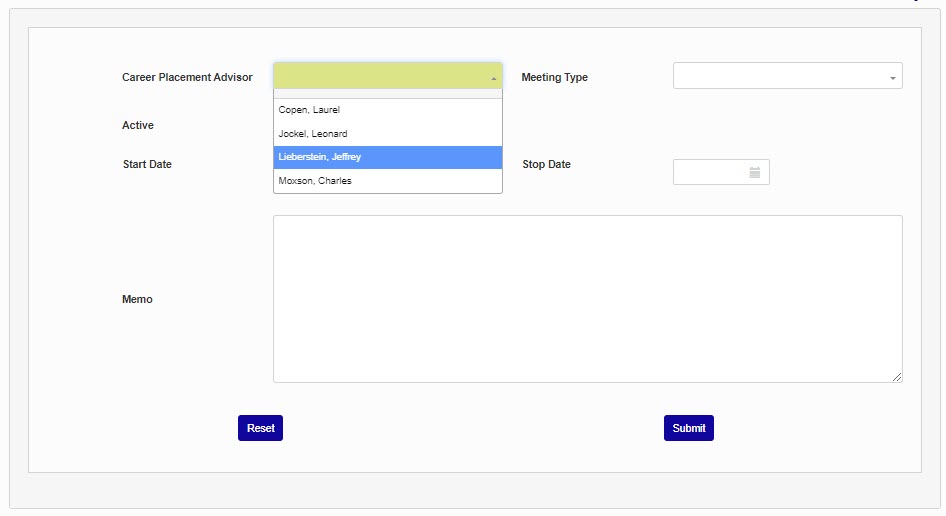
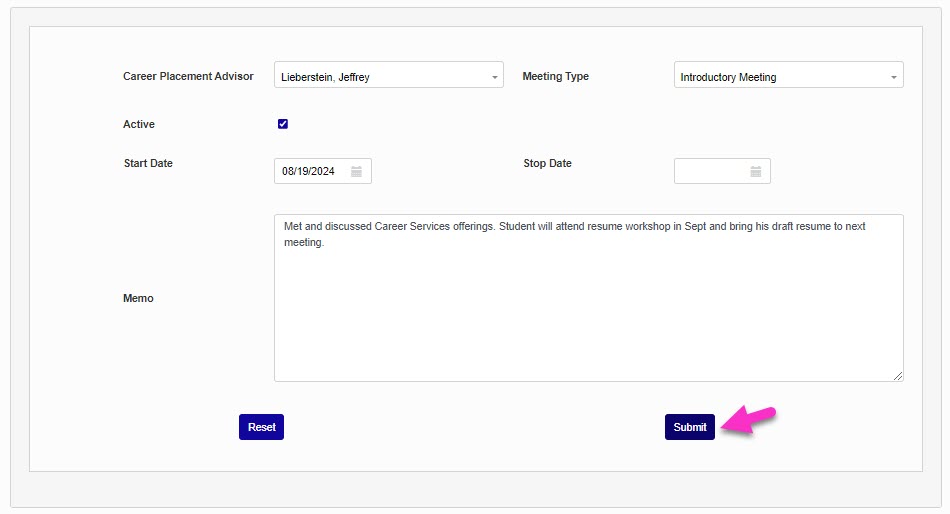
On the following page, select a Career Placement Advisor.
If the Career Services utility is being used to record individual meetings with a student, select a Meeting Type from the dropdown menu. If the utility is being used simply to assign career placement advisors, this option can be ignored.
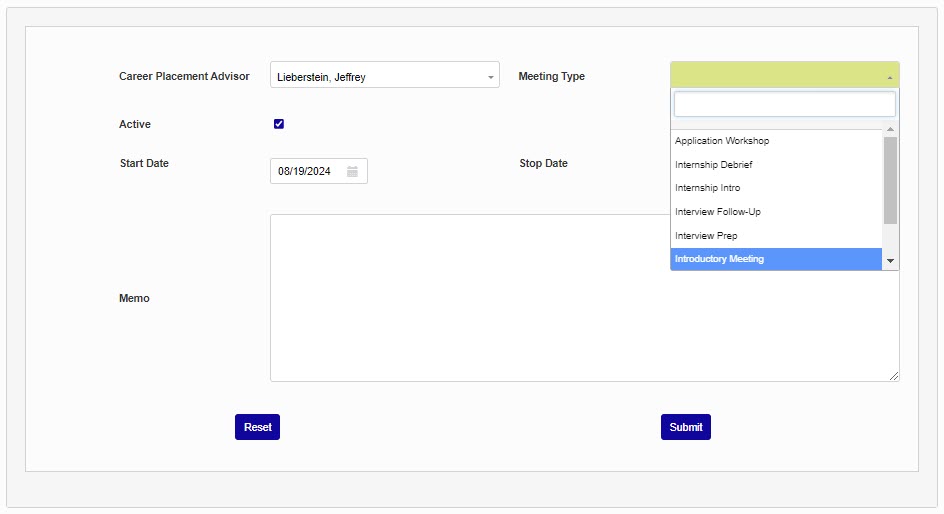
Leave the Active checkbox checked if this user is the current career advisor for the student. If the career services utility is being used to record meetings, the active checkbox can be ignored or can be relabeled using the Columns utility.
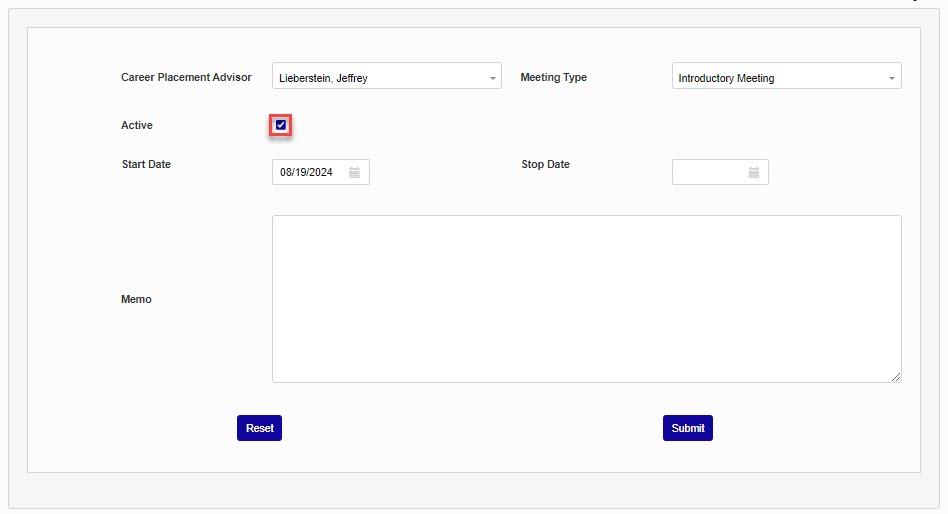
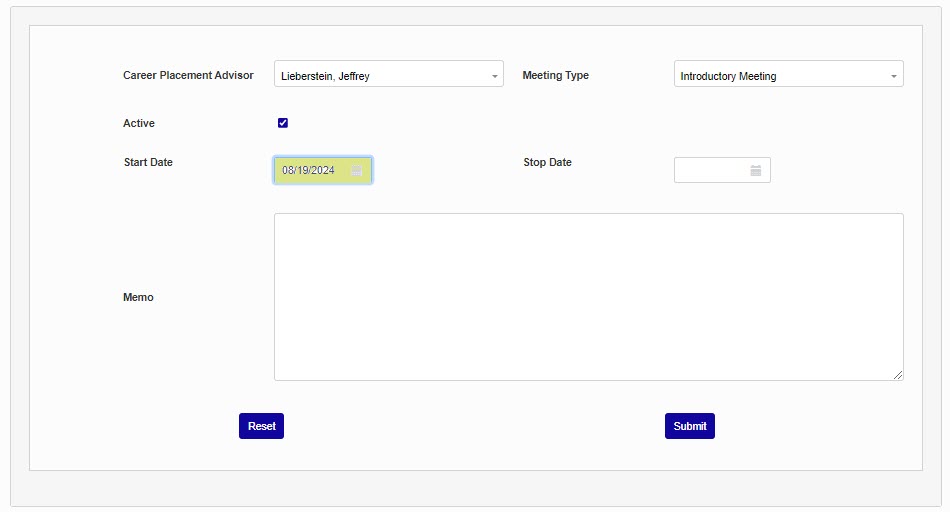
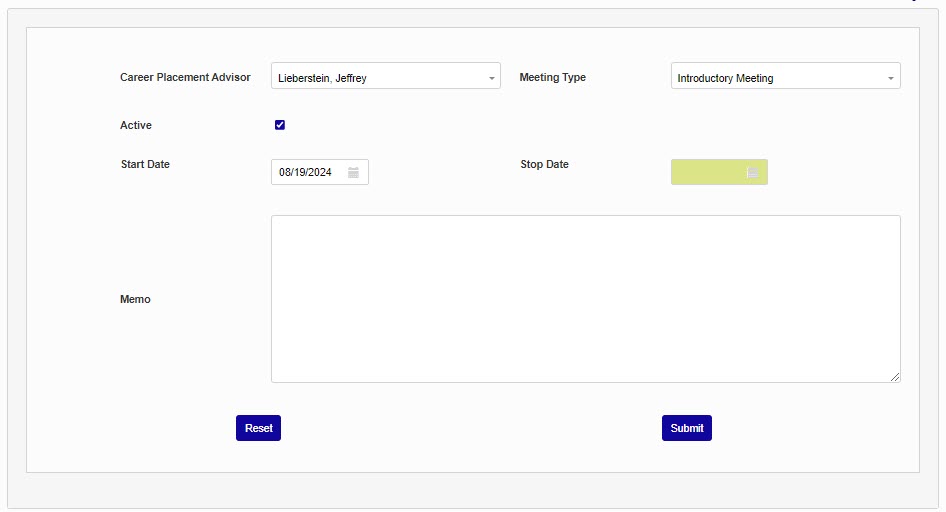
The Start Date is automatically set to the current day. This value can be changed if the assignment of the advisor or the meeting being recorded took place on another day. The Stopped date only applies when an advisor is being removed from being associated with the user.
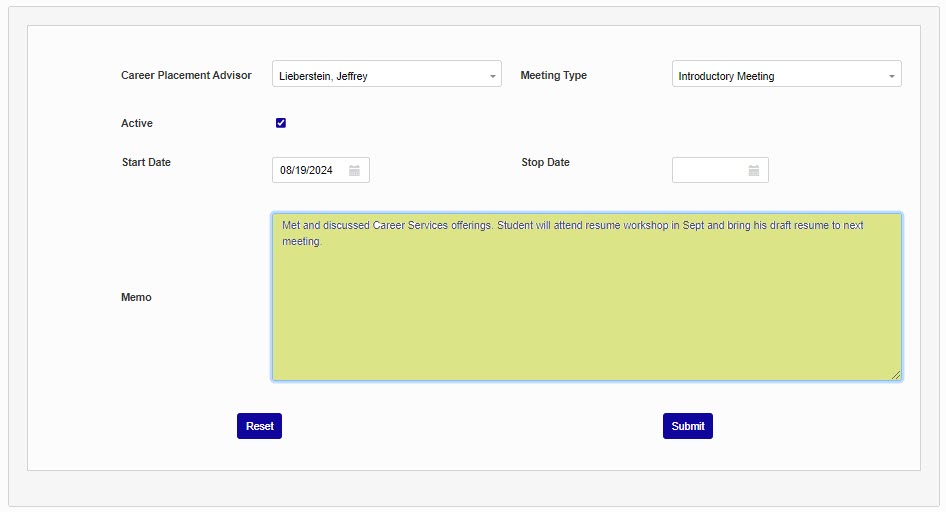
Add a note to this record if needed using the Memo field.
Click the Submit button to save the record.
Additional meetings or career advisors can be added from the primary Career Services page using the same method. An existing meeting assignment or can be edited by clicking on the name of the advisor.