Students
Overview
A student is an individual who has been assigned the module status of Student and has an assigned ID number. They may also have a PIN allowing them to log into the SONIS Student Portal as a student. A student may or may not be enrolled in courses.
The student functions below include various processes such as updating biographic information, registering for courses, and running a degree audit. These are not the only features and functions available. See the Portal Menu Utility, available on the Systems menu, for more information on available features and functions.
General Student Portal Display
All SONIS user portals have the same menus. The member institution's administration determines which functions will be available within the portal and on each of the menus. Menu location and colors or theme of the portal are also configurable. Therefore, each institution's portal menus may vary in display and content and may differ from the portals of other member institutions.
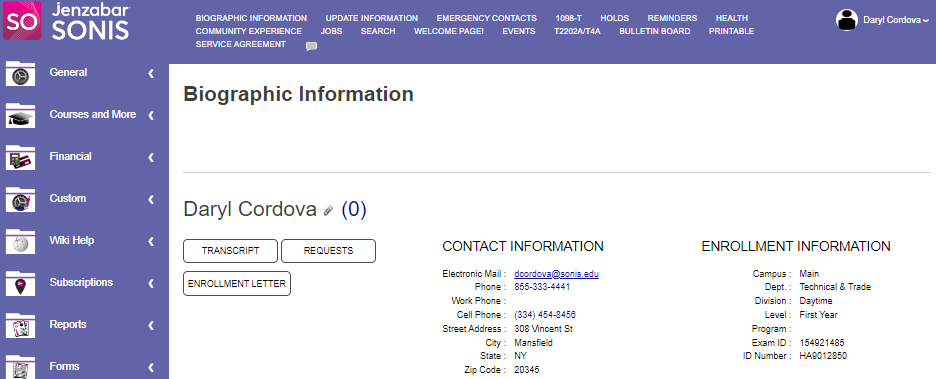
The side menu collapses when not hovered on but a user can click the Lock button to keep it from collapsing. The top menu displays fully at all times.
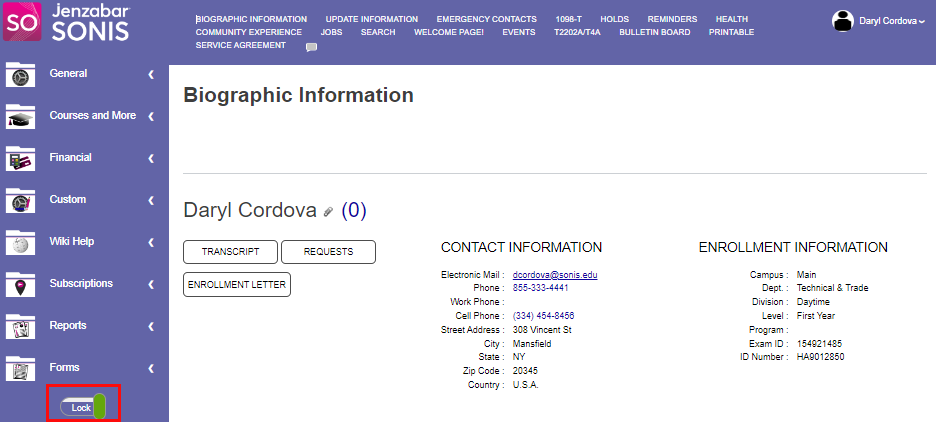
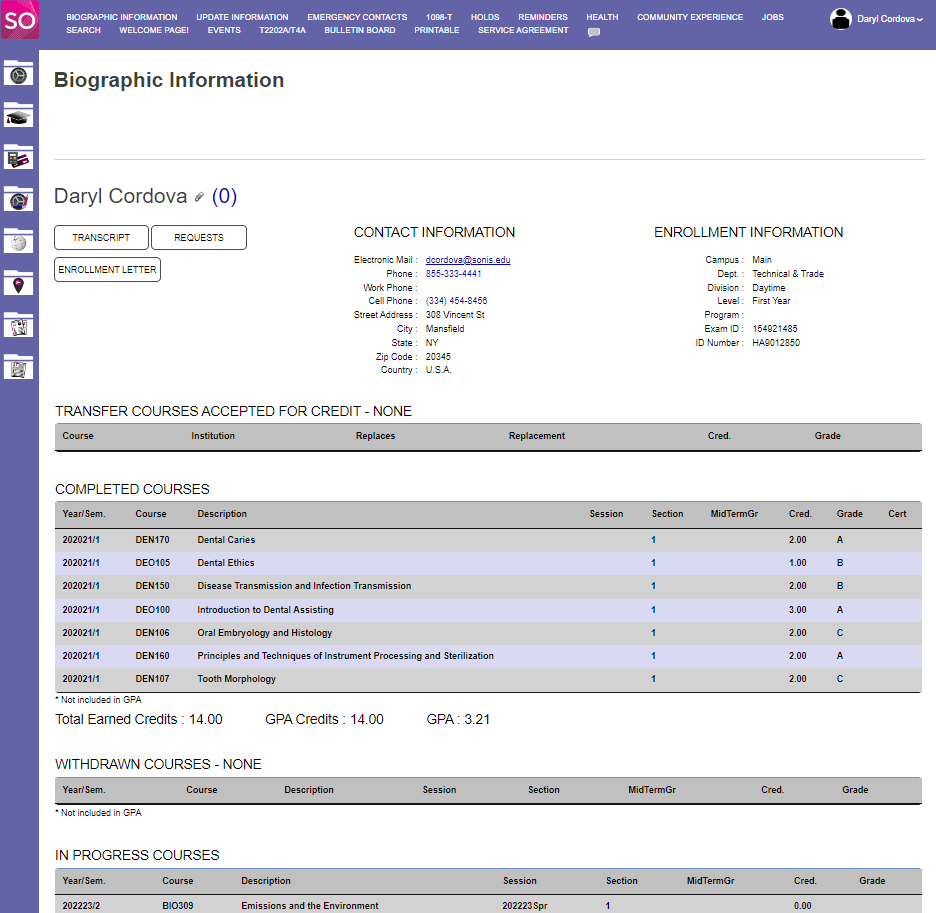
When the user logs into the portal, the Biographic Information page displays automatically, by default. Institutional settings may differ.
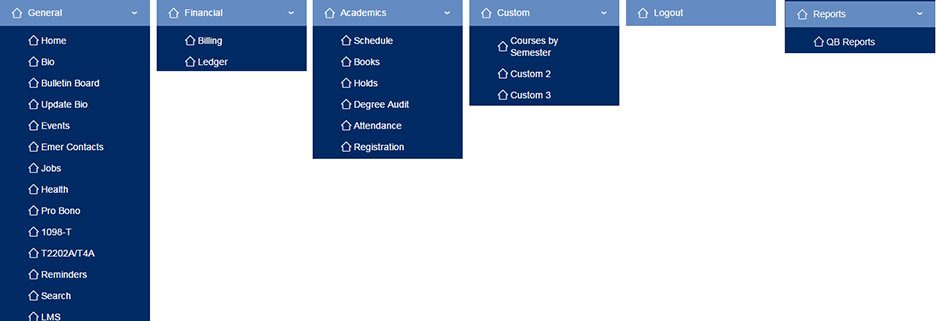
Menus - Student Function Options
The image below shows all the features potentially available to users. Each school will decide what will be available and in which menus the links to a feature will appear.