Bulletin Board
Overview
The Bulletin Board utility, set up and enabled in Systems, Table Maintenance by an administrator, is used much like a traditional bulletin board. Users may post notices of interest to those accessing the student and faculty portals. The bulletin board posts remain active for a designated amount of time. This information can include contact information for reaching the person who posted the notice.
Portal Usage
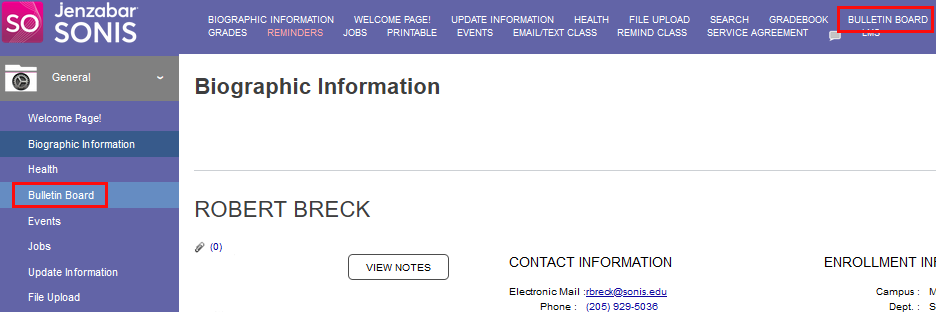
When enabled in Table Maintenance, bulletin boards will display in the portal menu(s). Click on the name to access the bulletin board. Each enabled bulletin board and any active posts, as well as a User Preferences button, displays. Further details of the posts are accessed by clicking on the post name.
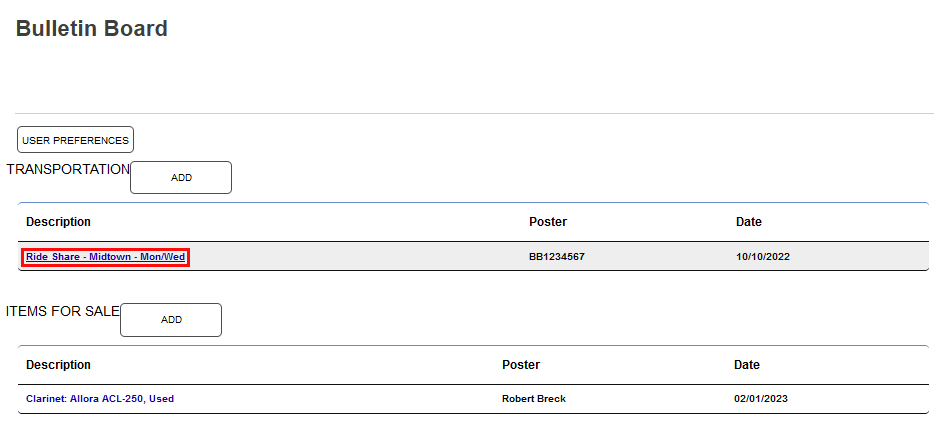
When the details of the post display, a Contact method will be available. The contact method that displays is determined by the originator of the post at the time the post is created. If the contact method selected was email, the user will be provided a text box.
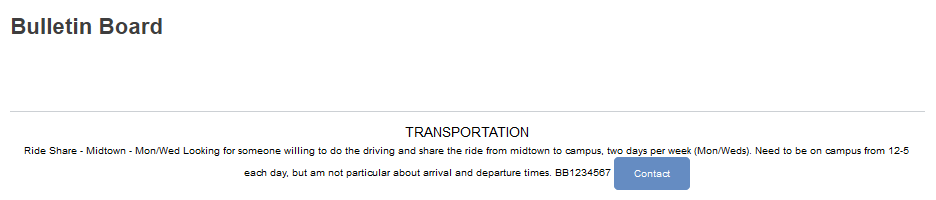
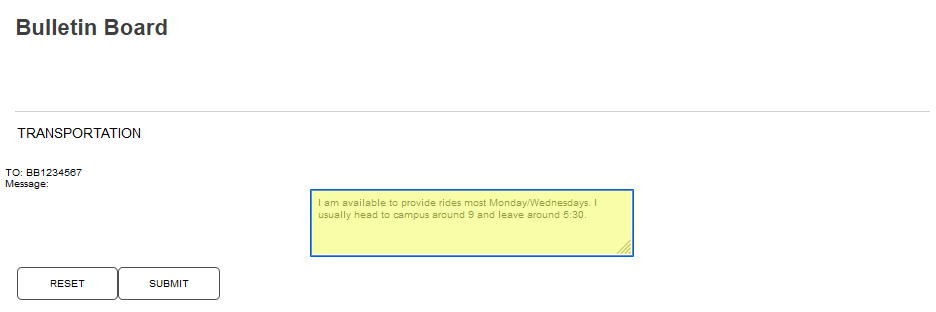
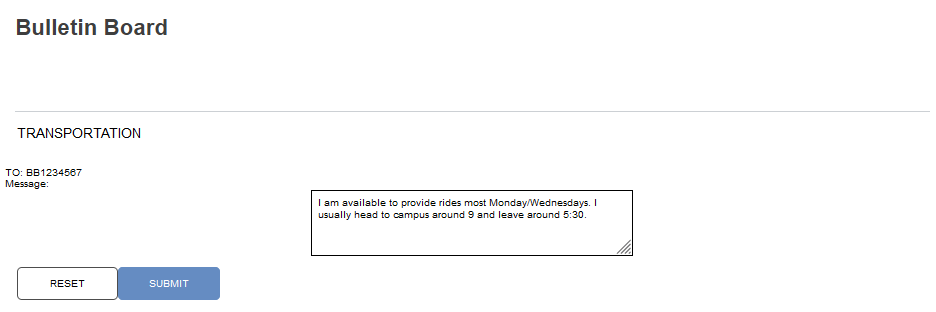
The user should enter the response in the text box and click Submit.
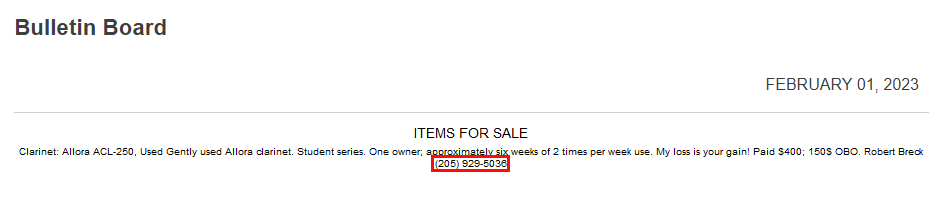
When the poster chooses to be contacted by telephone, their phone number will display instead of the contact button.