Hub Areas
Overview
In Jenzabar SONIS versions prior to SONIS 2023, a navigation toolbar was displayed at the top of the Administrative portal and a search displayed at the top of the area menus on the left-hand side. In SONIS 2023, the top toolbar and left search have been consolidated into Hub Areas.
In Jenzabar SONIS 2024, a toggle was added allowing the user to switch between the navigation and search toolbar displaying on the left as a consolidated menu, or displaying on the top left with an individual search in each hub menu.
Using Hubs
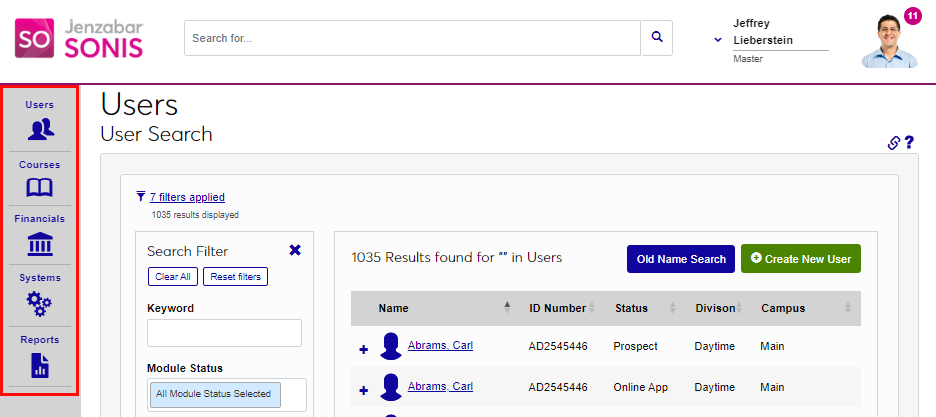
Upon logging in, the Hub Areas display automatically on the left-hand side of the page. The five Hub Areas are Users, Courses, Financials, Systems, and Reports. Clicking in a hub opens the menu associated with the hub. The pages that are displayed within a menu correspond with the User's Profile.
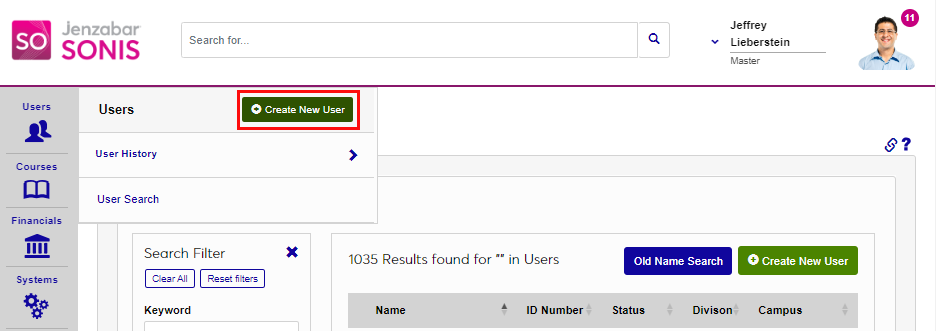
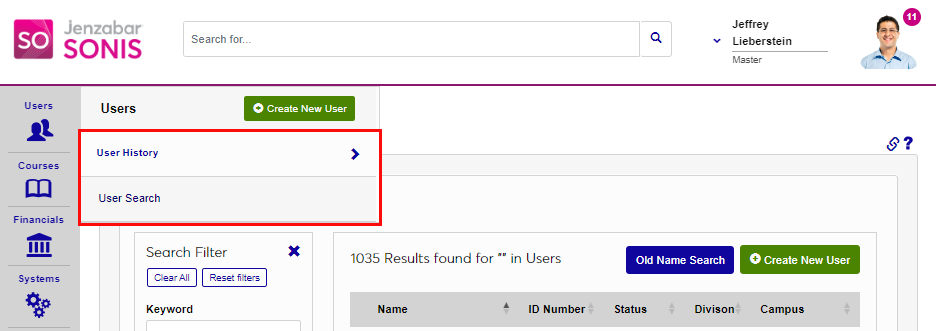
The Users and Courses hubs have additional functionality. In the Users hub, the option to use the Create New User wizard displays first. Below this are links to the most recently accessed User records via User History and the User Search.
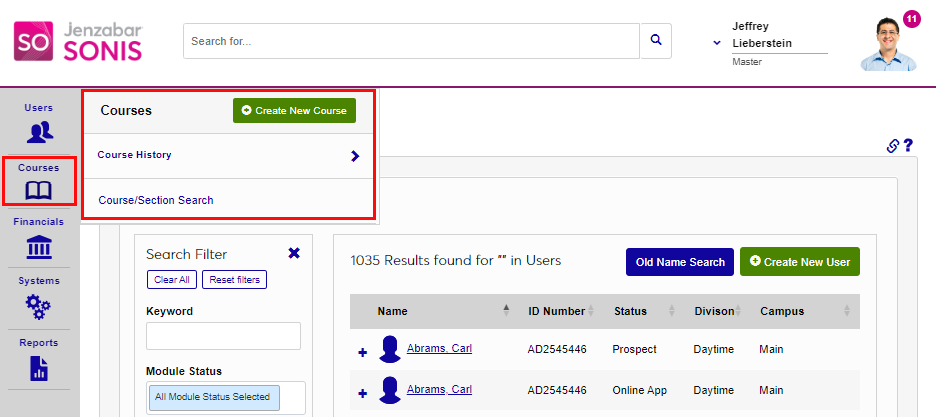
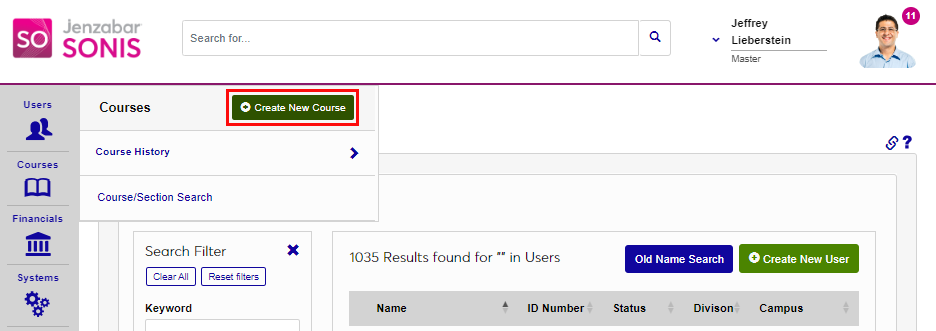
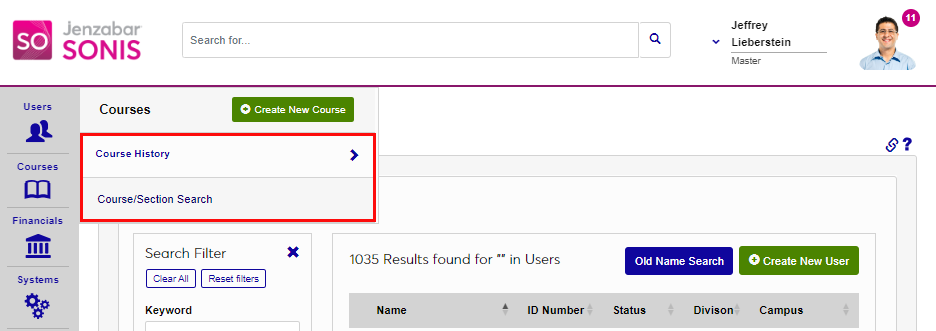
In the Courses hub, the option to use the Create New Course wizard displays first. Below this are links to the most recently accessed courses in the Course History link, as well as a link to the Course/Section Search.
Hub Display Toggle
A toggle button displays at the bottom of the left navigation menu, allowing users to switch between two menu display options.