Cultivation Activities
Overview
The Cultivation Activities page, available in the Users hub, provides the ability to track activities that are undertaken to encourage a strengthened giving relationship between the constituent and the institution. These are activities that will hopefully result in pledges, volunteering, and attendance at events. Examples can include: alumni mailings, offering sponsorship opportunities, and providing alumni gifts among other activities. The DE Cultivation Activities Report details the information stored in these records.
A list of development pages is available here.
Setup
Cultivation Activities must be set up in the Cultivation Activities table before they can be recorded on the constituent's cultivation activities page.
Use
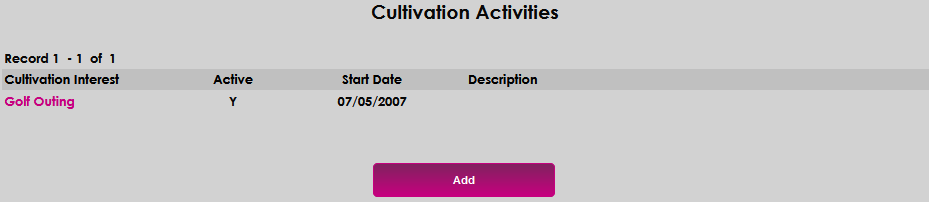
Upon navigating to a constituent's record and selecting Cultivation Activities from the menu, the page opens and displays any previously recorded cultivation activities that are associated with the constituent. To add a cultivation activity, click the Add button.
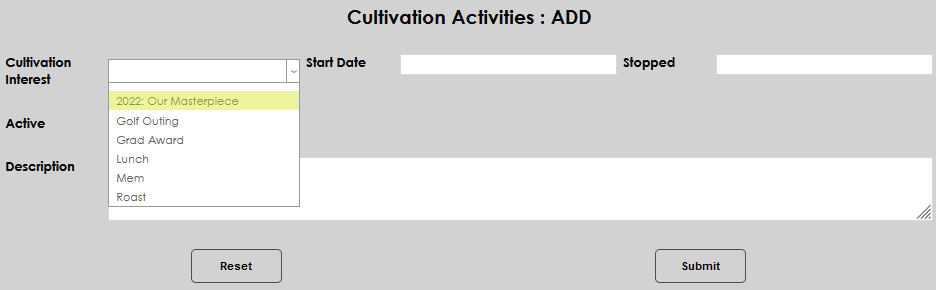
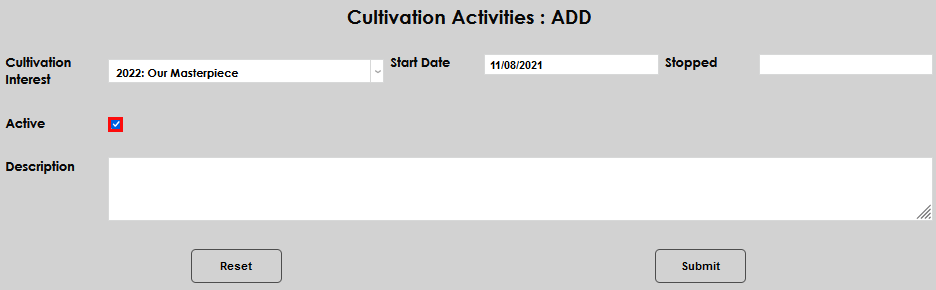
Select the desired activity from the Cultivation Interest menu.
Enter a Start Date. If the constituent has ceased to participate in the activity, enter a Stopped date.
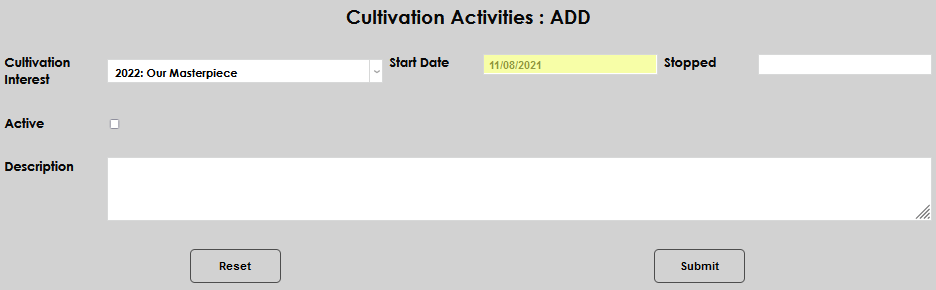
To make the record active, click the Active checkbox. Enter any associated details in the Description field.
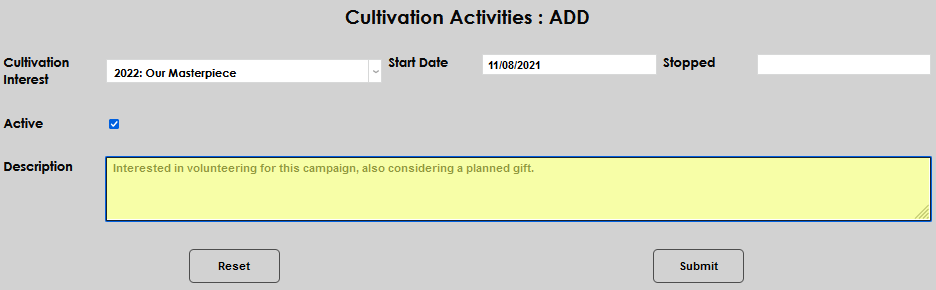
Click Submit to save the entered information.
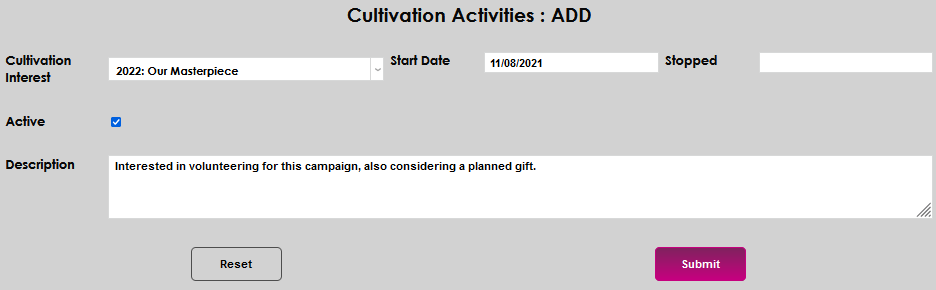
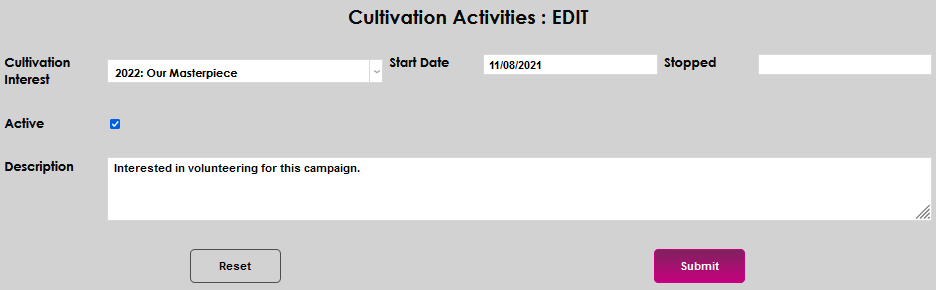
To edit an existing record, simply click the Cultivation Interest name, make the desired edits, and submit them.