Jenzabar SONIS Version 3.4 Midterm Grades Report Update
Overview
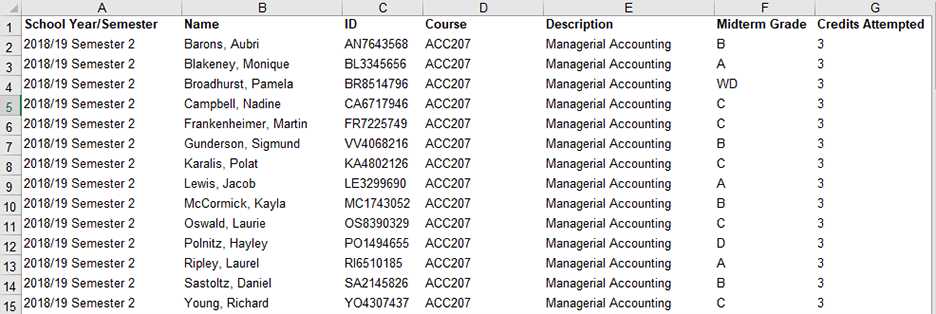
The Midterm Grades Report was previously only available in PDF format. Beginning with version 3.4, users can view and save this report as a Microsoft Excel spreadsheet file, which allows for greater data manipulation.
To access the report, navigate to Midterm Report under the Reports menu. Select the Excel option at the bottom of the page.
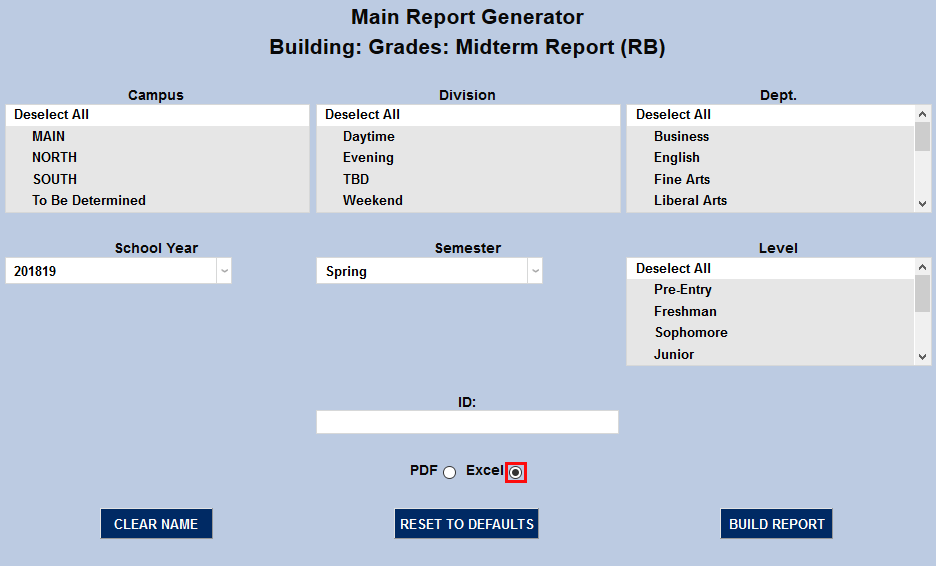
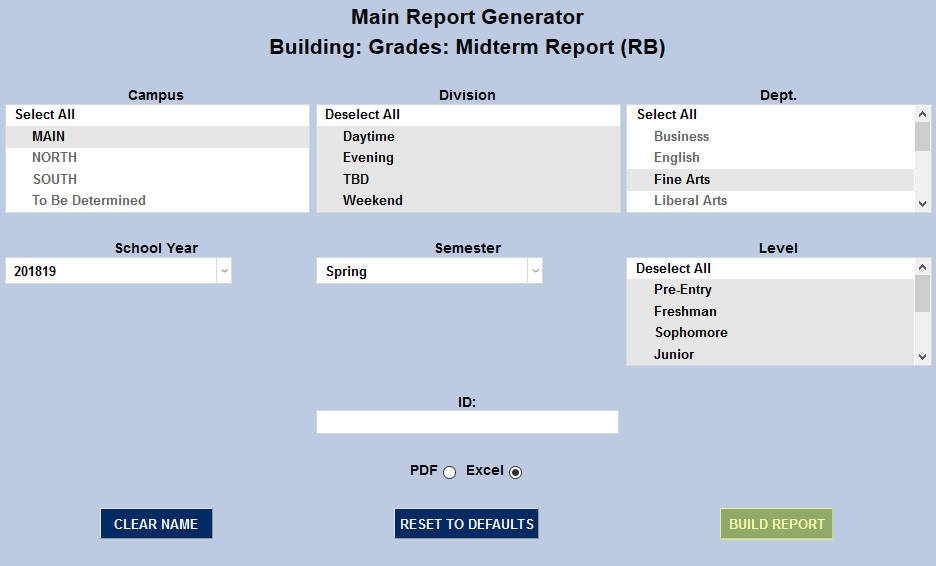
Select the appropriate school year and semester and the appropriate demographic categories from the Campus, Division, Department, and Level menus. Click Build Report to continue.
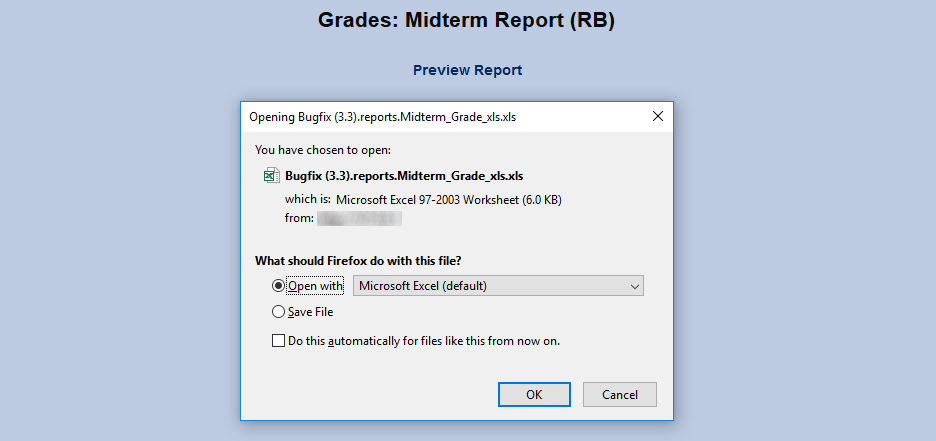
On the following page, click Preview Report. A pop-up will appear, allowing users to open or save the file.