Parking Search
Overview
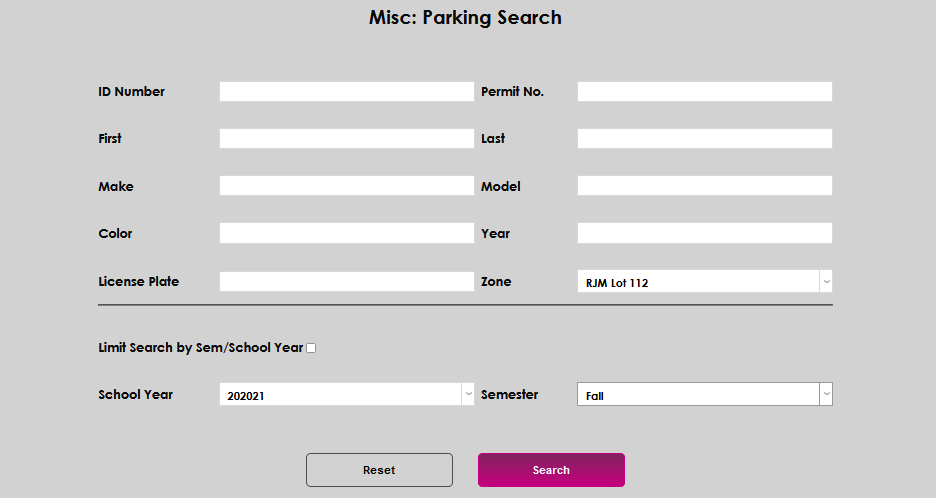
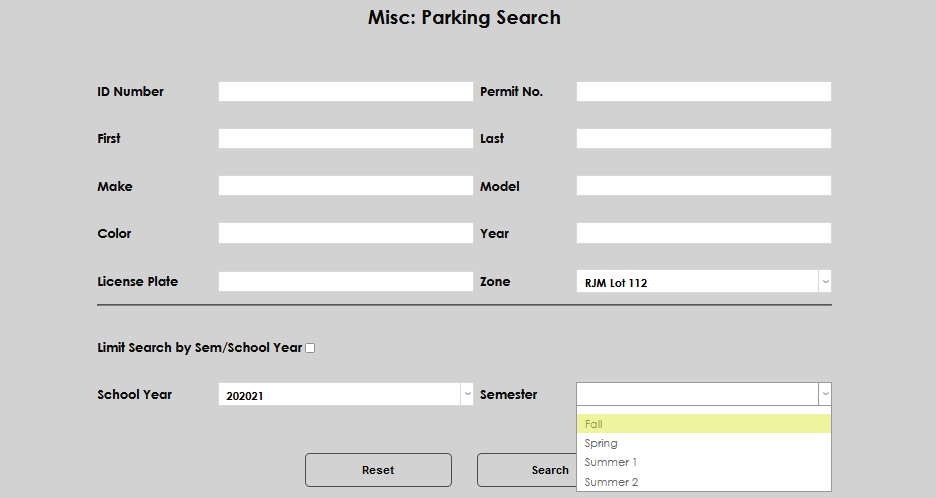
The Systems hub page, Parking Search, provides Jenzabar SONIS member institutions who use the parking and parking incidents functions a convenient way to search for parking-related data. Administrators can search based on ID Number, Permit Number, First and/or Last Name, Make, Model, Color, Year, License Plate, Zone, School Year, and Semester.
How to Search
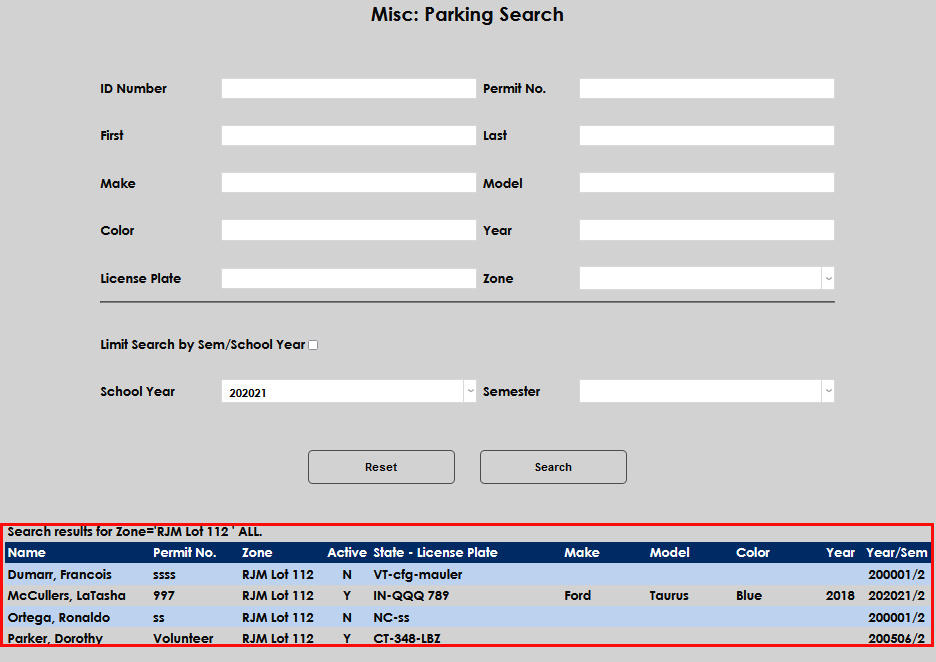
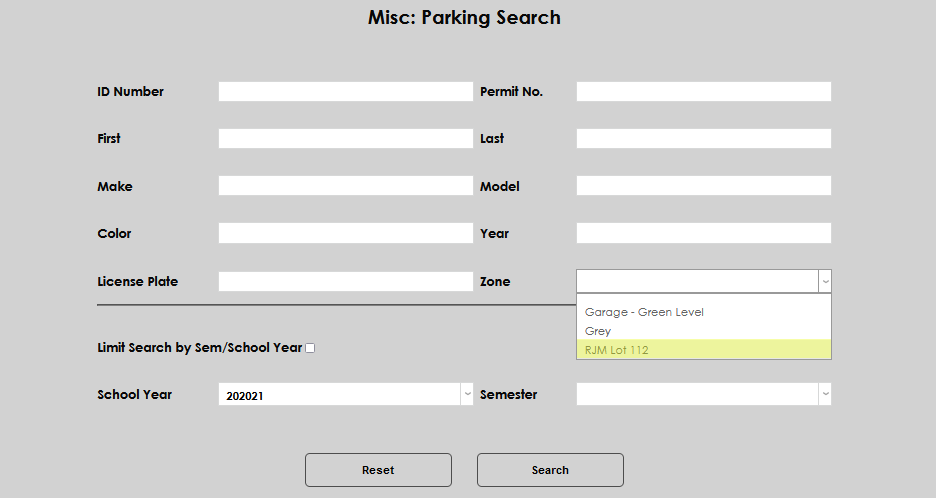
To execute a parking search, enter the Parking Search page in the Systems hub and input the desired search parameters. In this example, a search is being performed for all permits for the RJM Lot 112 Zone.
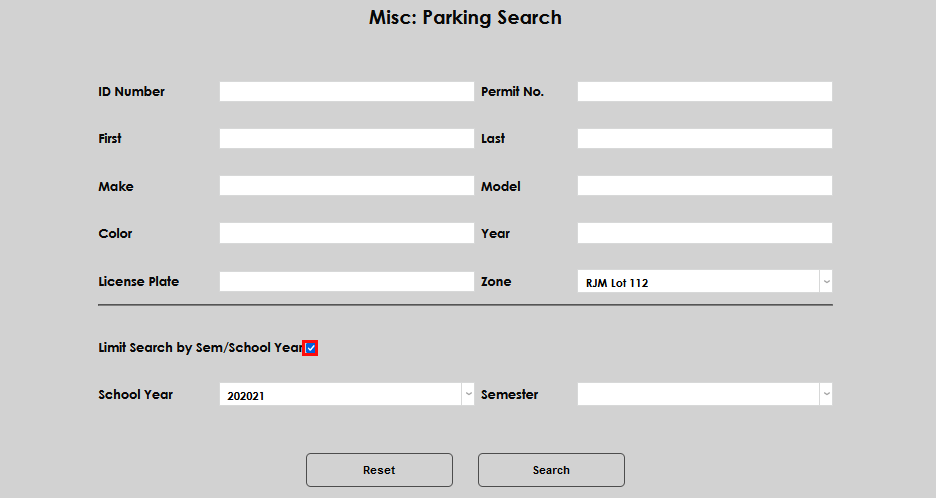
To limit the search to a particular semester and/or school year, click the Limit Search by Sem/School Year box and select the needed School Year and Semester. If the information from any time period are desired, leave the box unchecked.
Click Search to execute the search and produce the results.