Employment Readiness
Overview
The Employment Readiness Users hub page allows Jenzabar SONIS member institutions to record the completion of defined employment readiness items. The items are created and managed from the Employment Readiness table in Table Maintenance and display on a student's Employment Readiness page. These items can then be marked as completed on a given date with an accompanying comment.
Recording Readiness
Upon entering the Employment Readiness Users hub page, all items and/or activities setup in the Employment Readiness Table display. If an expected readiness item is not displayed, an administrator will need to review the table.
Each item will have a status of Y = Yes or N = No to indicate if it has been Completed or not, and the Date Completed field will be filled if the status is Y.

Select the desired item by clicking the name or Employment Readiness Item.

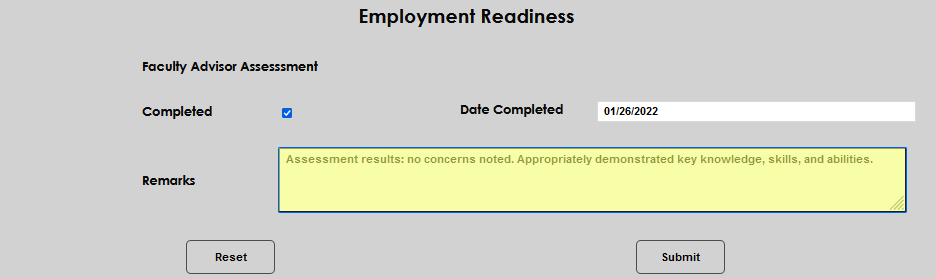
The entry fields are the same for each item type. Click the Completed box to indicate the readiness item was done. The Date Cpmpleted field will autopopulate with the date the box is checked. It can be changed simply by clicking in the field and editing the date to the appropriate one.
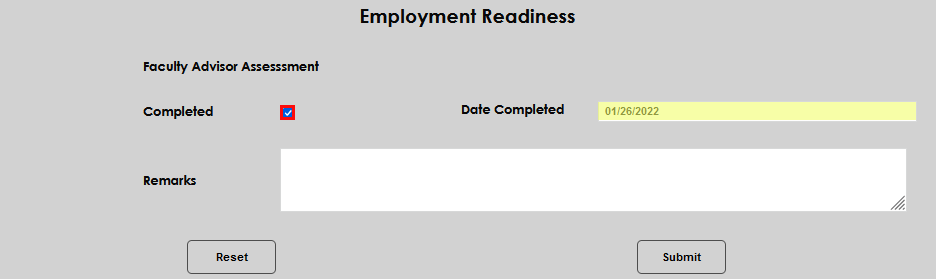
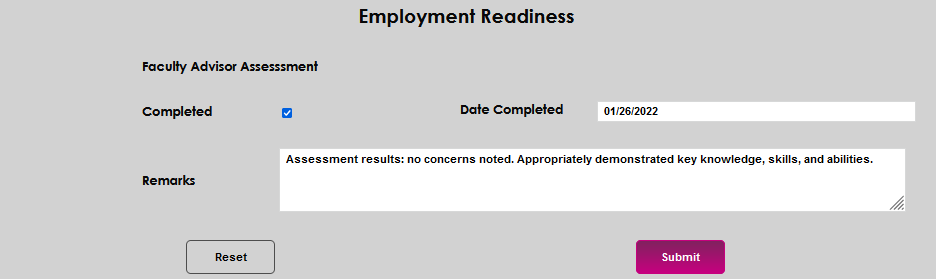
Enter any pertinent details in the Remarks field. There is no limit to the number of characters that can be entered in this field. Click Submit to save the entered details.