Pro Bono
Overview
The Pro Bono page, also known as Community Experience in some systems, allows the user to submit a record of their volunteer work. Some Jenzabar SONIS member institutions use the Pro Bono page with legal programs that require pro bono work from their students. Others use it to record volunteer or experiential learning activities. It is populated by a SONIS administrator or by a student submitting their pro bono activities via the Student or Continuing Education portal.
Administrators can manage student data from the Pro Bono page in the Users hub. An accompanying report, Pro Bono Work, can be used to review completion and hours.
Entering Experience
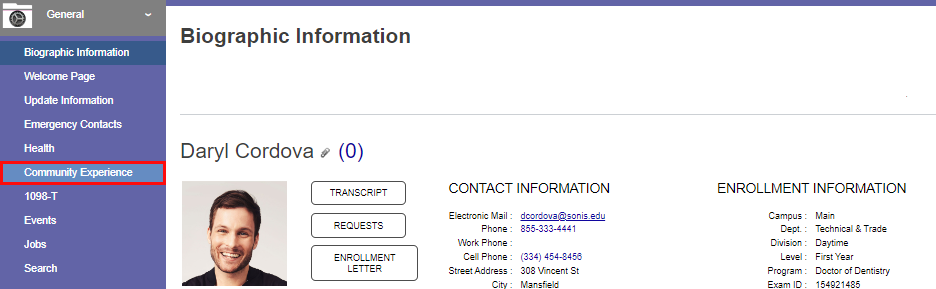
To enter volunteer or pro bono work, select the Community Experience page link from the General menu. When the page loads, any previously entered experience displays, as well as a total of hours that have been submitted.

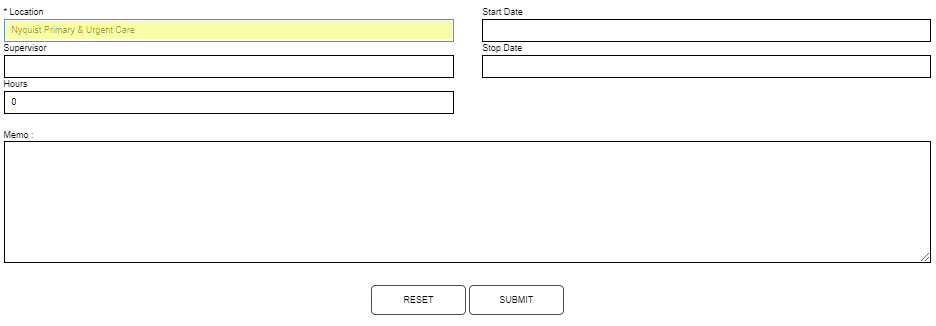
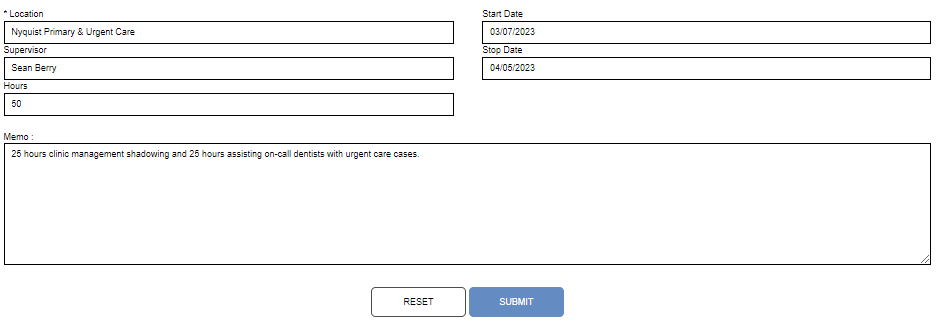
Click the Add button to begin adding a new experience record. Enter the name of the organization the work was performed for in the Location field. This field accepts up to 60 alphanumeric characters and symbols.

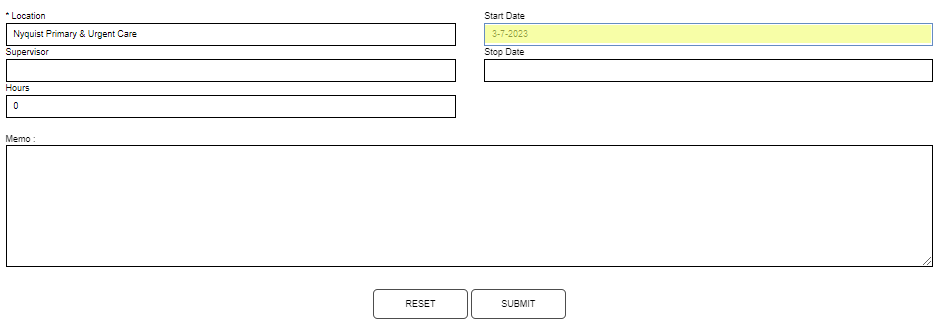
Enter the date the experience began in the Start Date field and the date the experience ended in the Stop Date field. These values can be the same.
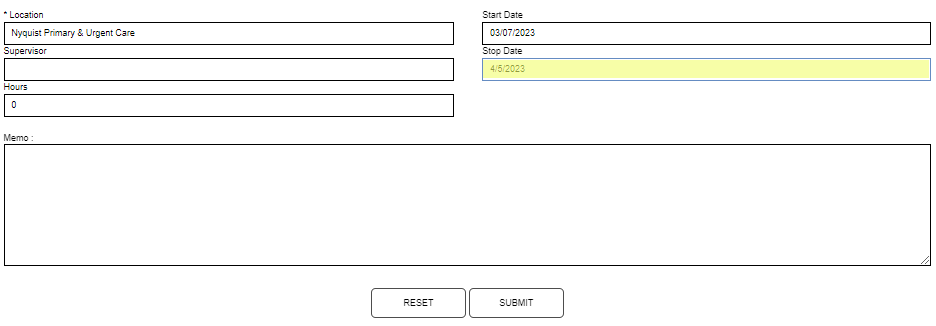
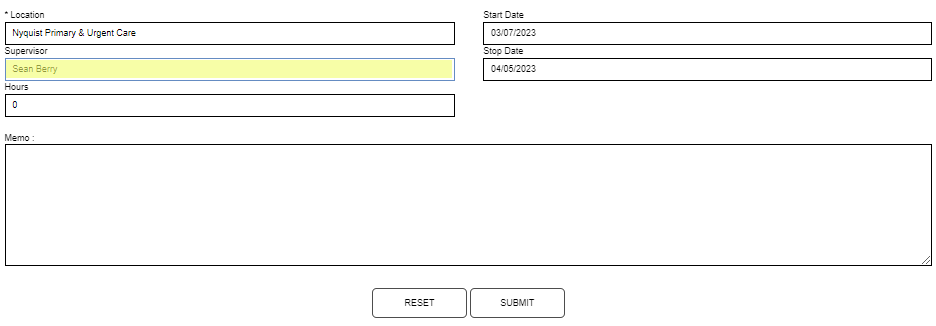
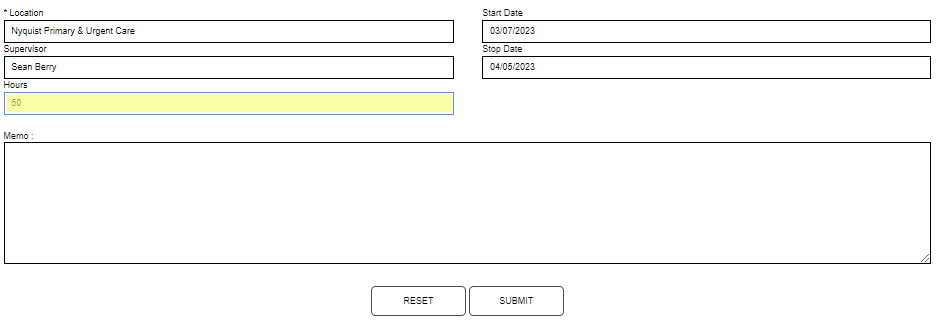
Enter the name of the person at the organization who supervised the work or who can verify the work in the Supervisor field. This field accepts up to 50 alphanumeric characters. Enter the total number of hours worked in the Hours field.
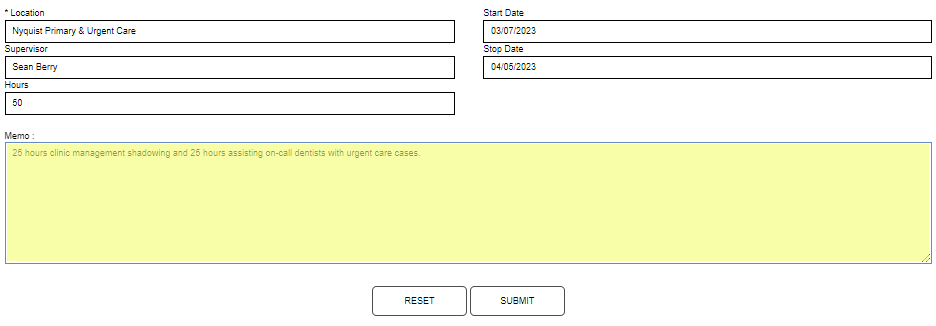
Enter any pertinent details in the Memo field. Click Submit to save the entered information.
Managing Experience
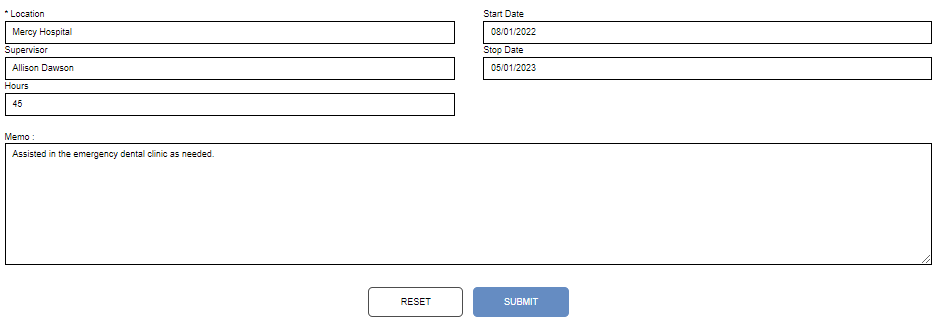
To modify and existing experience, enter the page and click the name of the Location. The page will display all the details submitted with the experience record. Any of the fields can be edited. In this example, the hours are being updated.
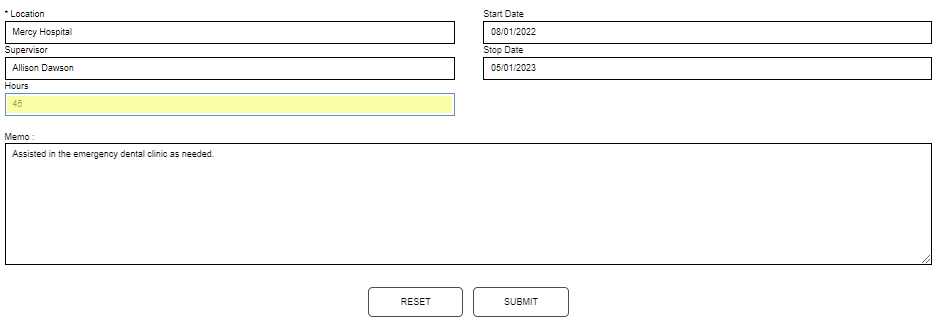
Click Submit to save the updated information.