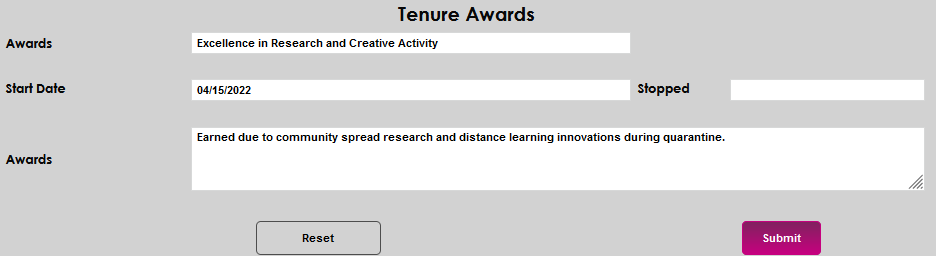
Tenure Awards
Overview
If the Jenzabar SONIS member institution offers faculty tenure or provides service awards, these can be tracked and maintained on the Users hub page Tenure Awards.
Click here for an overview of tenure pages.
Adding Award Records
Upon entering the Tenure Awards page, any existing records will display. Click Add to enter a new award.

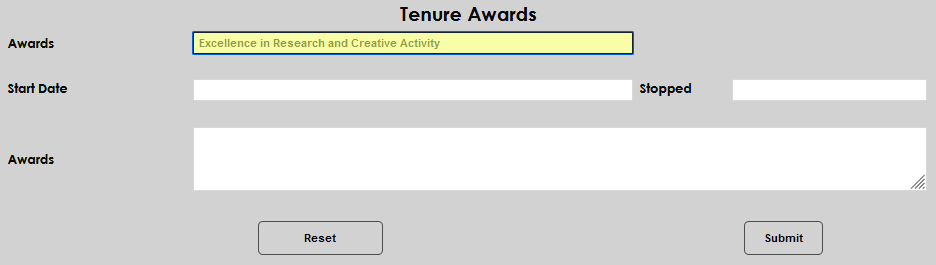
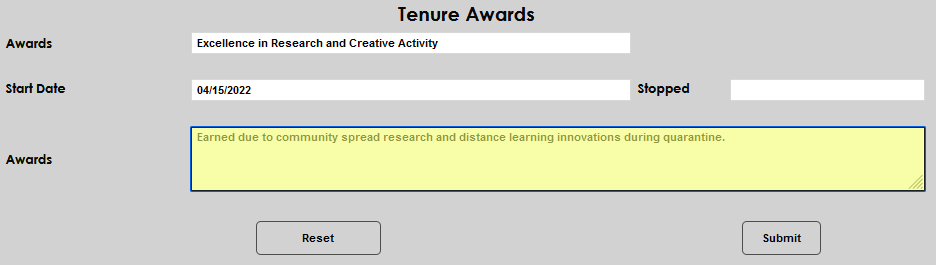
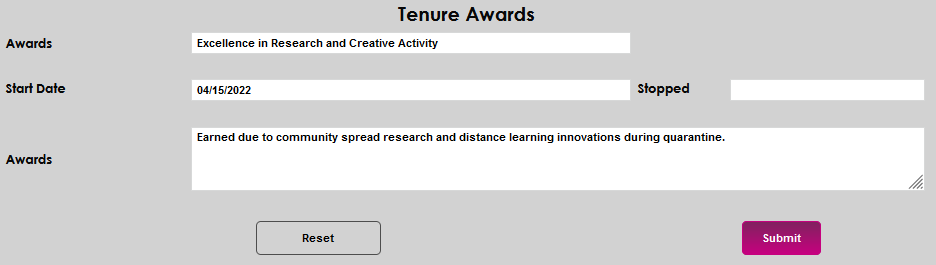
Enter the name of the award in the Awards field.
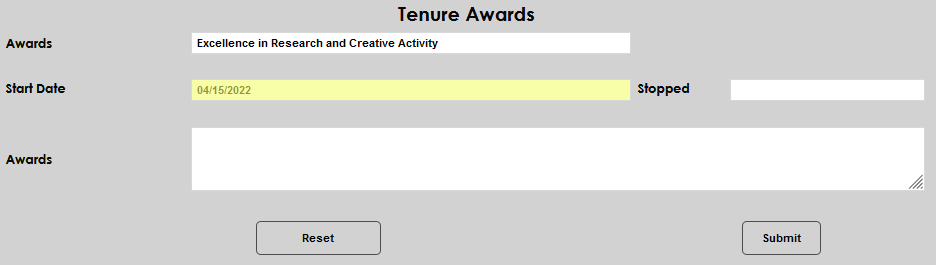
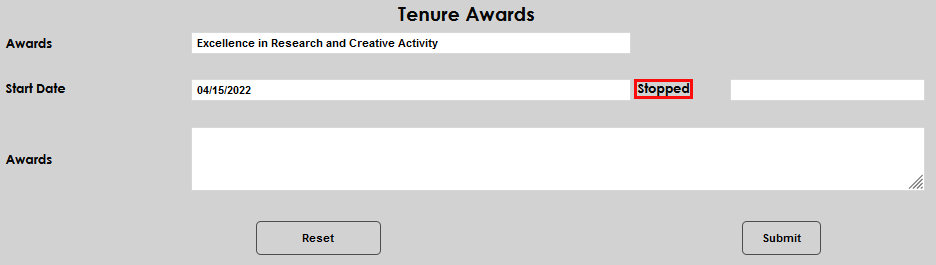
If the award has a timeframe associated with it, enter the Start Date and Stopped date, as appropriate to the specific circumstances.
Enter any additional details about the award, such as repeat receipt, conditions of the award, or why it was awarded, in the Awards memo field. Click Submit to save the entered information.
Editing Existing Awards
To edit an existing award, click either the name in the Awards column or the date in the Start Date column. Clicking either one will display the same details and allow the same editing options.


All of the displayed fields can be edited or updated. Click Submit to save any changes.