Holds by Semester
Overview
Jenzabar SONIS administrators can create unique registration holds that prevent all students from registering for classes until they have completed a certain requirement. These holds can apply to all students or to a specific subset. They can be removed from student's records individually as they meet the requirements or they can be turned off for everyone as needed.
Adding Holds by Semester
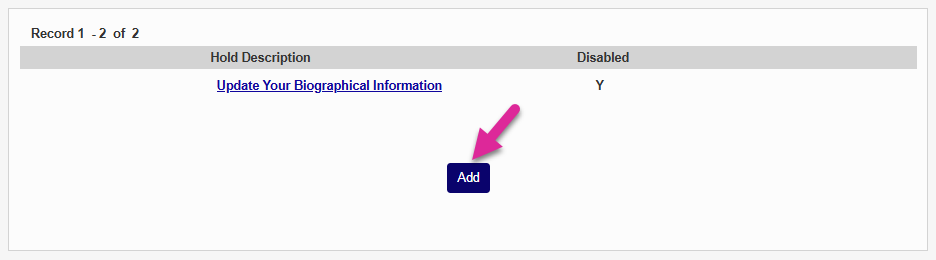
To create a new hold of this type, click the Add button.
Describe the hold in the Hold Description field. This field has a 50 character limit.
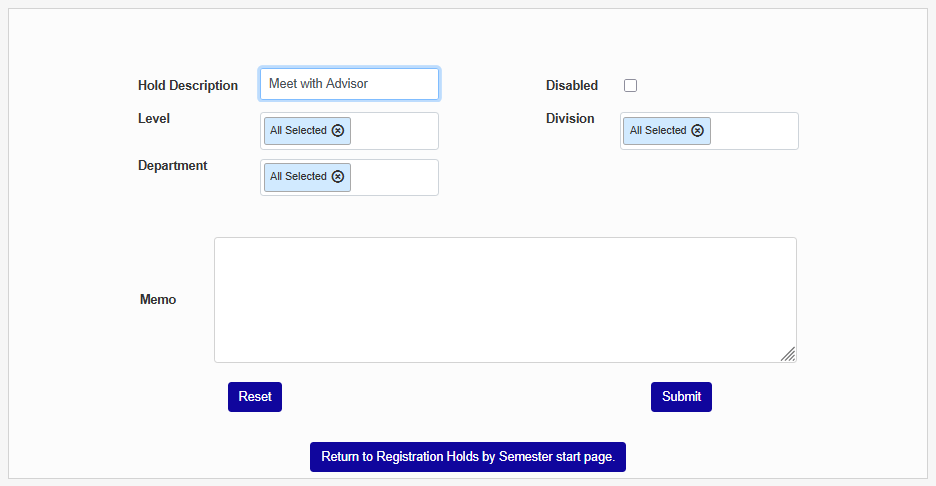
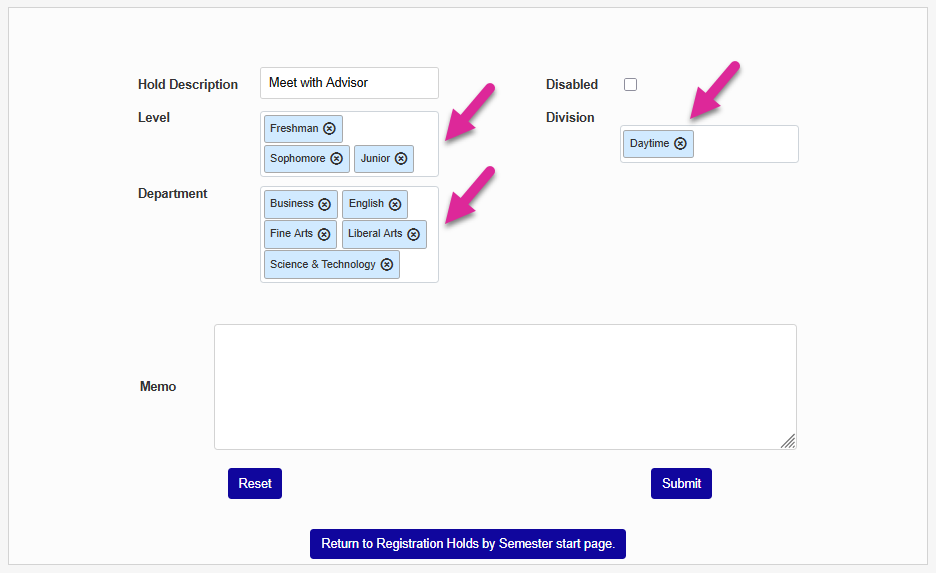
You can choose to narrow down the list of students to receive the hold by selecting one or options from the Level, Division, and/or Department menus. Leave the All Selected option if you don't wish to limit the hold.
Check the Disabled box to simple create the hold for later or leave it unchecked if you want to activate it immediately.
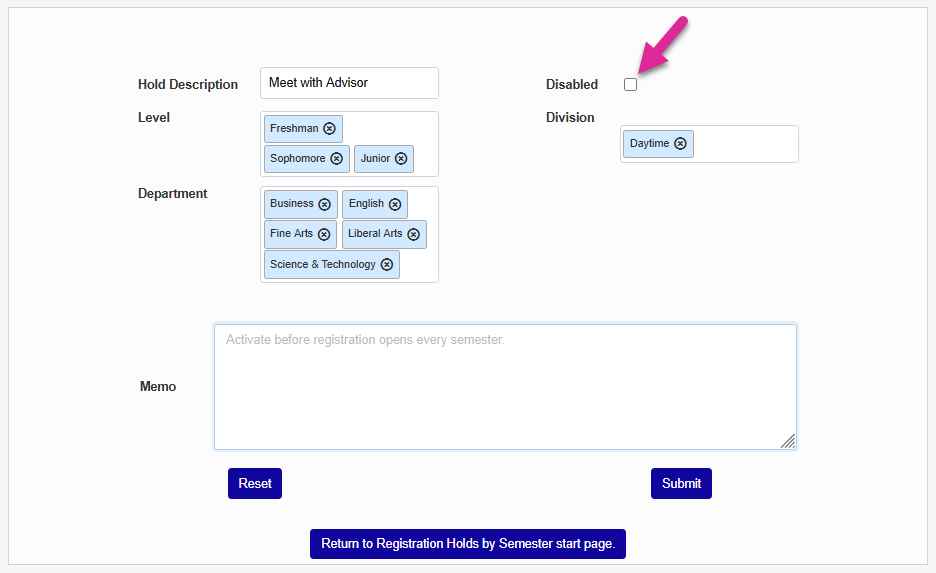
If a Memo to provide further details on the hold to administrators who view it from this utility if needed and click Submit.
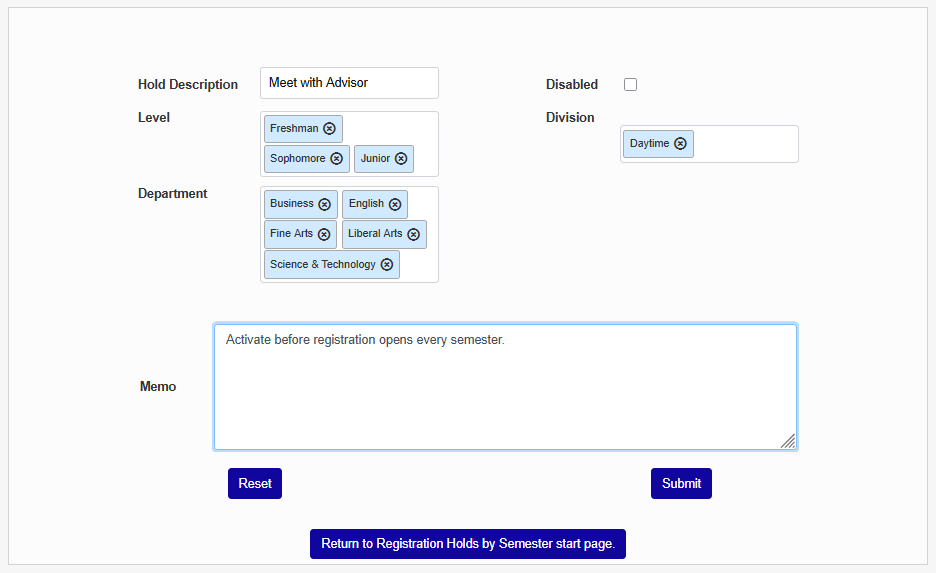
Once you've added a Semester Hold, click on the hold name to make changes. You can edit the name or memo and pick different filters to change who the hold applies to. You can also check the Disabled box to remove the hold from all students.
Note
If the hold has never been active, you can delete it. If it has been active at any point in the past, you will be unable to delete the hold without removing all of the student records associated with it first.