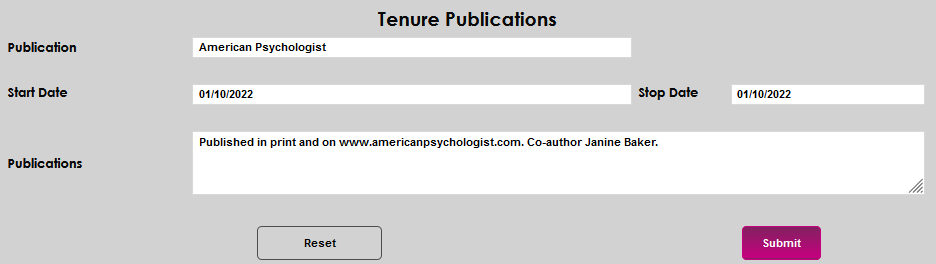
Tenure Publications
Overview
The Tenure Publications page in the Users hub provides Jenzabar SONIS member institutions a location to record and maintain published research and writing by tenured faculty.
Click here for an overview of tenure pages.
Adding a Publication Record
To enter information about a publication associated with tenure, enter the Tenure Publications page from the faculty member's Users menu. Click Add to open the details entry page.

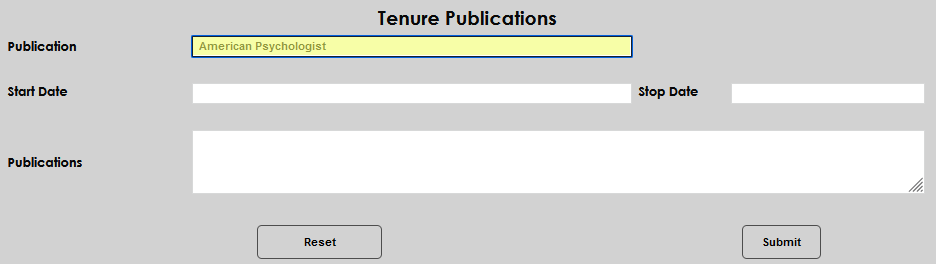
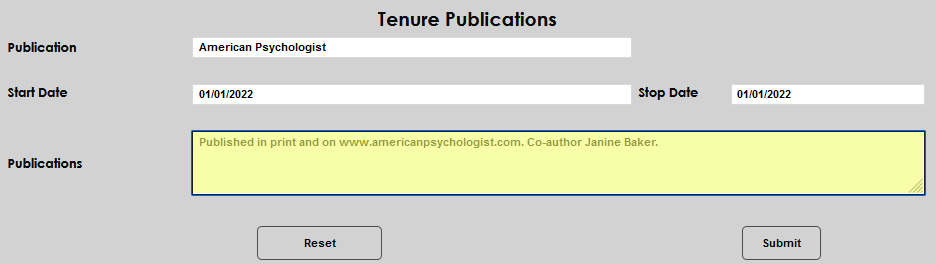
Enter the name of the place the piece was published in the Publication field.
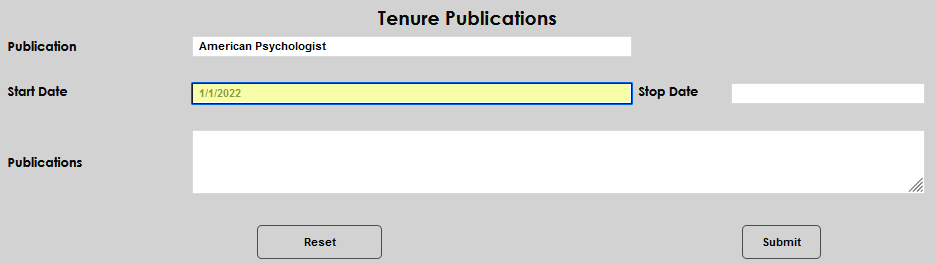
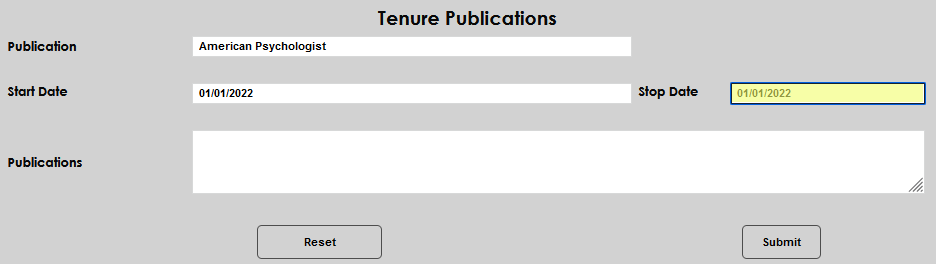
Enter a Start Date and Stop Date, if appropriate. In this example, the date of publication is entered for both the start and stop dates.
Enter any pertinent information, such as the name of the journal article, any co-authors, or URLs, in the Publications field. Click Submit to save the entered information.
Updating an Existing Publication Record
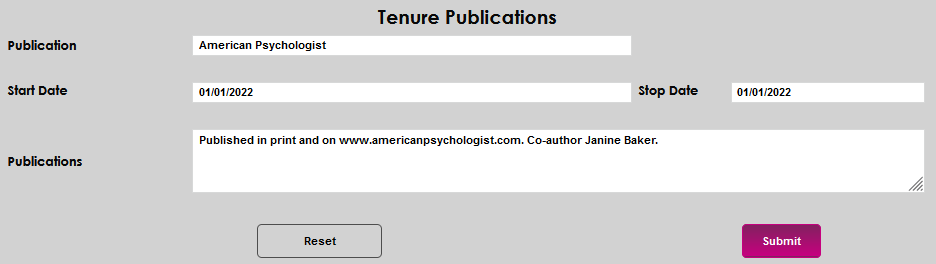
To update an existing record, click either the Publication name or Start Date. Clicking either will open the record details page and allow editing to any of the fields.

Make any desired edit(s) and click Submit.