AI Assistant
Overview
The AI Assist feature allows users to ask questions using natural language prompts and receive answers sourced from the Jenzabar SONIS Help Hub. This feature makes answers and troubleshooting advice easier to find and quicker to access. You can ask the AI any system-related question regardless of the page you're on.
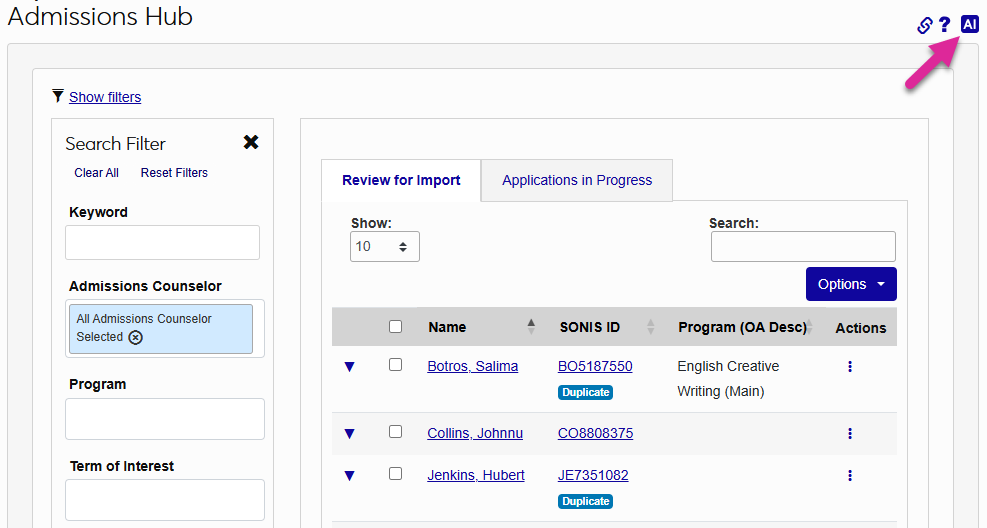
To access the AI assistant, click the AI button in the top-right corner of any Admin system page.
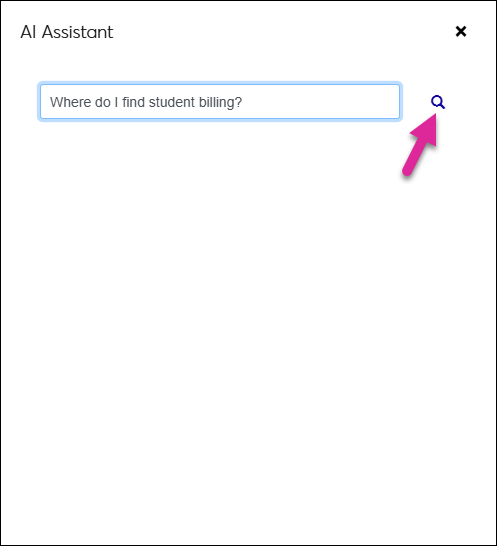
The assistant opens in a new window. Enter a question in the Ask AI field and click the magnifying glass.
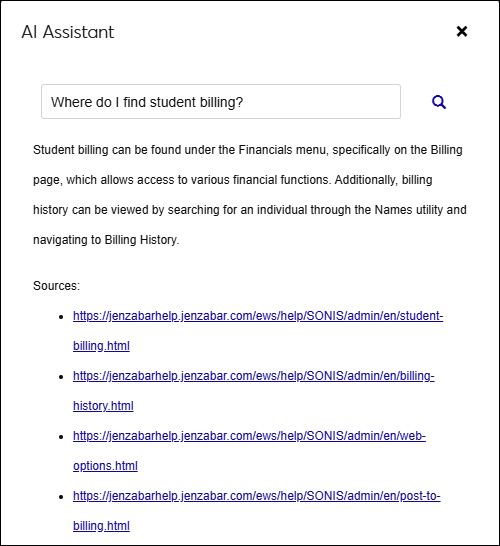
The AI Assistant answers the question you asked in a few sentences and provides links to the Help Hub articles where the answers were found.