Attendance
Overview
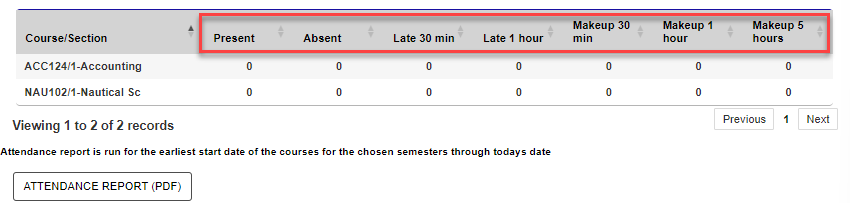
The Attendance page in the Student portal provides users the ability to view the details of their course attendance, if attendance has been entered. A report can be generated for saving or printing.
Attendance can be entered by administrators and/or faculty.
Use
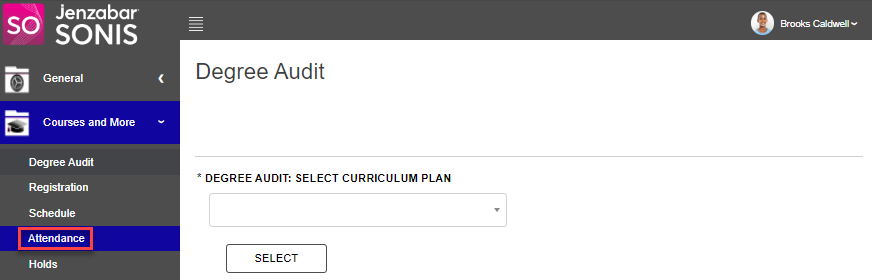
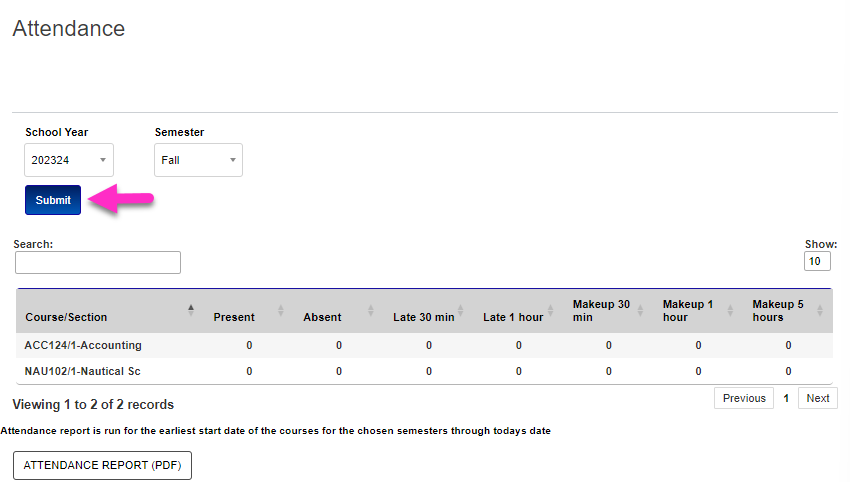
To view the Attendance page, click Attendance from the Courses menu in the Student portal. When the page loads, the current term's courses display. The School Year and/or Semester can be changed by using the provided menus to select the desired values, then clicking Submit.
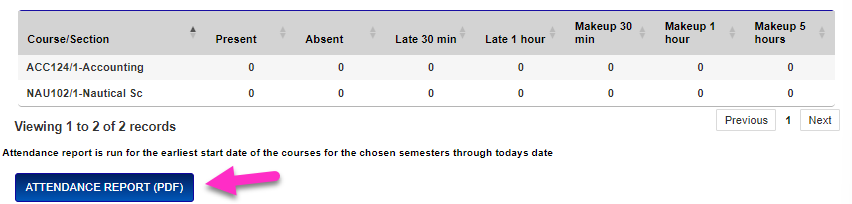
For each course the user is enrolled in, the attendance statuses entered by the faculty displays. If all zeros display, no attendance has been entered for the course. A PDF report of the attendance can be created for saving or printing by clicking the Attendance Report (PDF) button.