Hub Search
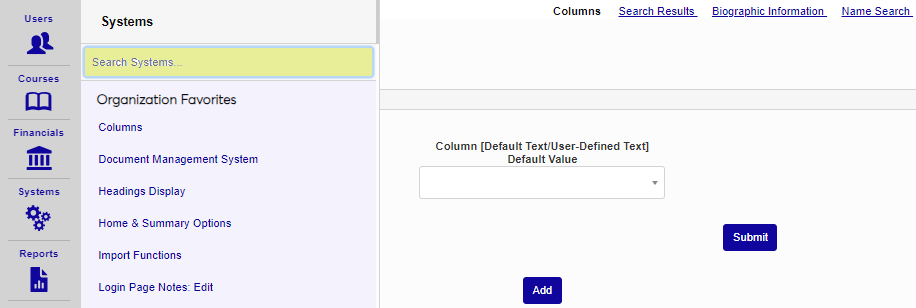
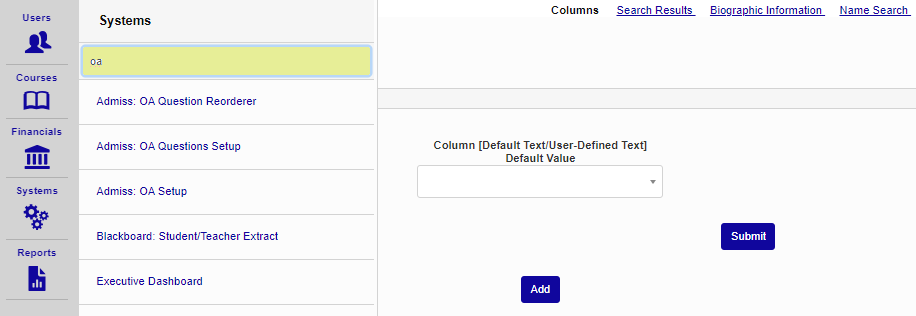
To search for a page within the Financials, Systems, or Reports hubs, click on the hub name. To search for a page within the Users or Courses hub, a user or course must first be selected. The search box displays at the top of the page listing. As the page name is typed, the listing will begin to filter and display only the pages that match the entered values. Click the page name to access the desired page.