1098-T
Overview
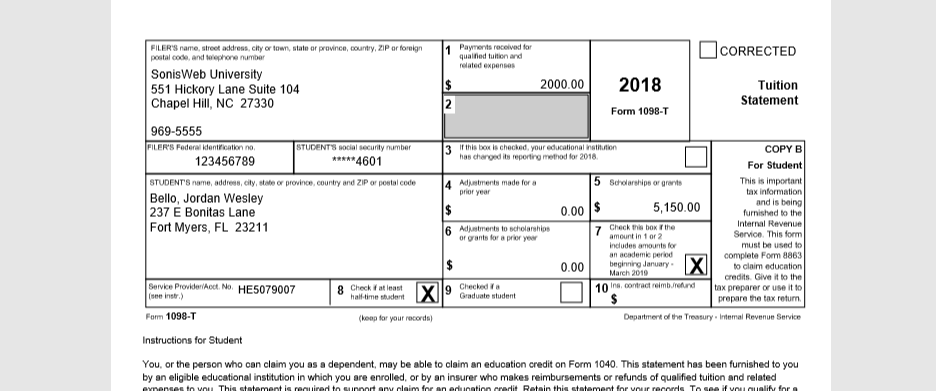
The Alumni portal Financial menu includes the option of allowing alumni to download a copy of their 1098-T form. The 1098-T is an IRS form filed for each student to report payments received and payments due.
Details on how to build 1098-T forms are available here.
1098-T Portal Access
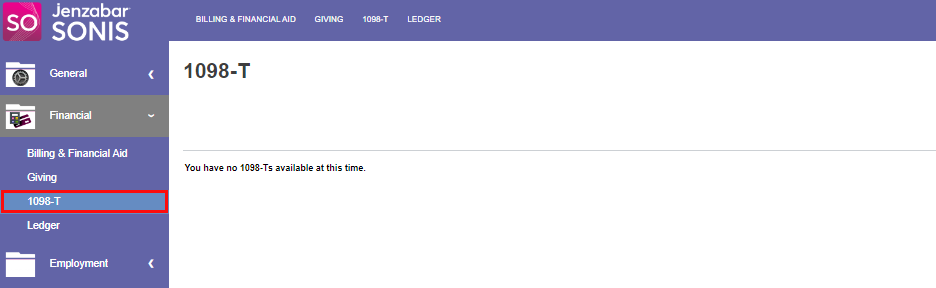
When logged into the portal, alumni will see a link to their 1098-T form in the Financial menu. Clicking the 1098-T link will take the alumni to the download page, where they can open their 1098-T form(s) in PDF format and save them for their personal records. Each 1098-T form they've been issued will appear in a dropdown menu, and a download button for each one will be created once the year's 1098-T is selected. If no 1098-T is available, a message will display to the user indicating this.