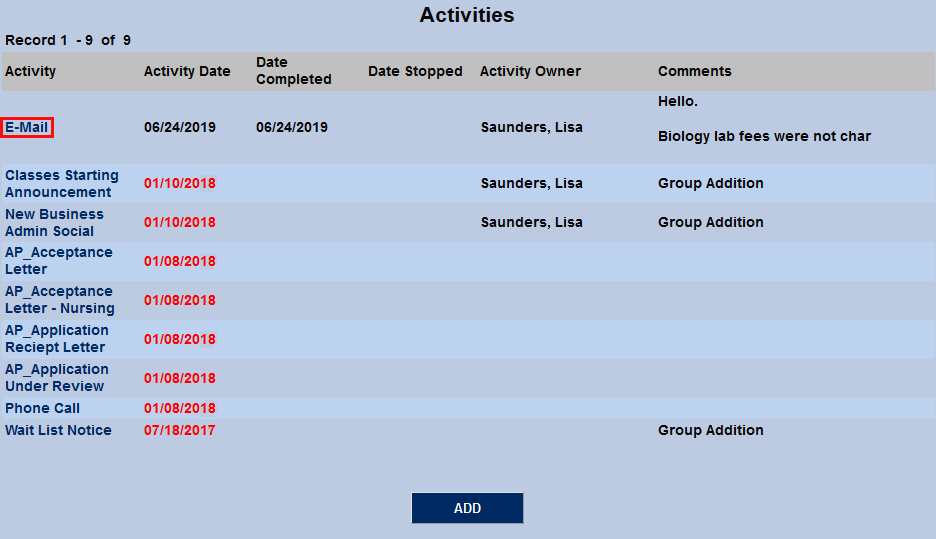
Jenzabar SONIS Version 3.4 Activity Created from Emails Update
Overview
The Jenzabar SONIS systems archive contact between the institution and its students as. Activities can be added by selecting a student and navigating to their Activities page. In addition, beginning with Jenzabar SONIS version 3.4, administrators can choose to automatically add an email whenever they send an email to a student through the SONIS system via that student's Biographic page or administrative summary pages.
Creating Activity
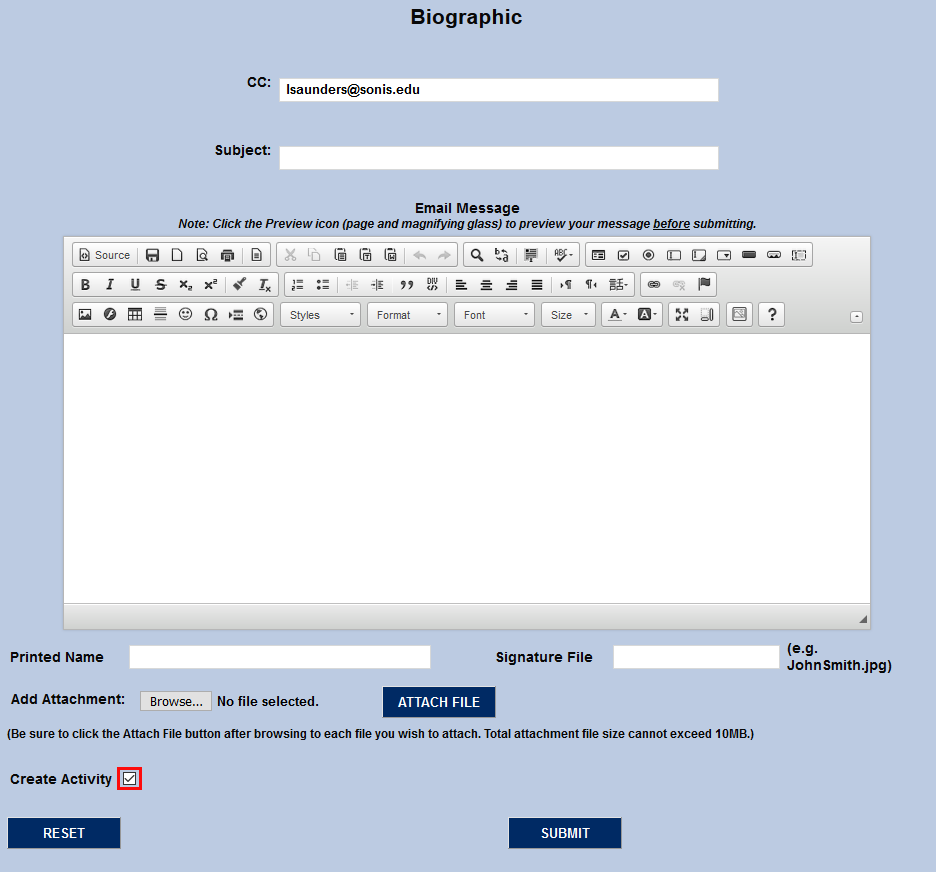
To create an activity when sending a student email, simply check the Create Activity box at the bottom of the page when sending a student email.
Once the email has been sent, the activity will be listed on the student's Activities page. Click on the description in the Activity column to view and edit the details.