Alert Summary Pages
An alert's Summary page is workspace for the individual alert. Use it to view and manage the alert and interactions (communications) about it. You can work with the alert's timeline and a broad range of information about the student. You can also generate an advising worksheet and an unofficial transcript for the student.
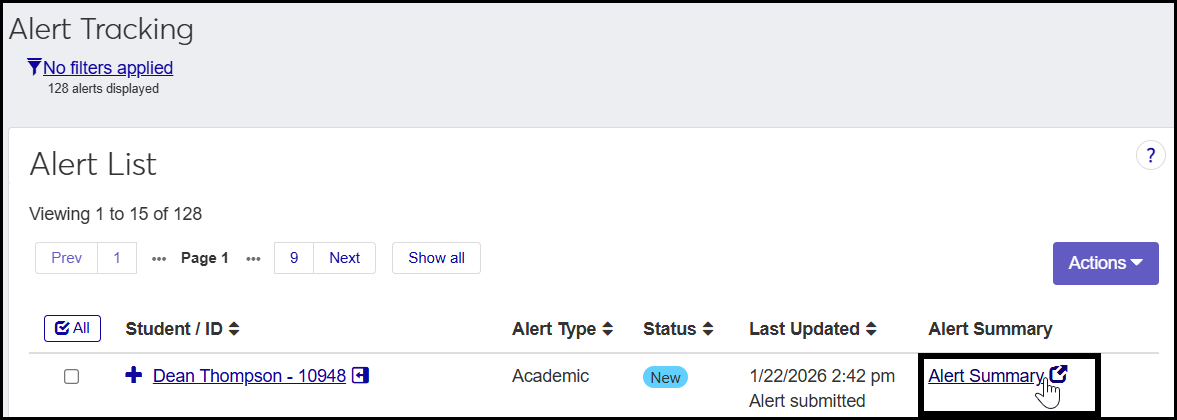
Reach an alert's summary page by clicking the Alert Summary link for an alert on the Alert Tracking page.
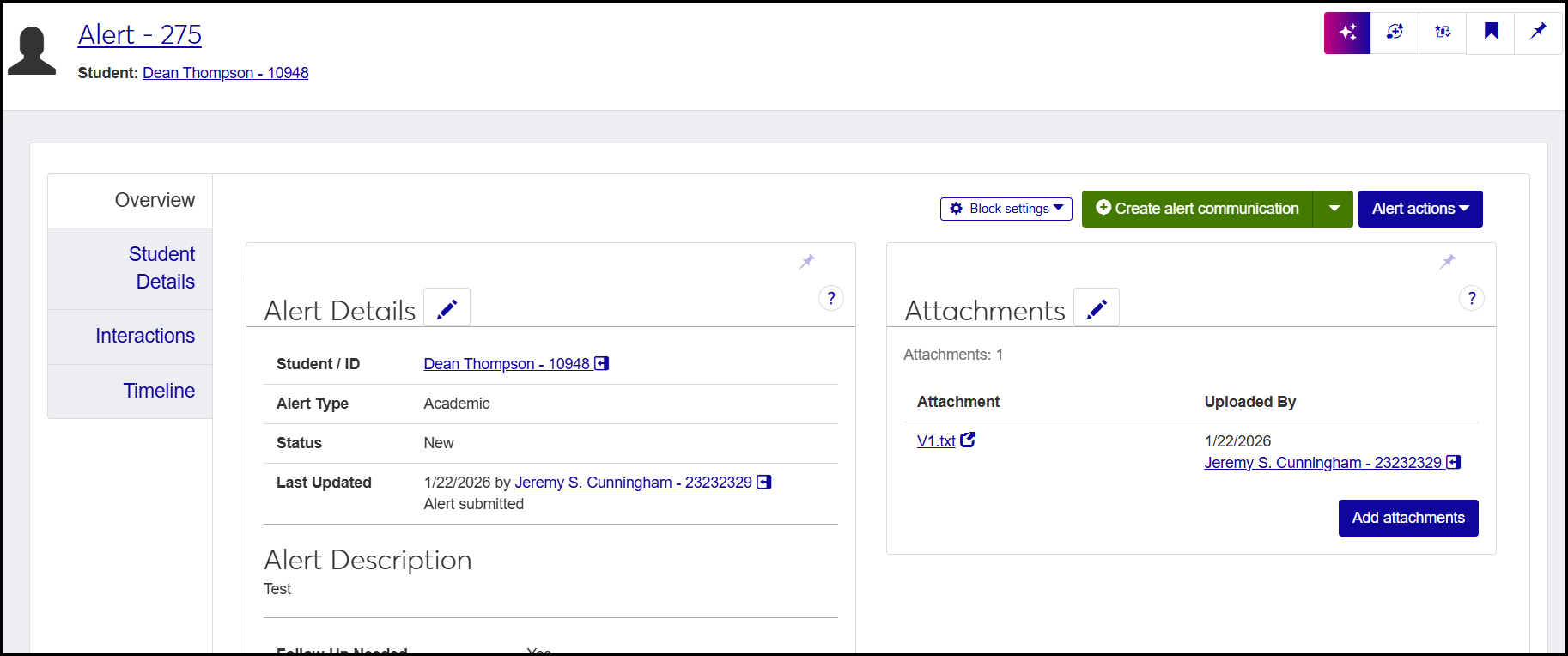
The page has several tabs. Each tab has the Create alert communication drop-down and the Alert actions drop-down, and some tabs include other buttons or links.
Create alert communication: You can send a communication to the student, the submitter, or other people or groups.
Alert actions: You can edit or delete the alert, add a note to it, or close it (if you have permissions for those actions).