Attendance Site Settings in Site Manager for Attendance Portlet-Only Clients
For JICS clients who have only the Attendance portlet and not the complete Learning Management System (LMS) with eLearning, the Attendance site settings in LMS Manager are now included in Site Manager. This change enables "Attendance only" clients to access the same global Attendance site settings as eLearning clients. The following image is an example of the Attendance page in Site Manager.
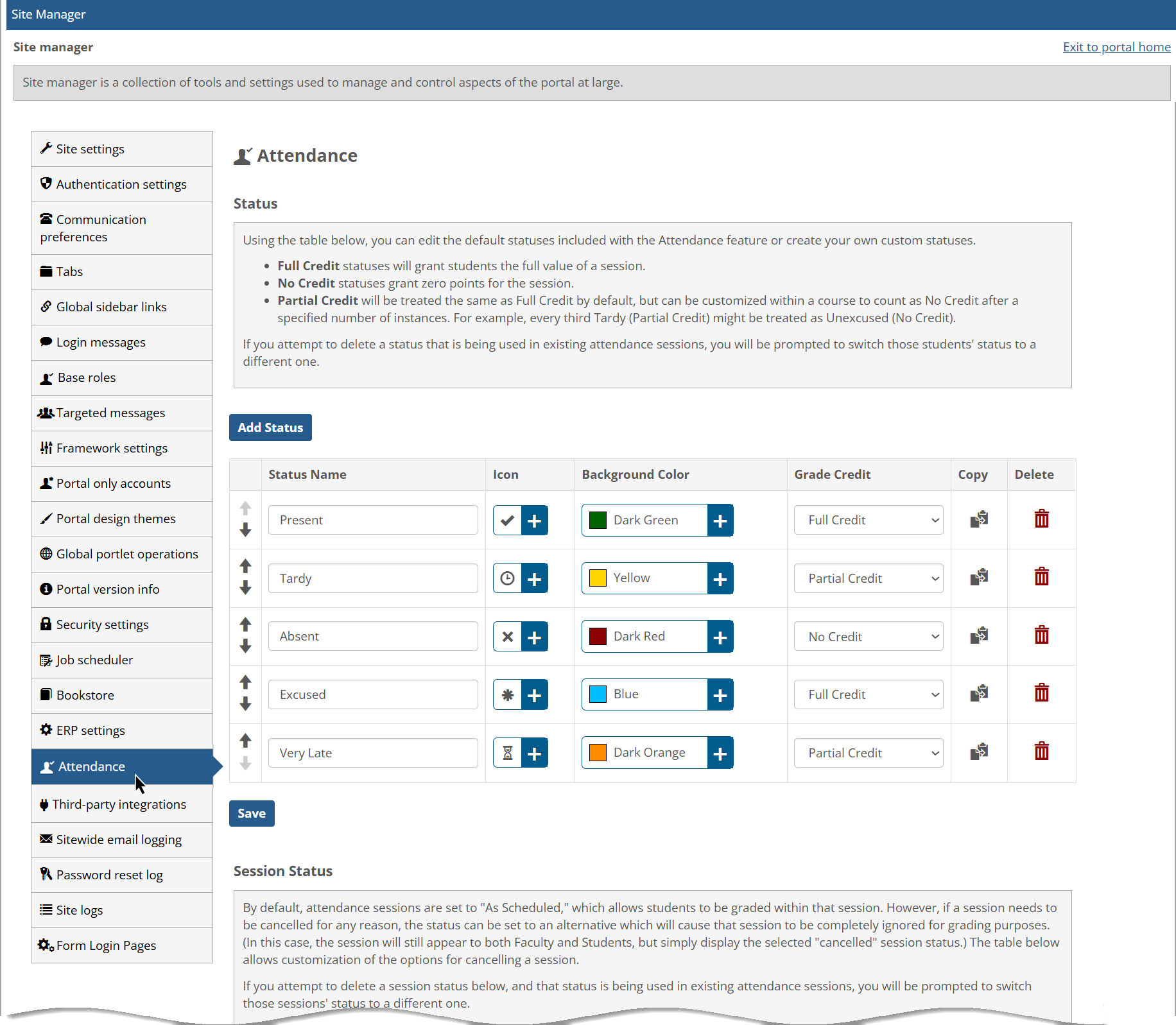 |
The Attendance tab appears between the ERP settings and Third-party integrations tabs in the left sidebar. The Attendance settings page in Site Manager includes the same options and text that are in the Attendance settings page in LMS Manager. Essentially, it is an exact copy of the LMS Manager Attendance settings page.
Note
The Attendance settings will only appear on the Site Manager page of JICS if the Attendance-only version of eLearning has been run. Standard JICS won't have these settings.