Read-Only View of Resources and Sets
Users without any administrator or faculty permissions, such as students, have a read-only view of the Resources screens. Both the Card View and List View are available to them. They can view sets with or without resources, the resources' name, description, and source. They cannot view the reporting data and display status. They can download files, collapse and expand sets, sort the resources in a set according to a column heading, and click links.
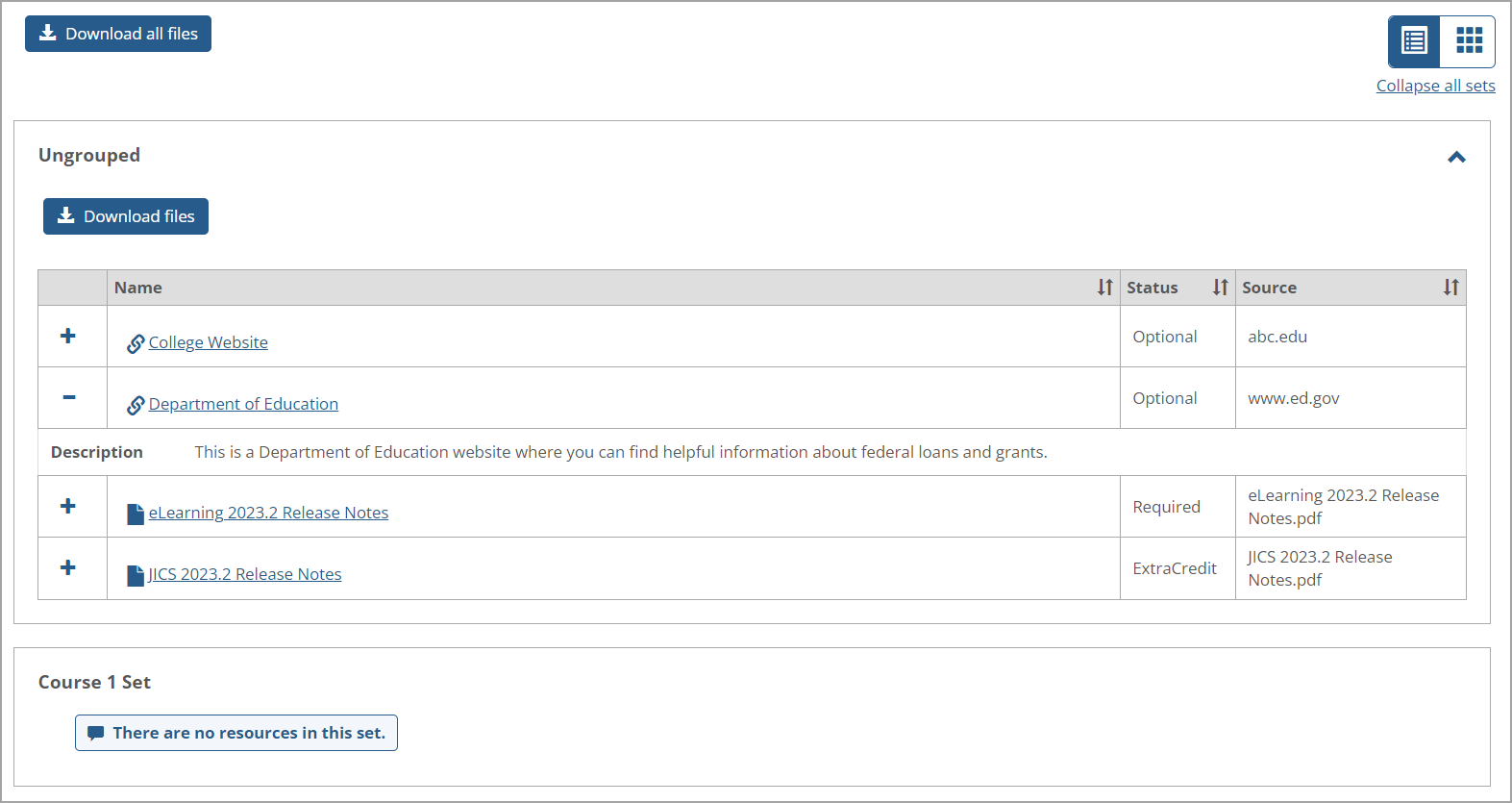
They cannot add, edit, copy, reorder, or delete resources and sets, so buttons enabling those functions are not displayed. The following screenshot is an example of a read-only List View of the Resources main screen.
 |