Download Files from Resources and Sets
If there is at least one file resource in a set, a Download all files button displays at the top of the Resources main screen. Clicking this button downloads a Zip file containing all file resources in the entire Resources portlet. This button doesn't display if no file resources exist in a set.
For each set, if there is at least one file resource in the set, a Download files button displays at the top of the set when the set is expanded. Clicking that link downloads a Zip file containing all file resources in the selected set. This button doesn't display if no file resources exist in the selected set.
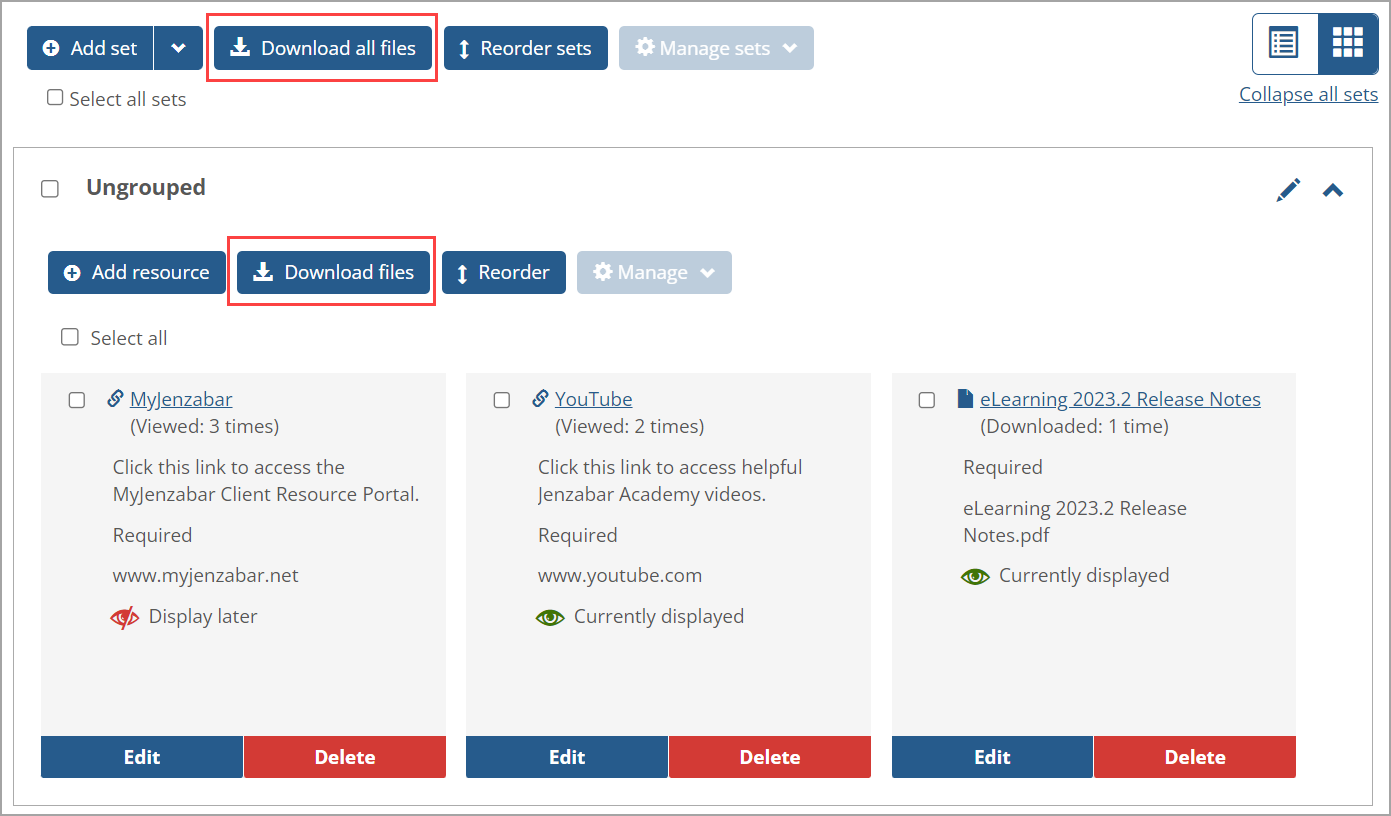 |
The number of times a file resource has been downloaded appears in parentheses below the file name, e.g., "(Downloaded: 1 time)".
Note
If multiple files have the same original filename (e.g., the files were copied) within the generated Zip file, the subsequent files with the same name have a sequential number added in brackets at the end. This is shown in the following example:
My_File
My_File[1]
My_File[2]
My_File[3]