Hubs
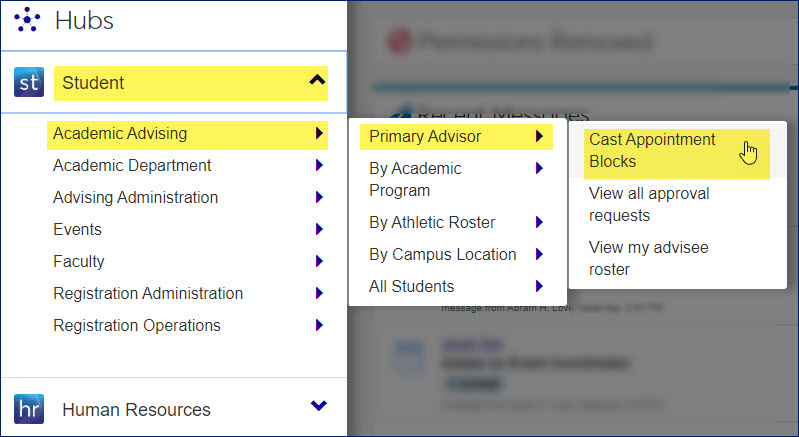
J1 Web is organized into hubs. A hub is a specialized work area that gives you quick access to the modules and pages you need.
Student includes hubs for managing advising, academic department, faculty, and registration
HCM includes hubs for managing employees
Finance includes hubs for managing assets, budget, financial reporting, forecast, general ledger, my finance, procurement, and receivables
Core includes hubs for managing system definitions and configurations, events, facilities, and users
Connect includes hubs for tools you use across the system every day like communications, data management, and workflow