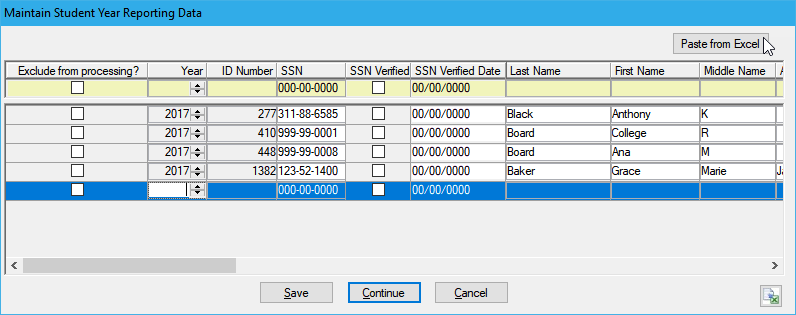
This window is accessed when you review or generate 1098-Ts from the Generate 1098-T window. When you review or generate, you will receive a pop-up window allowing you to Edit Data, clicking Yes will open this window.
|
This window is accessed when you review or generate 1098-Ts from the Generate 1098-T window. When you review or generate, you will receive a pop-up window allowing you to Edit Data, clicking Yes will open this window. |
From this window, you can view and manually edit 1098-T data for students before generating the 1098-T forms. If you make any changes to the data, you will need to click Save before clicking Continue and generating the 1098-T forms. Example
If you validate or review your forms and the audit reports, and you see any issues needing attention, you can edit the student's data from this window. Any changes made will be stored in the Student Year Reporting table and will not affect the source tables.
Copy Data from Excel and Paste it into J1 Desktop